
InSummary
AI work report generator connected to your calendarWeekly work reports written from your calendar
Highlights
What you can do with it
- Sending weekly updates to a manager
- Sharing status with a remote team
- Reviewing where your own time went each week
How to use it
- 1 Sign up free with your Google account
- 2 Connect the calendar you work from
- 3 Let InSummary analyze the week
- 4 Review and edit the generated summary
- 5 Share it with your manager or team
Who it is for
Pros
- Free sign-up and automatic weekly delivery
- Saves the time spent drafting updates
- Shows where your time went, not just tasks
Limitations
- Accuracy depends on how well your calendar reflects work
- Summaries need editing before you send them
- Free plan limits how much you can use it
What InSummary is
InSummary is an AI work report generator. It connects to your calendar and automatically writes a weekly summary of what you did, so you can share accomplishments with managers and remote teammates without spending time on status updates. You can sign up free with a Google account, and the report lands in your inbox each week. The site says registration takes under 30 seconds and claims it removes a large share of the effort spent on status reporting. It groups and contextualizes your workflow to show where your time went, and the output is customizable and easy to share. Always read the summary before you forward it.
What you can do with it
- Generate a weekly work report automatically
- Summarize calendar activity into readable updates
- See where your time went across the week
- Edit and share the report with managers or teammates
Who it is for
- Remote workers who owe regular status updates
- Managers who want a quick view of team activity
- Anyone who dislikes writing status reports
What to watch out for
The report is only as good as your calendar, so unlogged work will be missing and meetings may overstate real output. Summaries need a human pass before you send them, since phrasing can be generic. Free plan limits apply, and the tool is a drafting aid rather than a replacement for your own judgment about what mattered this week. Processing speed depends on file size and network conditions, so retry later if a task stalls during peak hours. Run one full task end to end first, then expand once you are comfortable with the workflow and the result quality.
FAQ
Is InSummary free?
You can sign up free with a Google account and receive a weekly summary report.
How does it generate reports?
It connects to your calendar and automatically writes a weekly summary of your activities.
How long does setup take?
The site says registration takes under 30 seconds.
Can I edit the report?
Yes, the output is customizable and easy to share after you adjust it.
Why it is free
What the official page says: for free
Free limits, trial length and features are decided by the official site and can change at any time.
Product preview
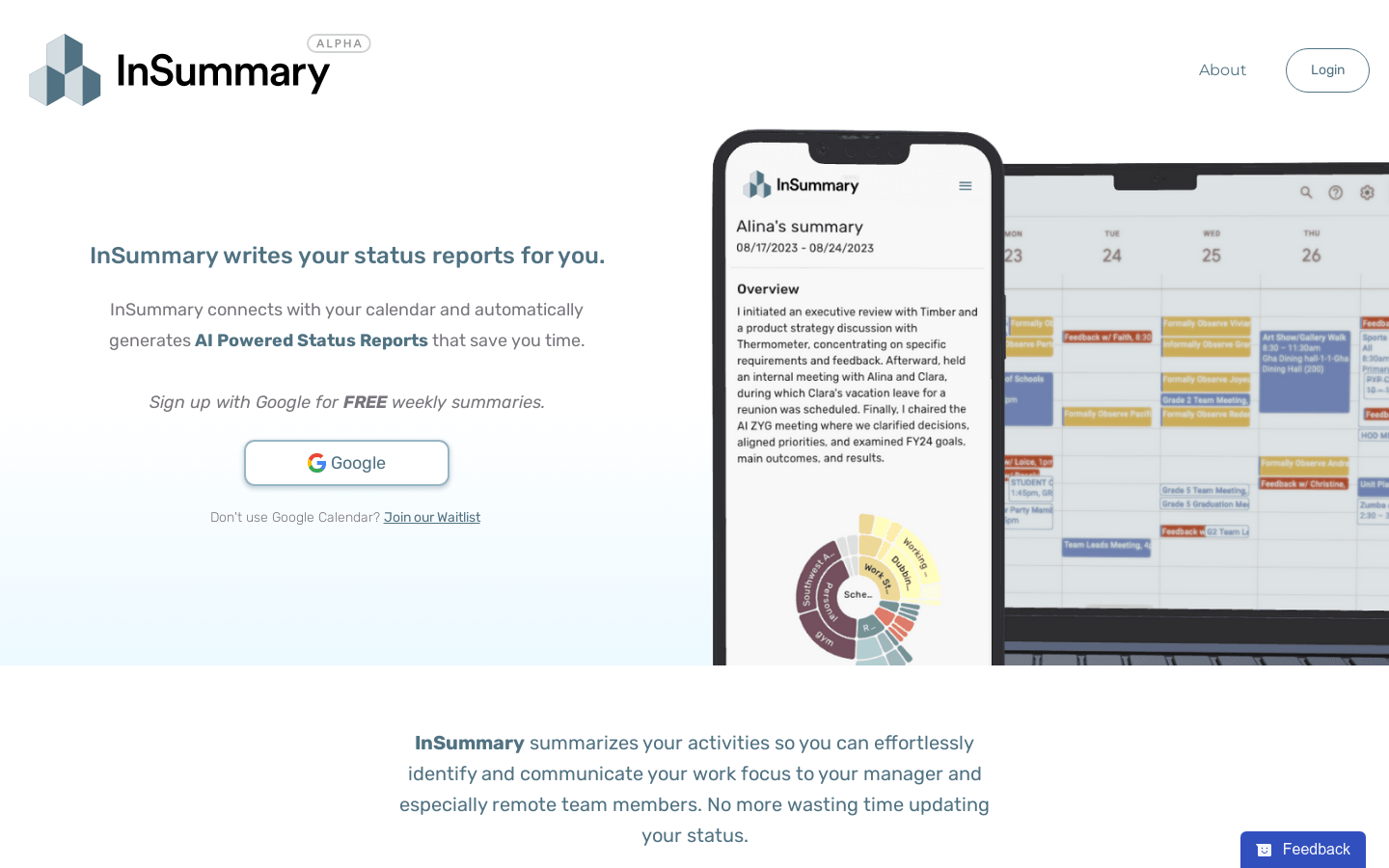
Screenshot archived from the listing page, for preview only.











