
interview.co
Video interview softwareScreen candidates on video
Highlights
What you can do with it
- Screening real estate agents for a brokerage
- Interviewing store clerks across retail locations
- Evaluating quality manager candidates in manufacturing
How to use it
- 1 Register and log in to your interview.co account.
- 2 Create an interview from the question bank, the AI question generator, or your own question set.
- 3 Set the response and thinking time for each question.
- 4 Send the invitation with the candidate's first name, last name, and email address.
- 5 Watch the recorded video, take notes, and score the answers.
- 6 Finish the candidate assessment and repeat the cycle until the role is filled.
Who it is for
Pros
- Asynchronous recording removes scheduling back and forth
- Question bank and AI generator cut preparation time
- Scoring and notes sit next to the video, which keeps evaluations consistent
Limitations
- A free trial only, so longer use depends on paid plans that are not spelled out
- Video screening favours candidates comfortable on camera and on a stable connection
- Setup effort is still needed to write or curate questions for each role
What interview.co is
interview.co is video interview software that tries to take the friction out of hiring. Instead of chasing calendars for a first conversation, you put together an interview inside the tool, send an invitation, and let the candidate record answers whenever they are free. The listing describes three ways to build that interview: choose questions from the question bank, generate them with the AI question generator, or write your own set. Sending an invite is deliberately light, since it only needs a first name, last name, and email address. Once the recording comes back, the same workspace holds the video, your notes, and your score. A free trial is offered, while the full pricing detail is left for the vendor's own pages.
What you can do with it
- Run asynchronous video interviews that need no shared calendar slot
- Draft questions with the AI generator, or reuse what is already in the question bank
- Watch recordings, take notes, and score candidates without leaving the page
- Organise and assess in-person interviews in a dedicated space
Who it is for
- Recruiters and HR teams that screen a lot of applicants for one role
- Hiring managers in retail, real estate, and manufacturing who run repeat interviews
- Small business owners doing their own hiring without an HR department
What to watch out for
The free trial is limited in time, and the listing does not publish the paid rates, so longer use needs a quote from the vendor. Video screening also shifts the burden onto the candidate: anyone uneasy on camera, short on bandwidth, or without a quiet room may look weaker than they are, so it is worth keeping a second step in the process for roles where that matters. Question quality is still on you. The AI generator helps with wording, but it does not know the role. Last, recorded interviews are personal data, so agree on retention and access rules before the first invitation goes out.
FAQ
Do candidates need an account?
Invitations only ask for a first name, last name, and email address, so candidates do not need to build a profile.
Can I run live interviews too?
Yes. In-person interviews can be organised and assessed in a dedicated space alongside asynchronous ones.
Is there a free plan?
A free trial is offered, and the full pricing details are published after login.
Why it is free
What the official page says: free trial
Free limits, trial length and features are decided by the official site and can change at any time.
Product preview
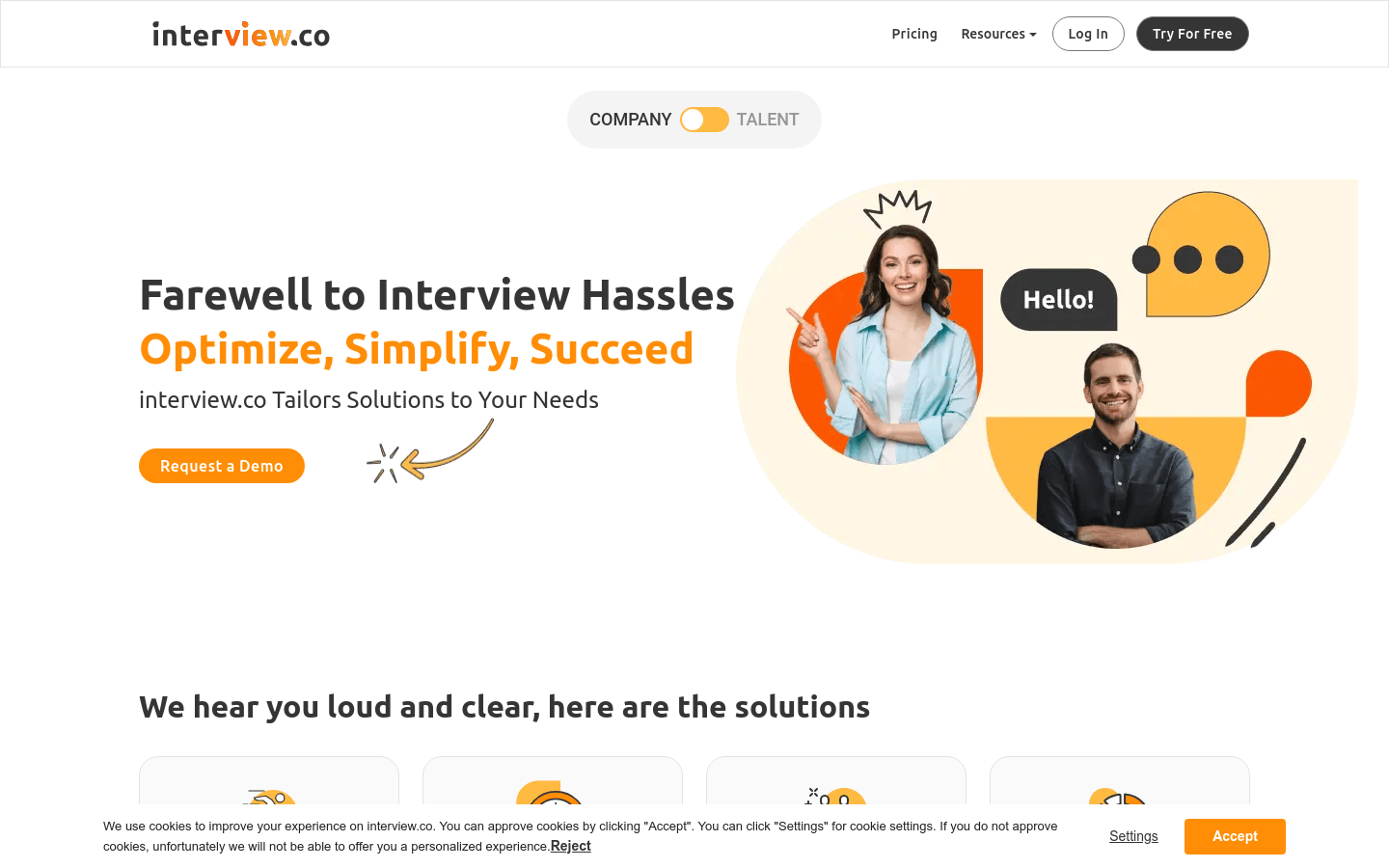
Screenshot archived from the listing page, for preview only.











