
Invoce.ai
AI invoice generator for freelancersInvoices and quotes in seconds
Highlights
What you can do with it
- Freelancers invoicing clients after a project
- Small studios managing quotes and payments
- Entrepreneurs tracking income as a business grows
How to use it
- 1 Open invoce.ai and start the free plan
- 2 Describe the work or use the manual editor
- 3 Add customer details, services, and prices
- 4 Attach a payment link such as Stripe or PayPal
- 5 Send the invoice and track payment status
Who it is for
Pros
- Free starter plan for a first 5 invoices and quotes
- AI drafts the invoice from a plain description
- Payment links make it easier to get paid
Limitations
- The free plan is capped at 5 invoices and 5 quotes
- Unlimited use requires the paid lifetime plan
- AI-drafted invoices need review for accuracy
What Invoce.ai is
Invoce.ai is an AI-driven invoice generator aimed at freelancers and small businesses. The core idea is that invoicing is repetitive admin that eats into billable work, so the tool compresses it. You can either describe the job in plain English and let the AI draft the invoice, or use a simple manual editor when you want full control. Beyond creation, it keeps customers, quotes, invoices, services, and payments in one place, so you are not digging through email to find what a client was charged last month. Built-in payment links, including options such as Stripe and PayPal, let customers pay directly, and the dashboard tracks total income, unpaid invoices, and monthly performance. The free starter plan covers up to 5 invoices and 5 quotes, and a lifetime plan is listed at $49 for the first 100 customers and $98 after that.
What you can do with it
- Draft an invoice from a plain description of the work
- Manage customers, quotes, invoices, and payments together
- Add payment links so clients can pay directly
- Track income, unpaid invoices, and monthly growth
Who it is for
- Freelancers invoicing multiple clients
- Small businesses without dedicated finance staff
- Entrepreneurs who need clean paperwork fast
What to watch out for
The free plan is capped at 5 invoices and 5 quotes, which is enough to test but not to run a business on, and unlimited use requires the paid lifetime plan. That plan is a one-time purchase rather than a subscription, which is attractive, but confirm what support and updates it includes before you rely on it long term. AI-drafted invoices need review: wrong rates, missing line items, or an incorrect tax treatment create real payment disputes, and the tool does not know your local invoicing rules. Also check that the invoice format meets your clients' and country's requirements, since a non-compliant invoice can delay payment.
FAQ
What does the free plan include?
The free starter plan allows up to 5 invoices and 5 quotes.
What does the paid plan cost?
The lifetime plan is listed at $49 for the first 100 customers and $98 after that, covering unlimited invoices, quotes, and AI workflows.
Can clients pay directly?
Yes. You can add payment links such as Stripe or PayPal so customers can pay without extra setup.
Why it is free
What the official page says: for free
Free limits, trial length and features are decided by the official site and can change at any time.
Product preview
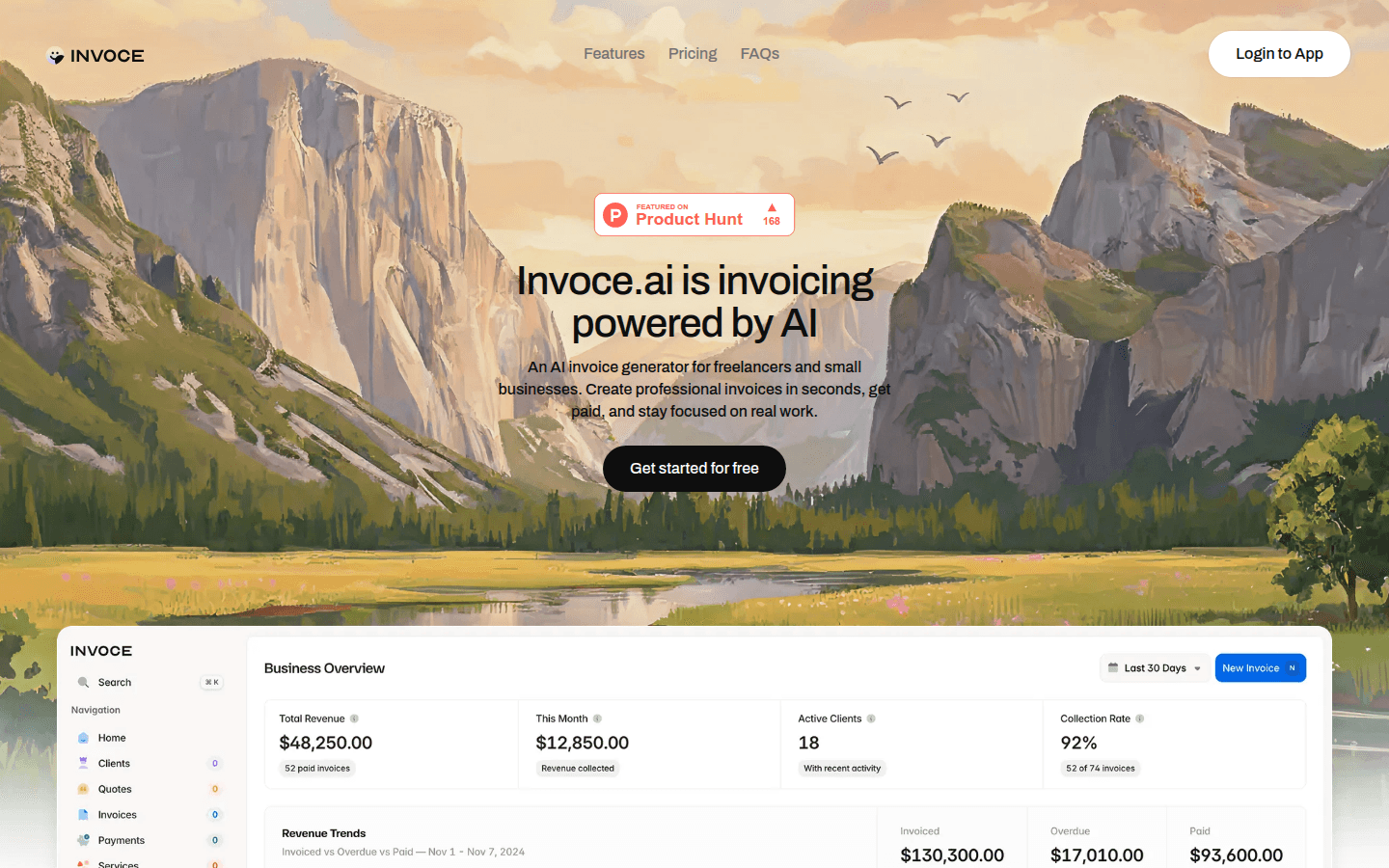
Screenshot archived from the listing page, for preview only.











