
Kanbanq
Simple AI kanban for small teamsPlan sprints without the bloat
Highlights
What you can do with it
- Planning project schedules and task assignments for a small team
- Managing a development sprint without heavy tooling
- Keeping design project to-dos visible in one board
How to use it
- 1 Visit the Kanbanq website and click Use Now
- 2 Create a project kanban and add to-do items
- 3 Use AI planning to split tasks
- 4 Manage the sprint and generate a summary
- 5 Move to a paid package if you need more than the trial
Who it is for
Pros
- Simple, minimal interface
- AI planning and sprint summaries included
- Free trial before paying
Limitations
- Aimed at small teams, so large programs may outgrow it
- Full use requires a paid package after the trial
- Listing gives no detail on integrations or reporting depth
What Kanbanq is
Kanbanq is a kanban style project management tool built around simplicity. Your to-do items sit on a visual board, which makes the state of a project obvious at a glance without a status meeting. On top of that board it adds AI planning: the built in AI suggests how to split tasks, which helps when a card is really three jobs pretending to be one. Sprint summaries are generated automatically, so a team can close a cycle without writing the recap by hand. The listing describes the product as fast, modern, simple, flexible, and minimal, aimed at small teams and creators rather than enterprises. Pricing is described as affordable, with free trials and paid packages.
What you can do with it
- Organize to-do items on a visual kanban board
- Use AI planning to split tasks sensibly
- Manage sprints with automatic summaries
- Keep project status visible without heavy tooling
Who it is for
- Small teams that want structure without configuration
- Development teams running lightweight sprints
- Designers and creators tracking project tasks in one place
What to watch out for
The tool targets small teams, so larger programs with many dependencies, portfolios, or reporting needs may outgrow it quickly. Full use requires a paid package once the trial ends, and the listing does not publish what those packages cost. There is no mention of integrations, permissions, or advanced reporting, so check whether it connects to the tools your team already uses. As with any planning tool, the value comes from actually maintaining the board, and the AI suggestions still need a human decision before work is split. Name and archive exported files consistently so you can find and reuse them, and keep a backup copy of key data.
FAQ
Who is Kanbanq for?
Small teams and creators who want a simple kanban tool.
Is there a free trial?
Yes, the listing mentions free trials alongside paid packages.
What AI features does it have?
AI function planning, intelligent task splitting, and automatic sprint summaries.
Does it replace a full project suite?
It focuses on simplicity, so complex programs may need more than it offers.
Why it is free
What the official page says: free trial
Free limits, trial length and features are decided by the official site and can change at any time.
Product preview
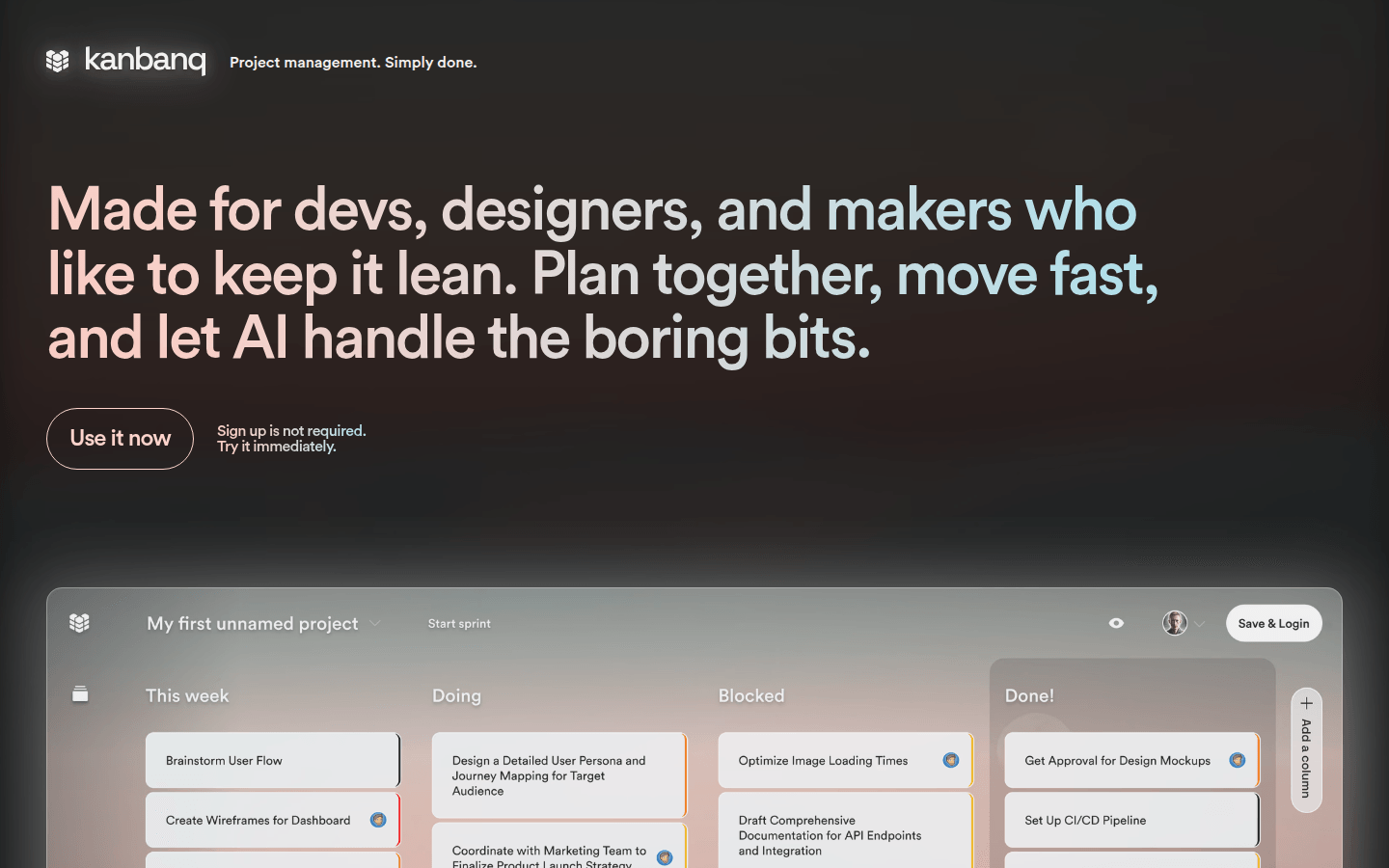
Screenshot archived from the listing page, for preview only.











