
Katto
AI turns long videos into vertical short clipsPaste a link, get publish-ready shorts
Highlights
What you can do with it
- Cut a one-hour podcast into 20 short clips
- Pull key goals and duels from a full football match
- Turn a game livestream into a series of highlight shorts
How to use it
- 1 Visit katto.tech and start for free without a credit card
- 2 Paste a YouTube link or upload an MP4, MOV, WebM, or MKV file
- 3 Wait about 5 minutes while Katto processes the video
- 4 Review the ranked clips in vertical format with subtitles
- 5 Publish to the 7 supported platforms or export SRT files
- 6 Fine-tune any clip in the built-in editor
Who it is for
Pros
- Permanently free version with automatic subtitles
- Ranked clips save time sorting the best moments
- Unified pricing without buying credits separately
Limitations
- Free version is capped at 2 videos, 30 minutes, and 720p per month
- Processing takes around 5 minutes per video
- Watermark removal, 1080p, and face tracking require the Creator plan
What Katto is
Katto is an AI video editing tool built for the short-video workflow. Paste a YouTube link or upload a file, and it watches the whole video, detects the moments most likely to perform, and rebuilds them as vertical 9:16 clips with verbatim subtitles in 99 languages. It corrects proper nouns in subtitles, generates topic tags, and exports SRT files for other editors. Each candidate clip is scored on hook, rhythm, value, and trend, so instead of scrubbing an hour of footage you start from a ranked list. The free version handles 2 videos up to 30 minutes in 720p per month, and Creator costs €12 monthly billed annually or €15 monthly for 25 longer videos in 1080p.
What you can do with it
- Convert podcasts, matches, and streams into vertical shorts
- Get automatic subtitles in 99 languages with proper noun fixes
- See which moments rank highest before you publish
- Publish to 7 platforms with one click or export SRT files
- Edit any generated clip in the built-in editor
Who it is for
- Podcast creators repurposing long episodes into clips
- Sports journalists cutting highlights minutes after a match
- Game streamers turning livestreams into highlight reels
What to watch out for
The free tier is deliberately small: 2 videos, 30 minutes, and 720p per month, which will not sustain a daily posting schedule. Processing takes about 5 minutes per video, so last-minute edits need planning. Watermark removal, 1080p output, and face tracking are locked to the Creator plan, and pricing may change. Subtitle accuracy should be spot-checked, especially for names and technical terms. When quality matters, export a small draft first to confirm the result before producing the final file.
FAQ
What does the free version include?
It processes 2 videos up to 30 minutes in 720p per month and still includes automatic subtitles in 99 languages.
How long does processing take?
About 5 minutes per video, depending on length. You can close the page and return later.
How many subtitle languages are supported?
Automatic subtitles are available in 99 languages, with proper noun correction.
What does Creator cost?
€12 per month billed annually at €144 per year, or €15 monthly, for 25 videos up to 90 minutes in 1080p with face tracking and no watermark.
Why it is free
What the official page says: free version
Free limits, trial length and features are decided by the official site and can change at any time.
Product preview
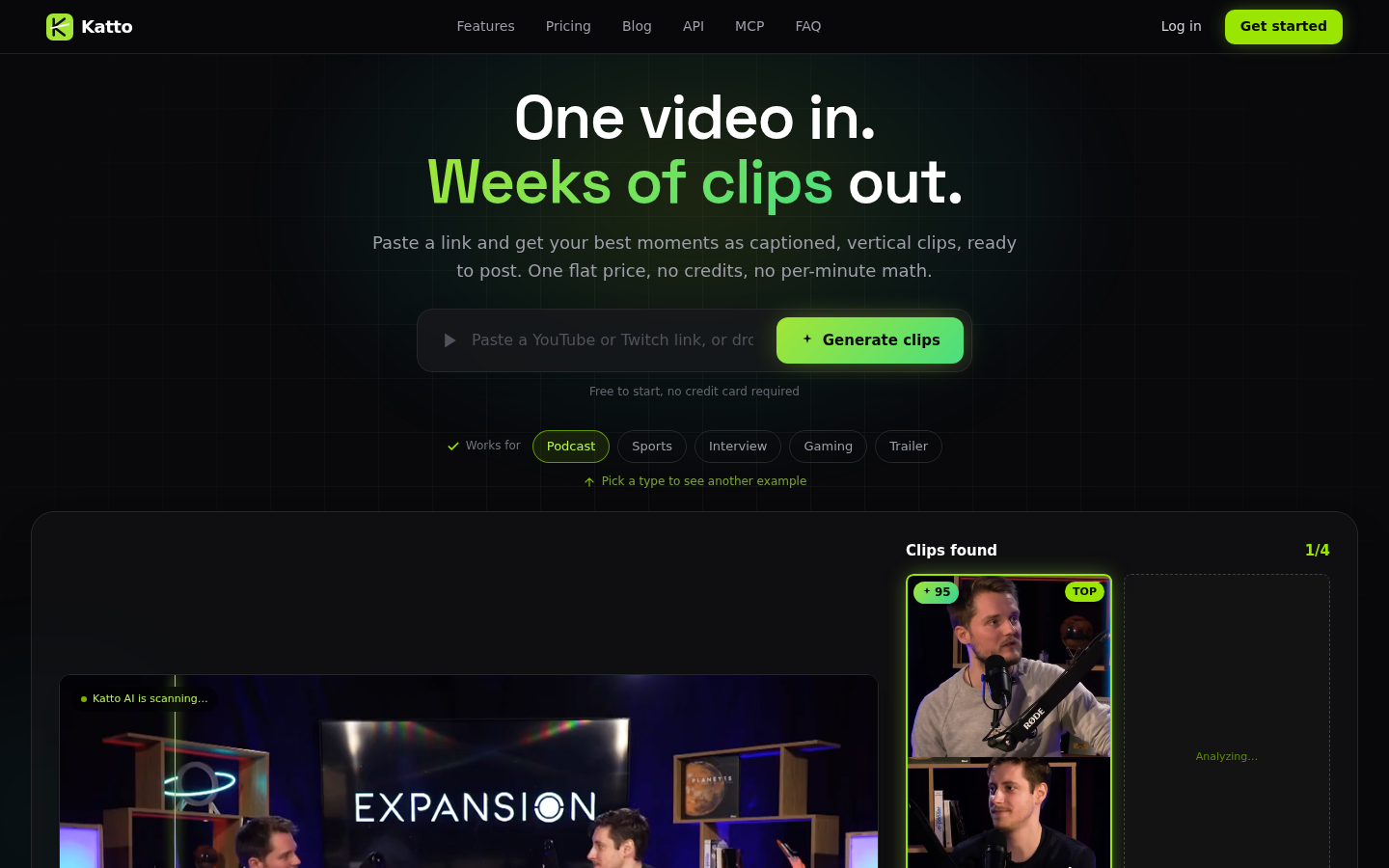
Screenshot archived from the listing page, for preview only.











