
Kawara AI
AI video asset organizer with natural searchFind any clip with a sentence
Highlights
What you can do with it
- A vlogger pulling highlights out of travel footage
- A film team extracting usable shots from a large shoot
- An ad creator locating product shots quickly
How to use it
- 1 Register and log in at the app site
- 2 Upload the video files you want managed
- 3 Run auto-editing to generate usable clips
- 4 Search with keywords to find specific moments
- 5 Export to your editing software when that feature ships
Who it is for
Pros
- One-month free trial to test properly
- Automatic clip detection saves scrubbing time
- Natural language search is quicker than timeline hunting
- Simple interface with little setup
Limitations
- Direct export to editing software is only planned for future versions
- The free trial is one month, then it moves to paid
- Analyzing long footage takes time and patience
- Automatic cuts still need human review
What Kawara AI is
Kawara AI is an AI tool aimed at video creators who spend too long hunting for footage. It uploads your video files, then splits long recordings into ready-to-use clips by detecting key moments and transitions. Instead of scrubbing a timeline, you search with natural language and describe the moment you want. The interface is deliberately clean, so there is little to learn before you start. There is a one-month free trial. One feature worth knowing about up front: exporting clips directly into popular editing software is described as something coming in future versions, not something available now.
What you can do with it
- Upload videos and let AI split them into usable clips.
- Search inside a video using natural language.
- Pull specific moments out of long recordings.
- Review generated clips before you use them.
Who it is for
- Vloggers and short-form creators working with lots of footage.
- Film and production teams organizing large shoots.
- Advertising creators who need to find product shots fast.
What to watch out for
The one-month trial is generous enough to judge the tool properly, but it is still a trial, and the page does not describe what happens to your uploaded library afterwards. Direct export into editing software is not available yet, so plan on downloading files and importing them the usual way. Automatic clip detection is a starting point, not a finished edit: the cuts it picks still need human review before they go into a timeline. Analyzing long footage takes time, so do not upload a full day of shooting the night before a deadline. Name and archive exported files consistently so you can find and reuse them, and keep a backup copy of key data.
FAQ
Is there a free trial?
Yes, the page describes a one-month free trial.
How does search work?
You enter keywords or a description and it finds the matching moment in the video.
Can I export straight to my editor?
Not yet. Direct export to editing software is listed as a future version feature.
Why it is free
What the official page says: free trial
Free limits, trial length and features are decided by the official site and can change at any time.
Product preview
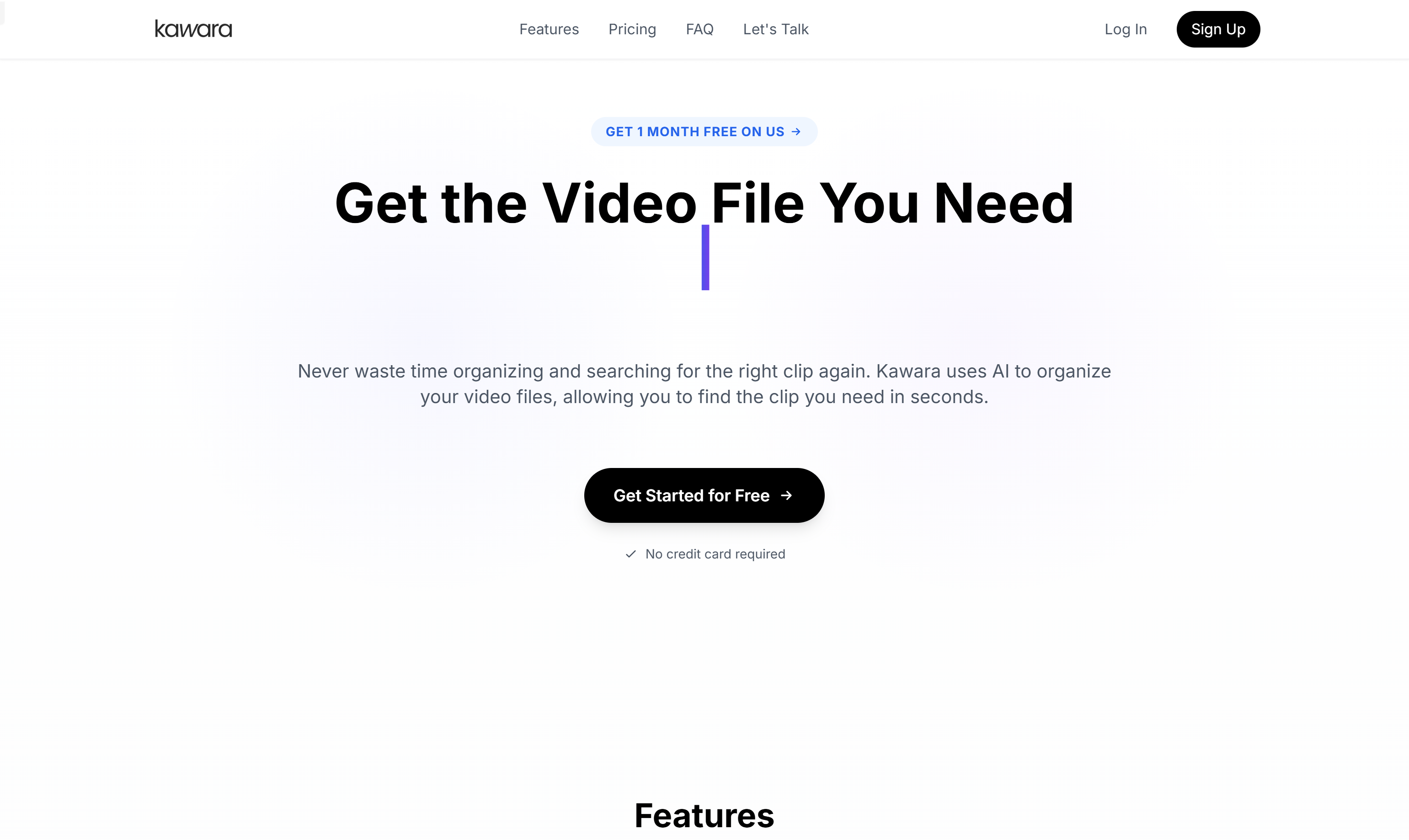
Screenshot archived from the listing page, for preview only.











