kimik3 ai
Unofficial guide to the Kimi K3 modelDocs, examples and free chat for Kimi K3
Highlights
What you can do with it
- Summarising a long report into key findings, risks and actions
- Generating runnable code from a described requirement
- Asking questions about an uploaded document
How to use it
- 1 Open the KimiK3 website
- 2 Use the free chat box on the home page for the first message
- 3 Create a free account if you want to continue
- 4 Buy a one-time request package for further chats
- 5 Copy Python or curl examples from the API playground into your own code
Who it is for
Pros
- The first message is free with no sign-up
- Long context suits reports and research papers
- Reasoning steps are shown rather than hidden
- One-time credit packs avoid a subscription
Limitations
- This is an unofficial guide and is not affiliated with Moonshot AI
- Only the first message is free; the rest needs a purchased package
- Model behaviour and pricing can change upstream without notice
- Documentation quality depends on a third-party site, not the model vendor
What KimiK3 is
KimiK3 is an unofficial guide website for the Kimi K3 model. It is not affiliated with Moonshot AI, and it exists to pull together what is otherwise scattered: tutorials, API examples, pricing comparisons and prompt sheets. There is also a free chat box on the home page where the first message is free to use and needs no account. The model itself is presented as strong at long document reading, so a long report can be reduced to key findings, risks and action items, and at step-by-step reasoning, where the thinking process is shown rather than hidden. Code generation and debugging, agent and tool use, document Q&A, multi-language chat, data extraction and research summarisation are all listed. Once the free message is used, continued chat draws on a one-time request package instead of a subscription.
What you can do with it
- Chat with the model for free on the first message
- Read and summarise very long documents into findings and actions
- Generate runnable code from a described requirement
- Ask questions about a document and get targeted answers
- Copy Python or curl examples from the API playground into your own project
Who it is for
- Developers who want to call the Kimi K3 API quickly
- Students and researchers dealing with long reports and papers
- Business users who draft, rewrite and summarise text daily
What to watch out for
This is a third-party guide, not an official channel, so anything you read about pricing or limits should be checked against current sources. Only the first chat message is free, and further use requires buying a package, so cost scales with how much you write. Because the model sits upstream of this site, behaviour, context limits and prices can change without the guide being updated. Finally, treat generated code and summaries as drafts: verify anything that matters, especially before it reaches production or a client.
FAQ
Is KimiK3 official?
No. The site describes itself as an unofficial guide to Kimi K3 and states it is not affiliated with Moonshot AI.
Can I try it for free?
The first message in the free chat area is free and needs no registration. Continued use requires a one-time request package.
Is there a subscription?
The site describes one-time request packages with no subscription or repeated charges, though pricing can change.
Why it is free
What the official page says: 免费
Free limits, trial length and features are decided by the official site and can change at any time.
Product preview
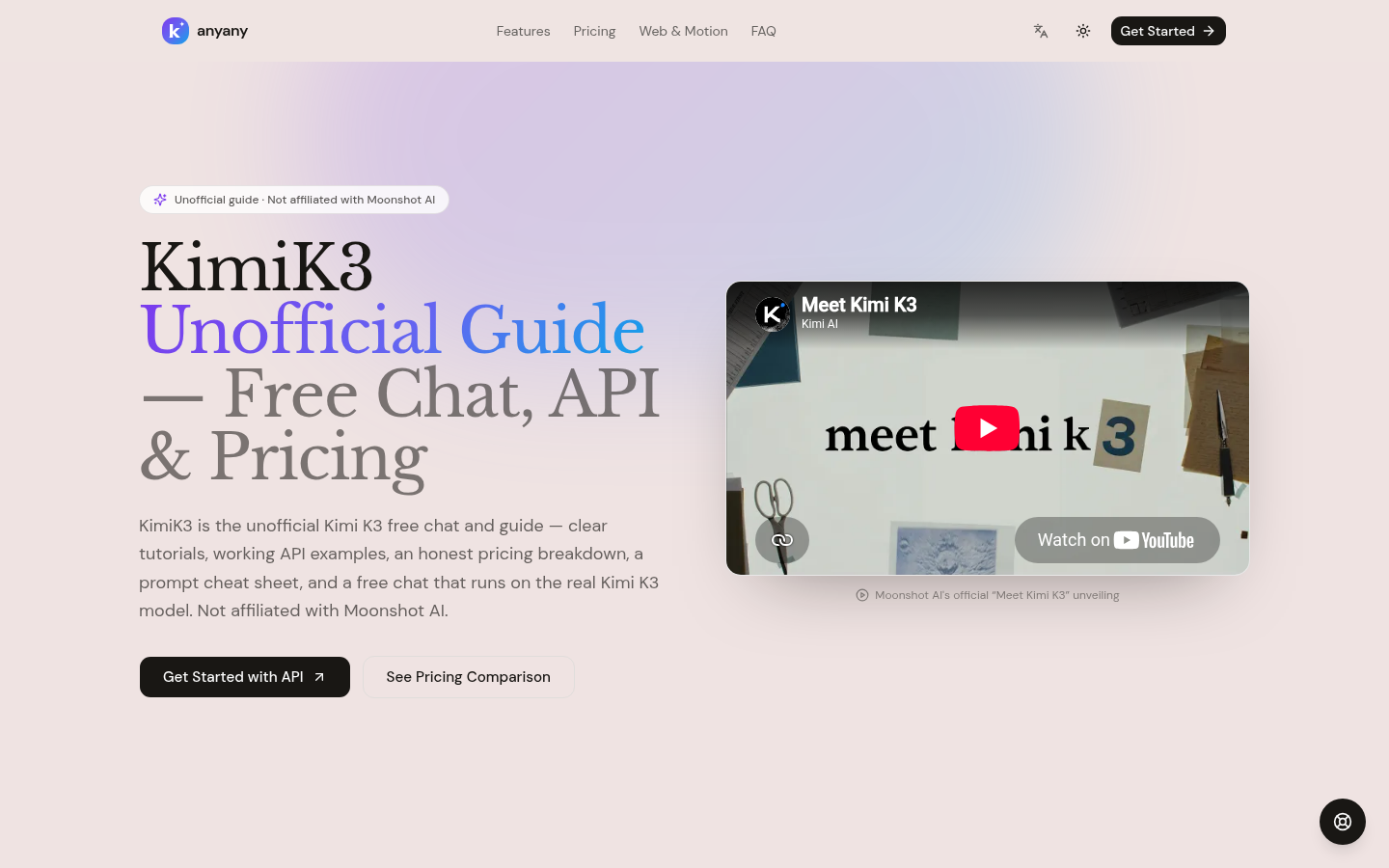
Screenshot archived from the listing page, for preview only.