
Knapsack Sidepanel
Chrome sidebar AI assistant for business appsAI help beside the tab you are working in
Highlights
What you can do with it
- Sales reps push meeting notes into the CRM
- Executives query connected Drive data live
- Consultants automate research and first drafts
How to use it
- 1 Add the Knapsack extension from the Chrome Web Store.
- 2 Click the icon on any page to open the sidebar.
- 3 Ask a question or run an agent on the current page.
Who it is for
Pros
- Works beside the tab instead of a separate app
- Connects to common business systems
- Compliance posture stated for sensitive work
Limitations
- Free trial is limited, paid plans apply after
- Connecting business data expands the privacy surface
- Chrome only, and agents need careful setup
What Knapsack Sidepanel is
Knapsack Sidepanel is a Chrome extension that places an AI assistant in the browser sidebar, next to whatever tab you are already working in. It connects to business systems including Salesforce, HubSpot, Google Drive, Dropbox, calendars, and custom MCP servers, so you can ask questions about real business data rather than a generic model. Agents can understand a goal, plan steps, and report back while they work, and they can be built in natural language without code. Workflows can be shared with teammates and run on demand or on a schedule. The product states SOC2 Type 2 certification and HIPAA compliance, and says user data is not used for training. A free trial is offered.
What you can do with it
- Chat with connected business data in the sidebar
- Assign research, planning, or data entry to an agent
- Build a custom agent without writing code
- Share and rerun workflows with your team
Who it is for
- Sales professionals tired of manual CRM entry
- Executives who need answers from scattered systems
- Consultants producing research-heavy deliverables
- Teams wanting automation inside the browser
What to watch out for
The free trial is a sample, and paid plans apply for regular use, so confirm pricing before you wire it into a team's daily routine. Connecting CRM and Drive data widens the privacy surface considerably: an assistant that can read your systems can also be prompted into revealing them, so review permissions, access control, and retention carefully, especially for customer records. Agents are only as good as their setup, and a loosely defined agent can produce confident nonsense, so verify output before it reaches a customer or a report. The extension is Chrome only, and it depends on those connected services staying available and authenticated.
FAQ
What does the extension connect to?
It integrates with Salesforce, HubSpot, Google Drive, Dropbox, calendars, and custom MCP servers.
Is my data used for training?
The page states it does not use user data for training, and claims SOC2 Type 2 certification and HIPAA compliance.
Do I need to code to build an agent?
No. Custom agents are built with natural language in seconds, and workflows can be shared with a team.
Why it is free
What the official page says: free trial
Free limits, trial length and features are decided by the official site and can change at any time.
Product preview
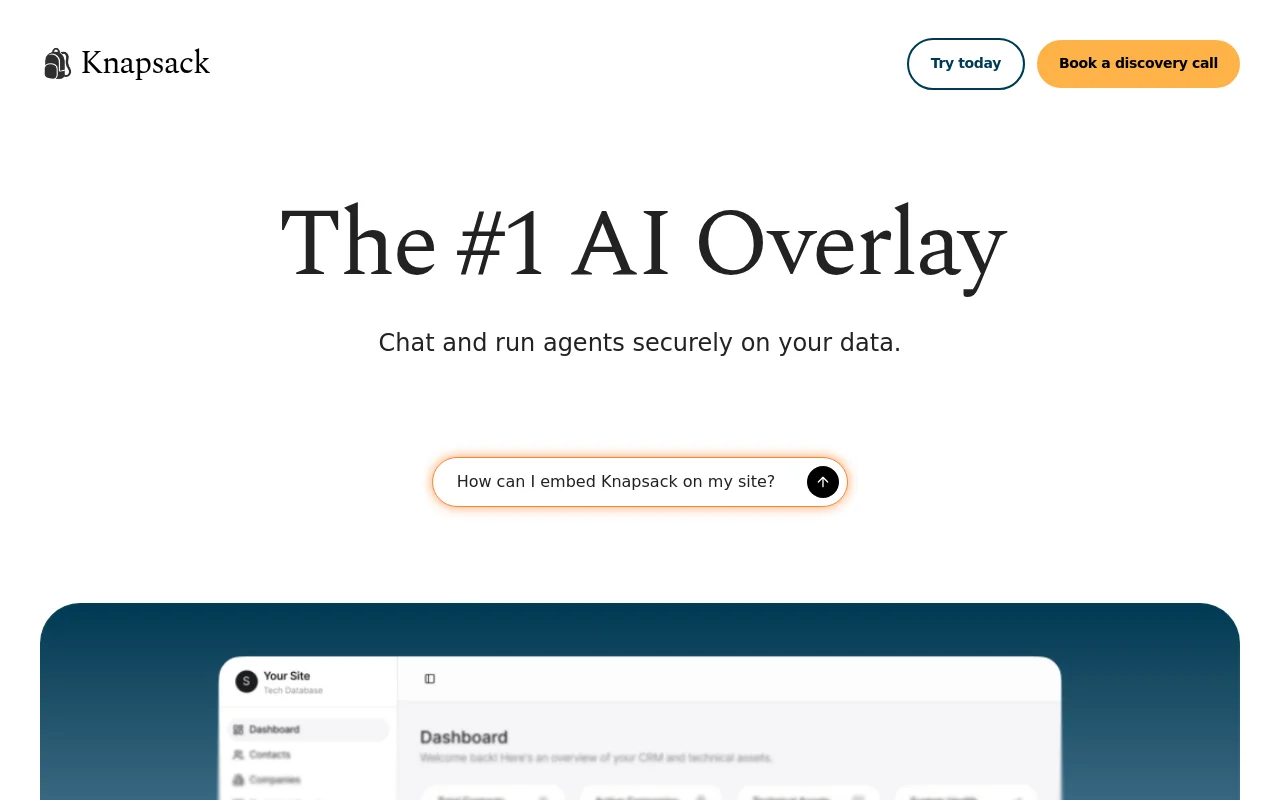
Screenshot archived from the listing page, for preview only.











