
KokoroTTS
Multilingual text-to-speech with a free commercial licenseTurn EPUB, PDF, and TXT files into speech
Highlights
What you can do with it
- Turn an EPUB book into an audiobook
- Narrate an online course in more than one language
- Add voice output to a customer service chatbot
How to use it
- 1 Open Kokoro TTS and load your EPUB, PDF, or TXT file.
- 2 Choose the language and voice, blending if you want a custom tone.
- 3 Set the speech speed for the content.
- 4 Preview with real-time streaming playback.
- 5 Export the audio as WAV or MP3.
Who it is for
Pros
- Free commercial license removes per-use fees
- Flexible input formats and multilingual voices
- Voice blending and speed control for tuning output
Limitations
- Voice quality may not match premium paid services
- Some languages are better supported than others
- Free terms and model availability depend on the upstream project
What Kokoro TTS is
Kokoro TTS is a text-to-speech tool that converts documents into speech. It accepts EPUB, PDF, and TXT files, supports several languages including English, French, Japanese, Korean, and Chinese, and lets you blend voices to adjust timbre and tone. Speech speed is adjustable, output is delivered as WAV or MP3, and real-time streaming playback lets you preview before exporting. It ships with a free commercial license, which is the detail that matters most for businesses and creators who would otherwise pay per-use fees.
Taking a whole document as input is the practical advantage. Rather than pasting a chapter at a time, you hand over an EPUB or a PDF and get back audio for the entire file. That makes it usable for audiobook production and for narrating course material, where the volume of text is the whole problem. The voice blending controls exist because a single default voice rarely suits every kind of content.
What you can do with it
- Convert an EPUB, PDF, or TXT file into spoken audio
- Switch between supported languages for the same text
- Blend voices and adjust speed to suit the content
- Preview in real time, then export WAV or MP3
- Use the output commercially under the included license
Who it is for
- Audiobook creators turning books into audio
- Course builders narrating lessons in multiple languages
- Developers adding speech output to an application or chatbot
- Teams producing voiceover without hiring a narrator
What to watch out for
Voice naturalness varies by language, and some of the supported languages will sound better than others, so test your target language before committing a long file. The free commercial license is offered by the upstream project, so read the current license text rather than assuming it covers every use case. Long documents take processing time, and pronunciation of names or technical terms may need manual correction. Model availability and features can change with upstream updates, so keep local copies of anything you have already generated.
FAQ
Which input formats are supported?
EPUB, PDF, and TXT.
Which languages?
Including English, French, Japanese, Korean, and Chinese.
Can I use it commercially?
Yes, a free commercial license is included.
Why it is free
What the official page says: free to use
Free limits, trial length and features are decided by the official site and can change at any time.
Product preview
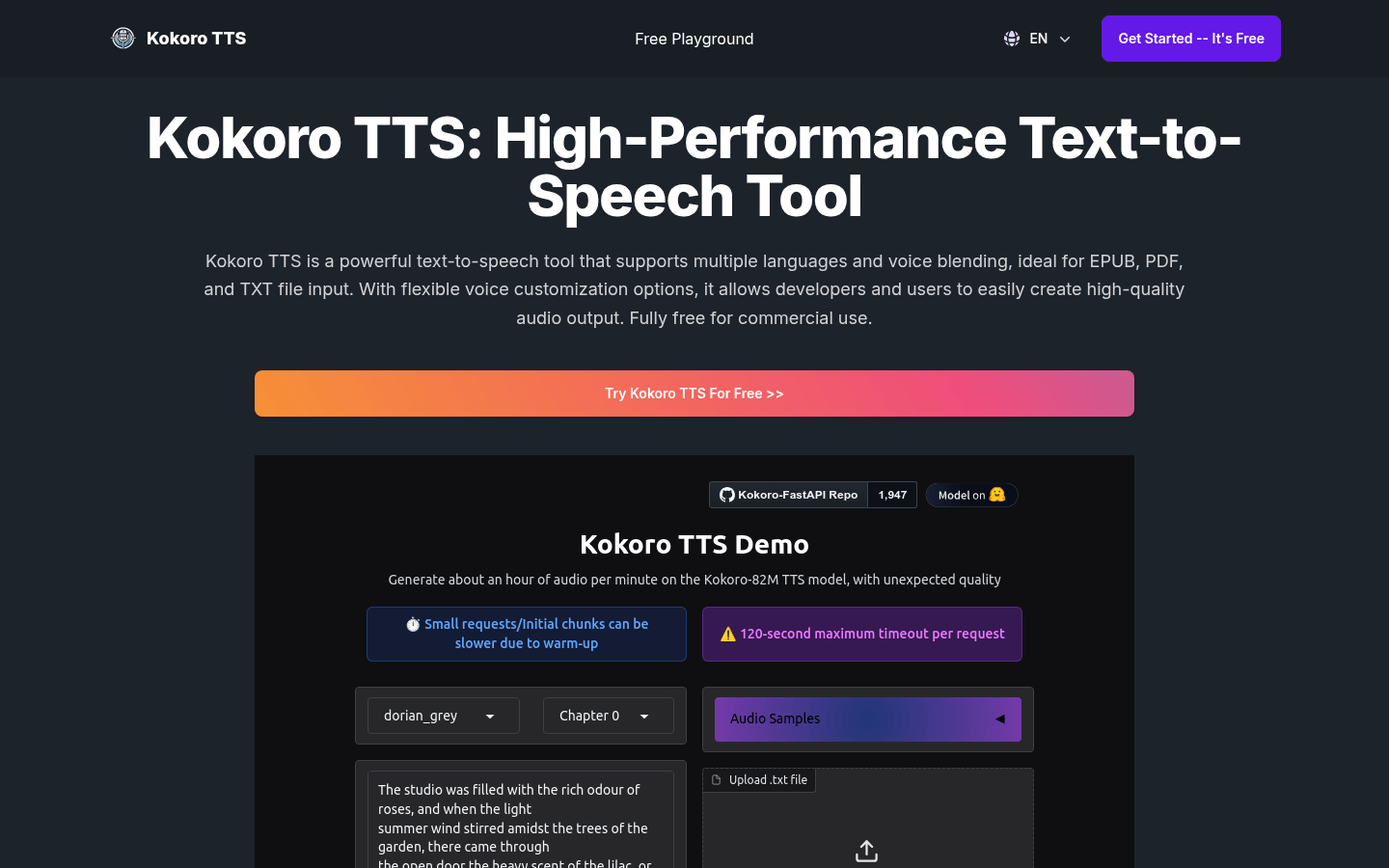
Screenshot archived from the listing page, for preview only.











