Free Text to Speech
Free online text to speech in over 20 languagesPaste text, pick a voice, and get spoken audio.
Highlights
What you can do with it
- Turning an article or script into audio to listen to on the go
- Checking how a written passage sounds before recording it
- Creating a draft voiceover for a video
- Practising pronunciation in another language
How to use it
- 1 Open the site in your browser.
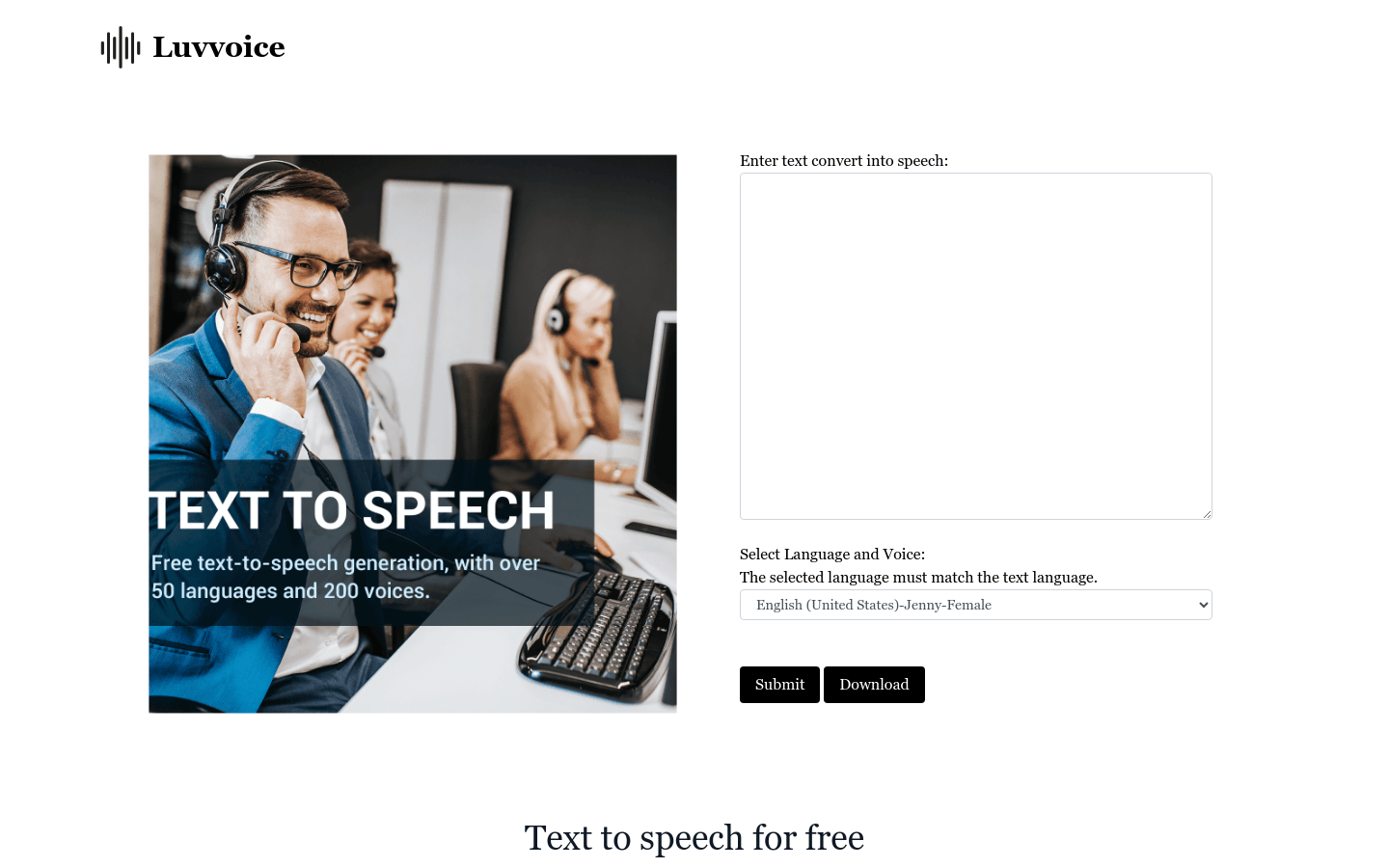
- 2 Paste the text you want converted into the input box.
- 3 Choose the language and the voice you want.
- 4 Start the conversion and wait for the audio to finish.
- 5 Play the result or download the generated file.
Who it is for
Pros
- Free to use with no registration
- More than 20 languages supported
- Runs in the browser, nothing to install
- Fast conversion for short and medium texts
Limitations
- Free access rules can change without notice
- Voice quality is described as natural but is not studio grade
- Long texts take longer to convert
- An online tool depends on the site staying available
What Free Text to Speech is
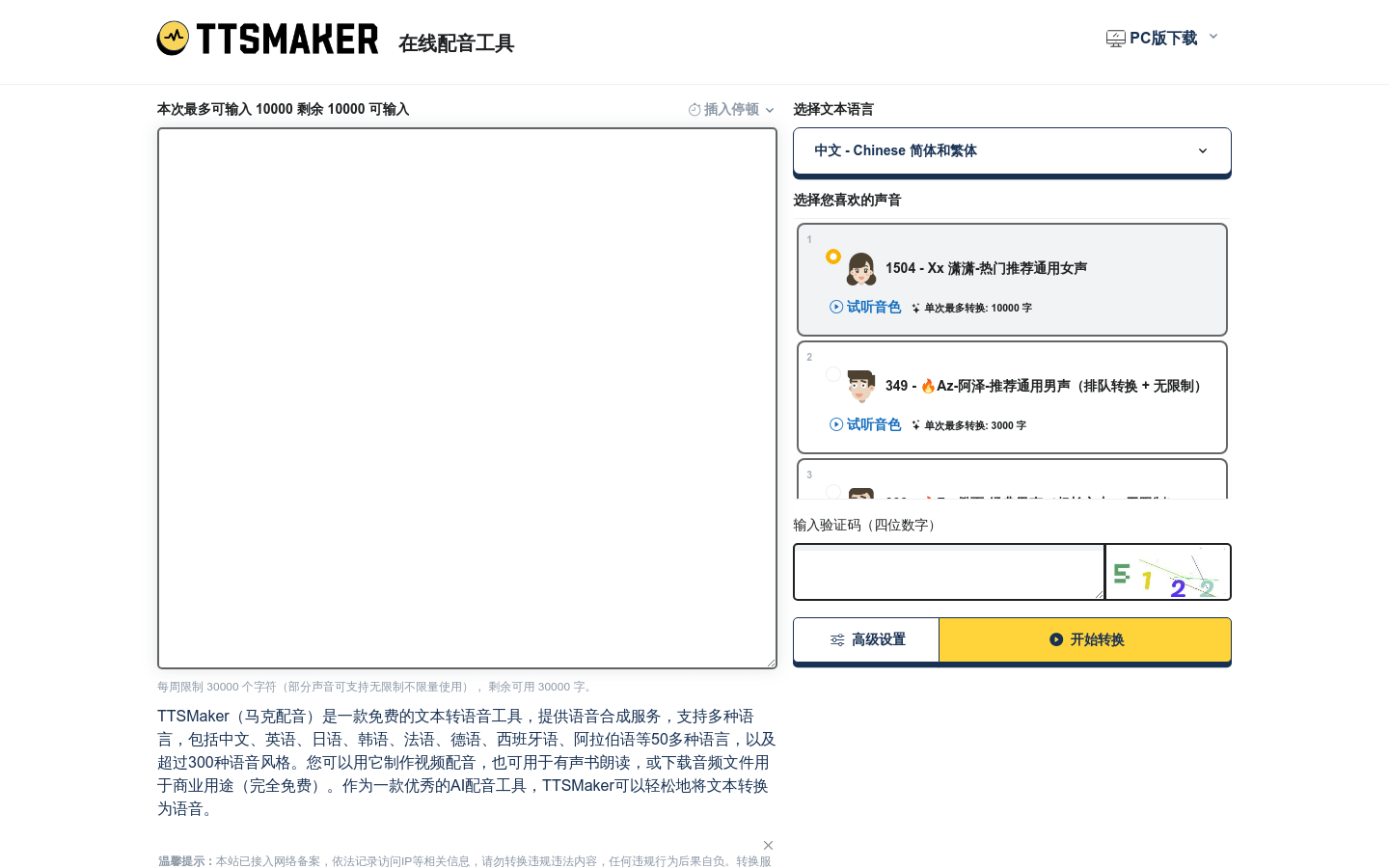
Free Text to Speech is an online converter that turns written text into spoken audio. It supports more than 20 languages and uses voices the site describes as natural sounding, so you can render a paragraph or a page without installing any software. The service states that it is completely free to use and that no registration is needed, and it advertises fast conversion speeds. You paste text, pick a language and voice, and the audio is generated in the browser.
What you can do with it
- Convert an article, script, or note into spoken audio
- Choose from voices across more than 20 languages
- Listen to a draft read aloud to catch awkward phrasing
- Produce a rough voiceover for a video project
- Practise pronunciation by hearing words spoken in another language
Who it is for
- Writers and editors proofreading a draft by ear
- Video creators who need a quick placeholder voiceover
- Language learners working on listening and pronunciation
- Anyone who would rather listen to long text while doing something else
What to watch out for
The voices are described as natural sounding, but a free online tool will not always match paid voice libraries, especially for long passages or unusual names. The site says the service is completely free with no registration, yet that is a current claim rather than a guarantee, and free tools sometimes add limits or accounts later. Conversion time grows with text length, so very long documents may be slow. The site also does not spell out how the generated audio may be reused, so read the terms before you publish anything commercial.
FAQ
Do I need an account?
The site says no registration is required.
How many languages are supported?
It states support for over 20 languages.
Is it really free?
The site describes the tool as completely free to use, though that can change.
Can I use the audio in a video?
The site does not describe usage rights, so check the terms before publishing commercial work.
Why it is free
What the official page says: completely freefree to use
Free limits, trial length and features are decided by the official site and can change at any time.
Product preview

Screenshot archived from the listing page, for preview only.