Kuca AI
Free text and image to video makerType or upload, get a video back
Highlights
What you can do with it
- Turn a product photo into a short rotating studio shot with warm lighting
- Create a social media clip from a written scene description
- Produce a quick advert or product introduction video without a shoot
How to use it
- 1 Open the Kuca AI site and pick text to video or image to video
- 2 Enter your text description, or upload an image and describe the motion and camera work
- 3 Wait for the platform to render the video
- 4 Preview the result and adjust if it does not match your idea
- 5 Choose an output format, then save or share the clip
Who it is for
Pros
- Free to use with no professional editing skills required
- Handles both text and image starting points
- Output formats suit different platforms and devices
Limitations
- Render times depend on queue load and clip complexity
- Free access and quotas can change without notice
- Generated video still needs review before you publish it under your name
What Kuca AI is
Kuca AI is an online video production tool that converts text or images into video. The product is presented as free to use, with a zero dollar price option listed on the page, and it is aimed at people who do not have professional video production skills. You describe what you want in words, or upload a picture and describe how it should move, and the platform renders a clip. It is positioned for a wide range of video creation needs rather than a single niche.
What you can do with it
- Write a text description and render it into a video
- Upload an image, describe motion and camera work, and turn it into a clip
- Make films, short dramas, adverts, and social media content
- Browse the example gallery on the site for creative ideas
- Export in several video formats so results play across platforms and devices
Who it is for
- Video creators who need a fast path from idea to clip
- Advertising and marketing staff producing promotional material
- Social media operators who publish short form video regularly
- Company communications staff who need simple product or brand videos
What to watch out for
Rendering is done on the platform side, so wait times vary with queue load and with how complex your clip is. Because access is free, quotas and features may change over time, and you should check the site before relying on it for client work. Any generated video still needs a human pass for accuracy, tone, and rights to music or images before you publish it. Free tiers and usage limits can change, so check the current rules on the official page before relying on it long term.
FAQ
Does Kuca AI cost anything?
The site states it is free to use, with a zero dollar option listed.
Can I start from a photo instead of a script?
Yes. Upload an image and describe the movement and camera handling you want, then render.
What kinds of video can it make?
Films, short dramas, adverts, and social content, according to the product description.
Why it is free
What the official page says: free to use
Free limits, trial length and features are decided by the official site and can change at any time.
Product preview
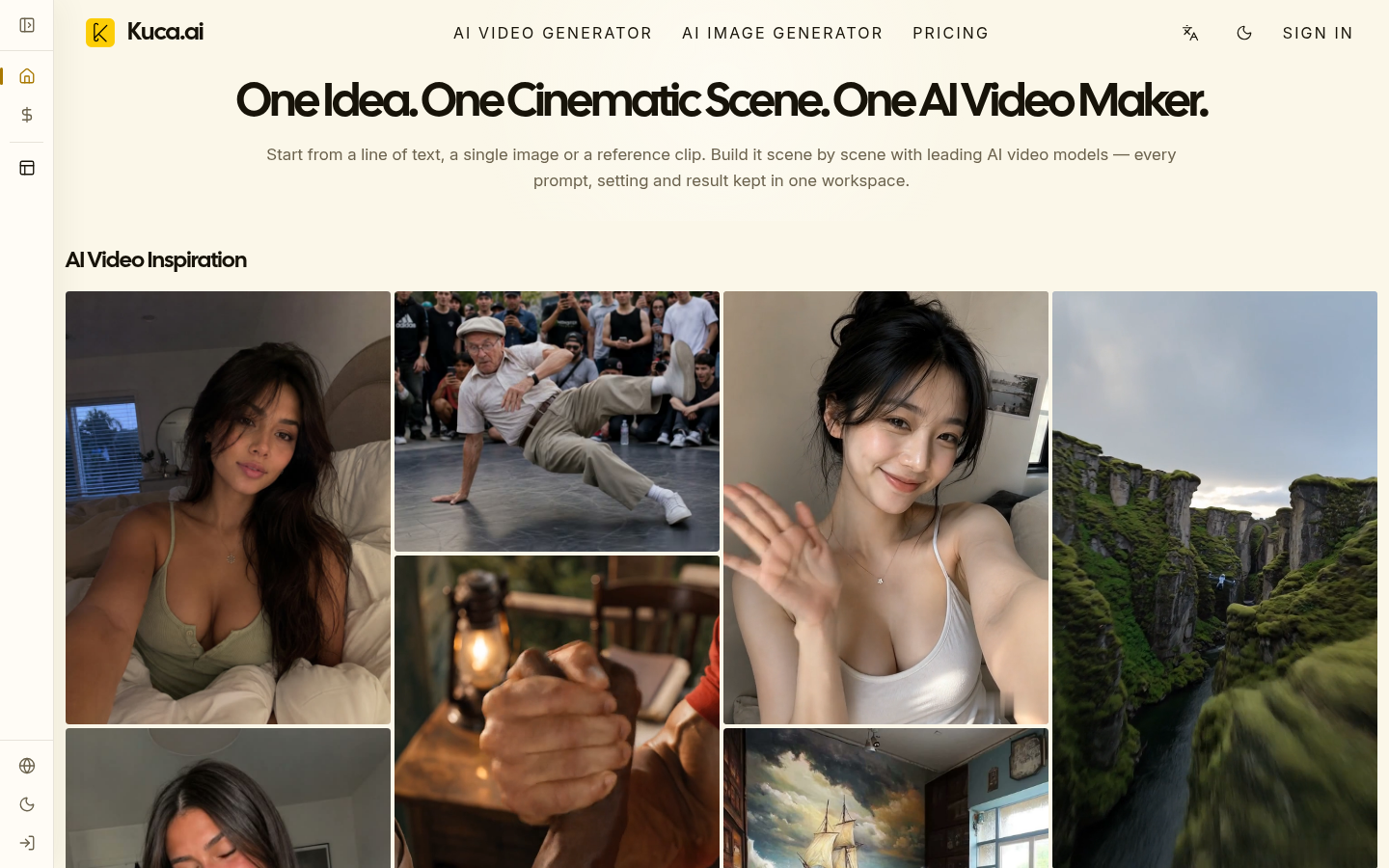
Screenshot archived from the listing page, for preview only.