
Laso App
AI auto-fill fields for JiraSave time on manual Jira data entry
Highlights
What you can do with it
- Auto-generating task descriptions with full detail
- Creating risk assessment reports from task data
- Extracting information for product documentation
How to use it
- 1 Install Laso Fields into your Jira instance
- 2 Choose a preset use case or create your own
- 3 Let Laso auto-fill the fields
- 4 Review and customize the filled content
- 5 Use the results in Jira search, reports, and automation
Who it is for
Pros
- Reduces manual data entry
- Free trial available
- Integrates directly with Jira
Limitations
- Only useful for Jira users
- Free trial before paid pricing
- Auto-filled content needs review
What Laso App is
Laso App is an AI-driven intelligent field tool built for Jira users. It automatically fills and updates data inside Jira tasks, saving significant manual input time. The tool offers intelligent field suggestions to help users categorize and organize tasks more efficiently, and it supports various field types such as text, options, and connections. Laso can also generate detailed documentation and reports to support project management. It integrates seamlessly with Jira so project tracking stays consistent. The product targets teams and enterprises that rely on Jira, and a free trial is available.
What you can do with it
- Auto-fill data in Jira tasks to cut manual entry
- Get intelligent field suggestions for better organization
- Generate task descriptions and documentation
- Create risk assessment reports from task details
- Use results in Jira search, reports, and automation
Who it is for
- Teams using Jira for project task tracking
- Managers who need consistent, complete task data
- Enterprises automating documentation workflows
What to watch out for
Laso only works with Jira, so teams on other platforms cannot use it. The free trial precedes paid pricing, and long-term costs are not detailed on the page. Auto-filled content is a draft and should be reviewed before it feeds reports or client-facing documents. Because it writes into your Jira instance, check field permissions and data handling before enabling it broadly. Free tiers and usage limits can change, so check the current rules on the official page before relying on it long term. Processing speed depends on file size and network conditions, so retry later if a task stalls during peak hours. Free tiers and usage limits can change, so check the current rules on the official page before relying on it long term.
FAQ
What is Laso App?
It is an AI tool that auto-fills and updates data in Jira tasks.
Is there a free trial?
Yes, Laso App offers a free trial.
What can it generate?
It can generate task descriptions, risk reports, and product documentation.
Why it is free
What the official page says: free trial
Free limits, trial length and features are decided by the official site and can change at any time.
Product preview
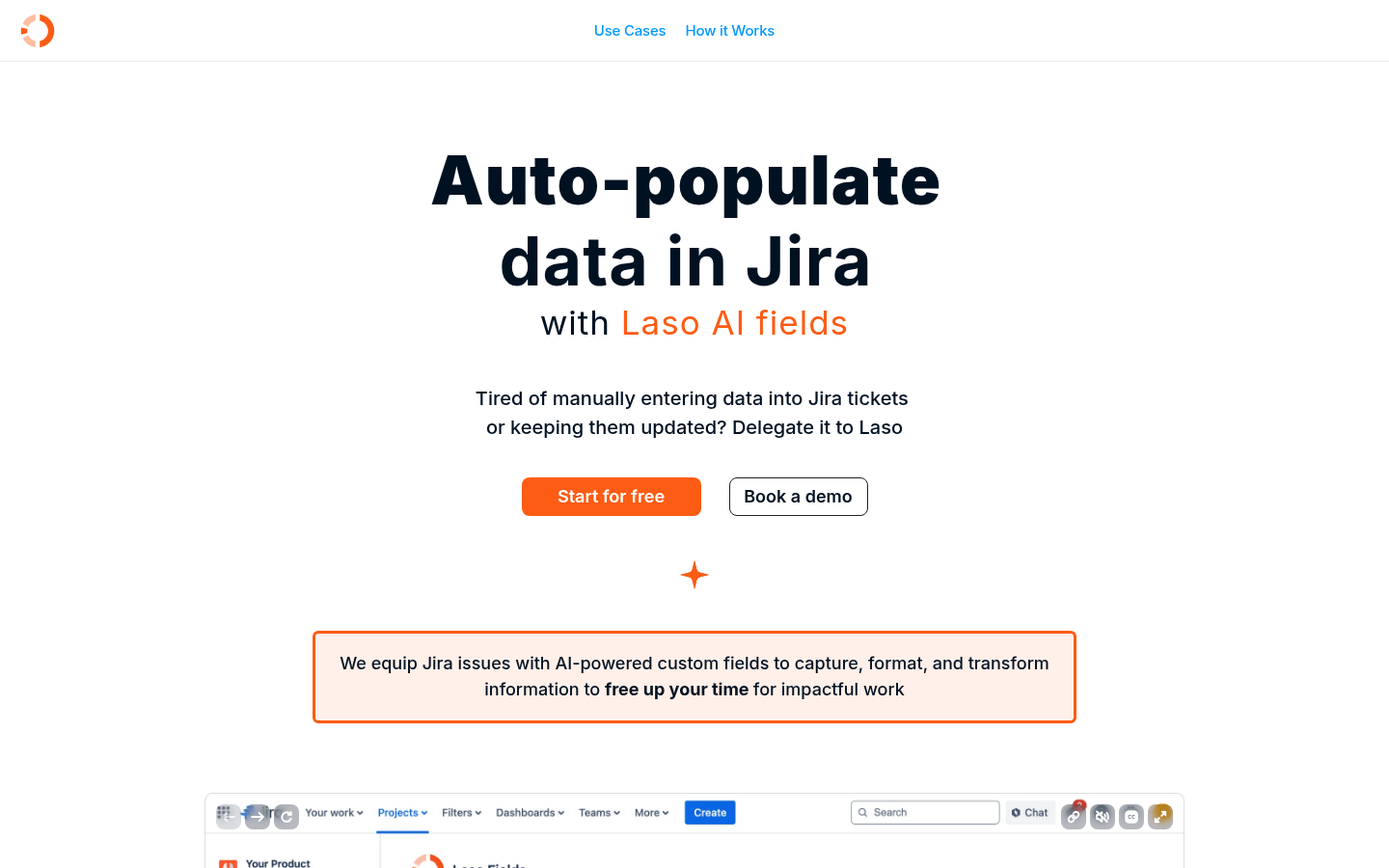
Screenshot archived from the listing page, for preview only.











