
LaunchKnight
Project management tool that replaces unproductive meetings with async updatesTurn costly meetings into focused, asynchronous team alignment
Highlights
What you can do with it
- A remote team shares status asynchronously in LaunchKnight instead of holding a daily call.
- A product team keeps OKRs, mockups, and requirements in one overview so everyone sees how their work fits.
- A manager pulls tasks from different apps into a single place to reduce context switching.
How to use it
- 1 Create a project and add its goals, OKRs, and any mockups or wireframes to the overview.
- 2 Invite teammates and collect tasks from the applications your team already uses.
- 3 Write requirements and details next to each task so the work is self-explanatory.
- 4 Hold short, targeted discussions only where a decision is actually needed.
- 5 Start on the free plan and move to a paid plan when you need more.
Who it is for
Pros
- Reduces time spent in unproductive meetings
- Brings goals, OKRs, mockups, and tasks into one place
- Offers a free plan to start with
Limitations
- Free plan limits may change as the product adjusts its pricing
- Teams used to synchronous meetings may need time to adapt to async updates
- Effectiveness depends on the team actually keeping project overviews current
What LaunchKnight is
LaunchKnight is a project management tool designed to end unproductive meetings. It is built around a simple idea: most meetings exist because information is scattered, so LaunchKnight pulls that information into clear project overviews. Each overview can hold project goals and OKRs, mockups or wireframes, and the detailed information and requirements a task needs. That way team members understand how their own work affects the larger project without waiting for a call. The tool also concentrates tasks from every application in one place. In terms of access, LaunchKnight offers a free plan as well as a paid plan, so a team can begin without paying and upgrade later when it needs more room or features.
What you can do with it
- Keep project goals and OKRs visible so everyone works toward the same targets
- Place mockups and wireframes inside project overviews for quick visual reference
- Add detailed information and requirements next to each task
- Pull tasks from separate applications into one workspace
Who it is for
- Remote and distributed teams that want to cut down on meetings
- Product and project managers who need goals, mockups, and requirements in one view
- Teams that currently juggle tasks across several disconnected tools
What to watch out for
LaunchKnight changes how a team communicates, and that adjustment is not always instant. People used to synchronous meetings may need time to trust asynchronous updates, so results depend on the team keeping overviews current. The free plan has limits, and like any hosted tool the free rules and pricing can change over time, so it is worth checking the official site before you rely on a specific plan. Because it gathers project information in one place, you should also confirm it fits your team's security and privacy expectations before uploading sensitive material.
FAQ
Is LaunchKnight free?
It has a free plan and a paid plan. You can start on the free version and check the official site for current plan details.
How does it reduce meetings?
It moves status and requirements into project overviews so teams use targeted discussions and asynchronous communication instead of full meetings.
What can I put in a project overview?
Project goals, OKRs, mockups or wireframes, and the detailed information and requirements behind each task.
Why it is free
What the official page says: 免费版免费
Free limits, trial length and features are decided by the official site and can change at any time.
Product preview
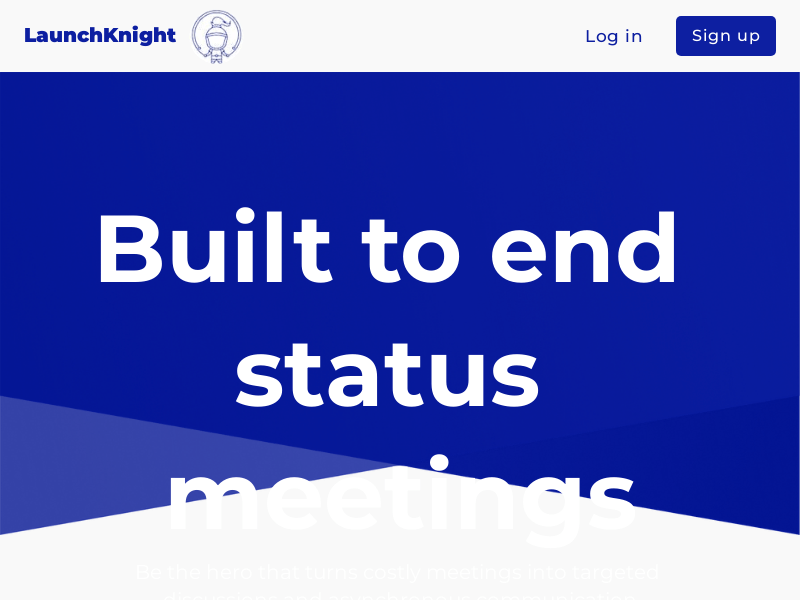
Screenshot archived from the listing page, for preview only.











