LDPlayer
Free Android emulator for running mobile games on Windows PCPlay Android games on PC with multi-instance and keyboard-mouse control
Highlights
What you can do with it
- Play Free Fire on a large screen with keyboard-mouse recoil control
- Run multiple PUBG Mobile accounts at once for AFK farming in a game studio
- Use key mapping to stay stable in COD Mobile competitive gunfights
How to use it
- 1 Download the latest installer from the LDPlayer download page
- 2 Run the installer and complete setup, optionally choosing an SSD path for speed
- 3 Launch LDPlayer, log in, and install a game from the built-in store or an APK
- 4 Adjust CPU cores, memory, and resolution to match your PC
Who it is for
Pros
- Core functions are described as completely free
- Gaming-focused optimizations like lower memory use and faster startup
- Multi-instance sync and macros suit power users and studios
Limitations
- The free status of core features could change, so check current terms
- Performance still depends on your PC's CPU, memory, and virtualization support
- Advanced multi-account use has a learning curve for key mapping and macros
What LDPlayer is
LDPlayer is an Android emulator that runs on Windows computers. It virtualizes a complete Android system environment on your PC, so you can download, install, and run Android games and apps without using a phone. The emulator is optimized for gaming, with lower memory usage, faster startup, and smoother screen rendering, and it supports mainstream chip virtualization instructions such as VT and SVM. Its core functions are described as completely free, and it targets both ordinary players and advanced users who need multiple accounts and long-term AFK play.
What you can do with it
- Map touchscreen controls to keyboard and mouse, with presets for aiming, skill combos, and direction wheels.
- Run multiple instances at once and synchronize their operations with one click.
- Enable high frame rate mode and graphics card acceleration for smoother 3D games.
- Record macros to turn repetitive actions into one-click commands.
- Allocate CPU cores, memory, and resolution to fit your computer.
Who it is for
- Ordinary players who want to play Android games on a larger computer screen.
- Advanced users who juggle multiple accounts or leave games running via AFK.
- Game studios that need multi-instance management and macro automation.
What to watch out for
The core functions are described as completely free, but free terms can change over time, so confirm current details before committing. Actual performance depends on your PC's CPU, memory, and whether virtualization is enabled in your BIOS, so low-spec machines may struggle with large 3D games. Advanced features like multi-instance sync, key mapping presets, and macros take time to learn, and a misconfigured macro can behave unexpectedly. The emulator also sits between your computer and Android apps, so install games only from sources you trust and follow the rules of each game.
FAQ
Is LDPlayer free?
Its core functions are described as completely free for playing Android games on a computer.
What systems does it run on?
LDPlayer is an Android emulator that runs on Windows computers.
Can I run multiple game accounts?
Yes, the multi-instance manager can run several instances and synchronize their operations.
Why it is free
What the official page says: completely free
Free limits, trial length and features are decided by the official site and can change at any time.
Product preview
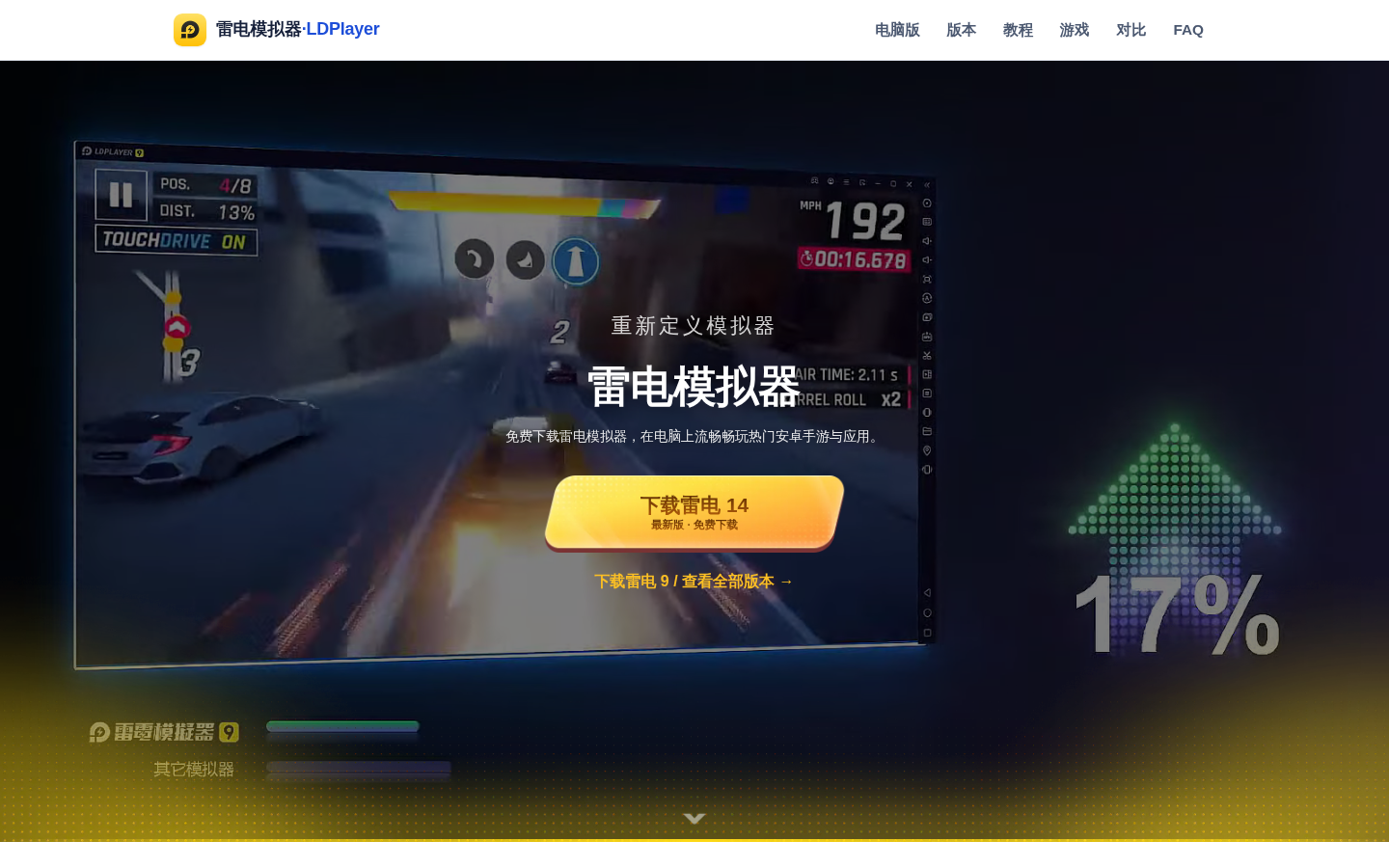
Screenshot archived from the listing page, for preview only.