
LeetChatGPT
ChatGPT helper for LeetCode practiceHints and feedback while you grind problems
Highlights
What you can do with it
- Get timed feedback while practicing problems
- Discuss a stubborn problem with ChatGPT
- Track a practice streak with reminder targets
How to use it
- 1 Install the LeetChatGPT browser plugin
- 2 Open a LeetCode or HackerRank problem
- 3 Choose timer mode or manual mode
- 4 Ask for hints and export your notes
Who it is for
Pros
- Free to use and needs no OpenAI account
- Conversations save locally and export cleanly
- Timer mode enforces real practice discipline
Limitations
- Supports LeetCode and HackerRank only
- Site updates can break browser plugins
- Over-reliance on hints weakens the practice itself
What LeetChatGPT is
LeetChatGPT is a browser plugin that puts ChatGPT next to you while you solve LeetCode and HackerRank problems. It runs in two modes: a timer mode where feedback arrives when your self-imposed time runs out, and a manual mode for on-demand help, including brute-force or optimal approaches. A momentum system with customizable reminder targets helps you keep a streak, and conversations are saved locally with export to PNG, PDF, or Markdown.
What you can do with it
- Get hints and feedback on the current problem
- Choose timer or manual assistance
- Save conversations locally for review
- Export notes as PNG, PDF, or Markdown
- Read Markdown and highlighted code in responses
- Set reminder targets to maintain practice momentum
Who it is for
- Candidates preparing for technical interviews
- Programmers reviewing algorithms and data structures
- Learners who want a hint instead of a full solution
- Anyone building a consistent practice habit
What to watch out for
The honest limitation is behavioral: reaching for hints too early turns practice into reading, which weakens the skill you are training, so use the timer mode to delay help. Scope is narrow, covering LeetCode and HackerRank only, and browser plugins break when those sites change their layout, so expect occasional downtime. The plugin is free and needs no OpenAI account, which is convenient, but that also means you depend on the plugin author keeping it working. Export your notes if you want a durable record. Free tiers and usage limits can change, so check the current rules on the official page before relying on it long term. Processing speed depends on file size and network conditions, so retry later if a task stalls during peak hours.
FAQ
Which sites does it support?
LeetCode and HackerRank.
Do I need a ChatGPT account?
No, the listing states it requires no ChatGPT or OpenAI account.
What is the difference between timer and manual mode?
Timer mode gives feedback when the timer ends, while manual mode provides help on demand.
Why it is free
What the official page says: free to use
Free limits, trial length and features are decided by the official site and can change at any time.
Product preview
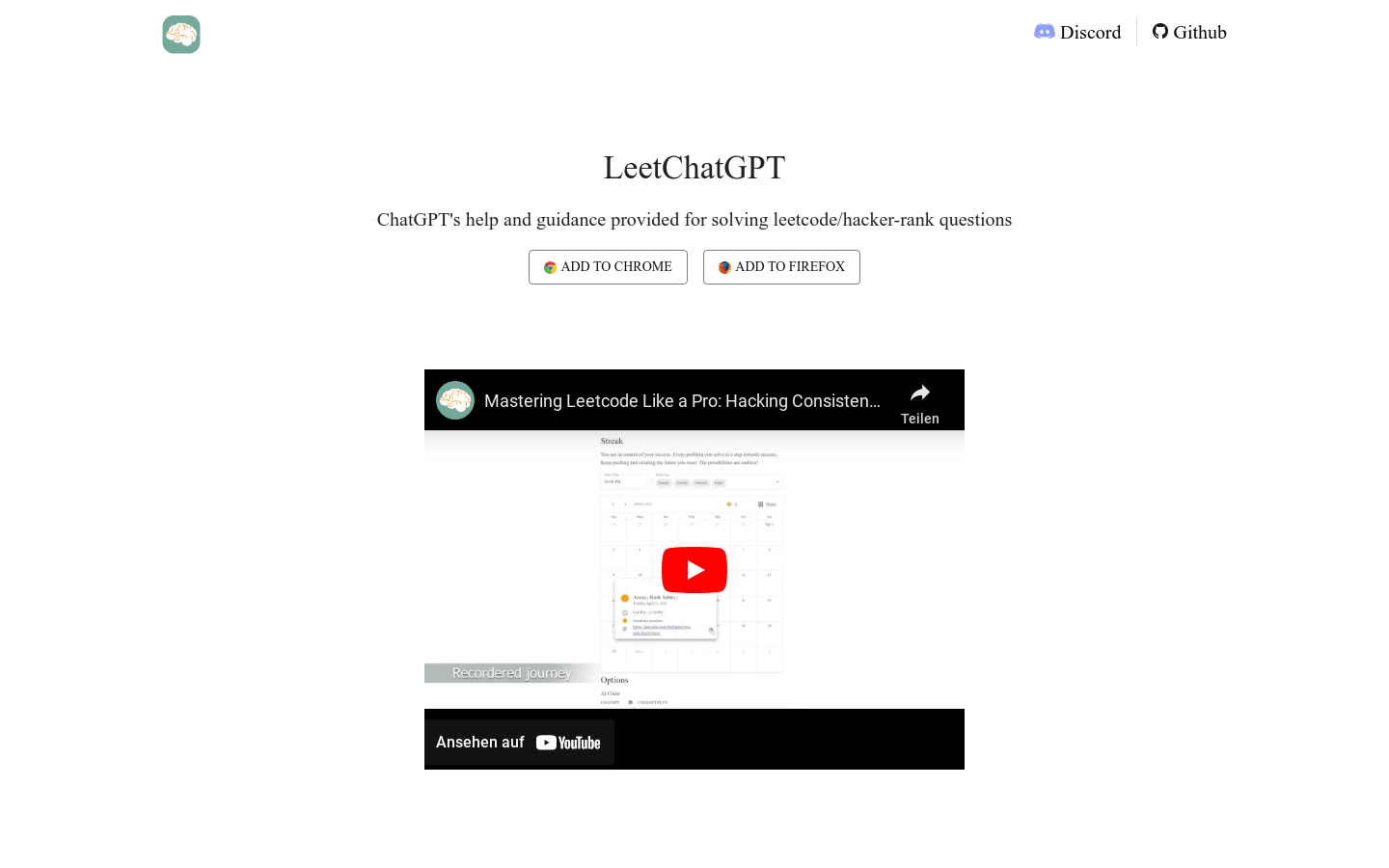
Screenshot archived from the listing page, for preview only.











