
Levelr
AI audio repair and cleanupClean, clear audio with AI
Highlights
What you can do with it
- Podcasters cleaning up environmental noise per episode.
- Filmmakers processing dialogue tracks in post.
- Streamers keeping live audio clear and copyright-safe.
How to use it
- 1 Visit levelr.ai and start the free trial.
- 2 Register, log in, and upload an audio track.
- 3 Pick the tools you need, like repair or voice isolation.
- 4 Preview the processed audio.
- 5 Download the cleaned file if you are happy.
Who it is for
Pros
- Handles repair, mastering, and voice cleanup in one place.
- Cuts manual post-production steps.
- Free trial to test before you pay.
Limitations
- It is a free trial, so continued use needs a paid plan.
- Heavy cleanup can only do so much with poor source audio.
- Uploading audio means trusting the service with your files.
What Levelr is
Levelr is a product focused on AI audio processing and analysis. It covers audio repair, mastering, voice isolation, and enhancement, using AI algorithms to clean up recordings that would otherwise take long manual work. It can remove background noise such as street sound and microphone feedback, pull voices out of busy audio, and improve clarity so dialogue is easier to follow. The aim is to simplify the post-production process for both professional audio producers and everyday users who just want their recordings to sound better. Levelr offers a free trial so you can test the tools before you decide to pay.
What you can do with it
- Repair audio by reducing noise and distortion.
- Isolate and enhance voices from complex recordings.
- Remove background noise like street sound and mic feedback.
- Master a track by adjusting volume, tone, and balance.
- Strip out background music and overlapping chatter for a clean voice track.
Who it is for
- Podcast creators who want cleaner episode audio.
- Filmmakers and video editors fixing dialogue in post.
- Live streamers and interviewers cutting background noise.
What to watch out for
The free trial is a starting point, and continued use will need a paid plan, so treat it as a test window rather than a permanent free tool. AI cleanup has limits, and very poor source audio can only be improved so much before it still sounds rough, so capture the best audio you can up front. Uploading your files also means trusting the service with your audio, which is worth considering when the material is sensitive or confidential. It is a strong helper, but it is not a substitute for a decent microphone.
FAQ
What does Levelr do?
It offers AI audio repair, mastering, voice isolation and enhancement, and background noise removal.
Is there a free trial?
Yes, you can start a free trial from its website to test the features.
Who is it for?
It suits podcast creators, filmmakers, video editors, live streamers, and interviewers who need cleaner audio.
Why it is free
What the official page says: free trial
Free limits, trial length and features are decided by the official site and can change at any time.
Product preview
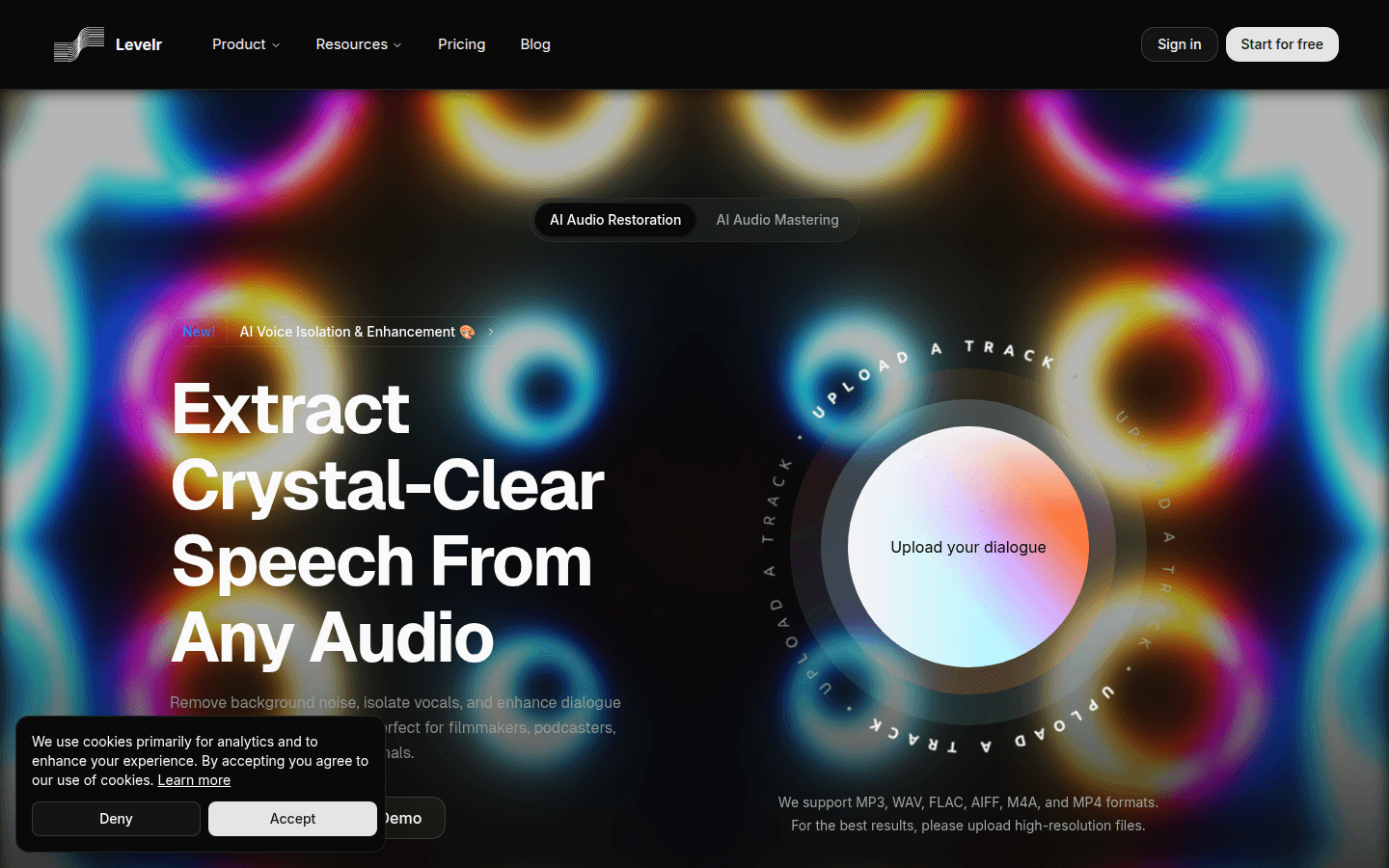
Screenshot archived from the listing page, for preview only.











