
Librarian
Browser extension for personal knowledge search and Q and ASearch and question your own knowledge base, free extension
Highlights
What you can do with it
- Students importing course materials for quick lookup
- Researchers organizing literature for fast retrieval
- Professionals managing work documents and web resources
How to use it
- 1 Install the Librarian extension in Chrome or Edge
- 2 Import documents or scrape web content into your base
- 3 Type a question in the extension to get an answer
- 4 Refine the query or regenerate the answer
- 5 Connect Notion, Gmail, or Google Drive to expand the base
Who it is for
Pros
- Free of charge
- Simple setup with strong local data security
- Supports offline use and many source types
Limitations
- Free status and features may change over time
- Answer quality depends on what you have imported
- Browser based storage and offline limits vary by setup
What Librarian is
Librarian is a browser extension powered by lightweight retrieval augmented generation and AI. It helps you manage and query a personal knowledge base without sending everything to a remote service. You can import documents in formats like PDF and Word, scrape web content, and pull in browser bookmarks. Once your material is loaded, you can search it with semantic search and keyword analysis, ask questions about the current page, and get AI analysis of documents. It also connects to tools such as Notion, Gmail, and Google Drive. The extension is currently free of charge.
What you can do with it
- Import PDFs, Word files, web pages, and bookmarks into one base
- Search with semantic and keyword methods
- Ask questions and get answers grounded in your own material
- Connect Notion, Gmail, and Google Drive to widen the base
Who it is for
- Students who need fast lookup across course materials
- Researchers who manage large sets of literature
- Professionals who keep work documents and links in one place
What to watch out for
The quality of answers depends on what you have imported, so a thin library gives thin results. Because it is free, features and availability can change with updates. Offline use and storage limits depend on your browser and setup, so very large libraries may need management. Treat generated answers as a helpful summary, and check the original source for anything important. Name and archive exported files consistently so you can find and reuse them, and keep a backup copy of key data. When quality matters, export a small draft first to confirm the result before producing the final file.
FAQ
Is Librarian free?
Yes, it is currently offered free of charge.
What can I import?
You can import documents like PDF and Word, scrape web content, and bring in browser bookmarks.
Can it work offline?
Yes, the extension supports offline use in addition to online search.
Why it is free
What the official page says: free of charge
Free limits, trial length and features are decided by the official site and can change at any time.
Product preview
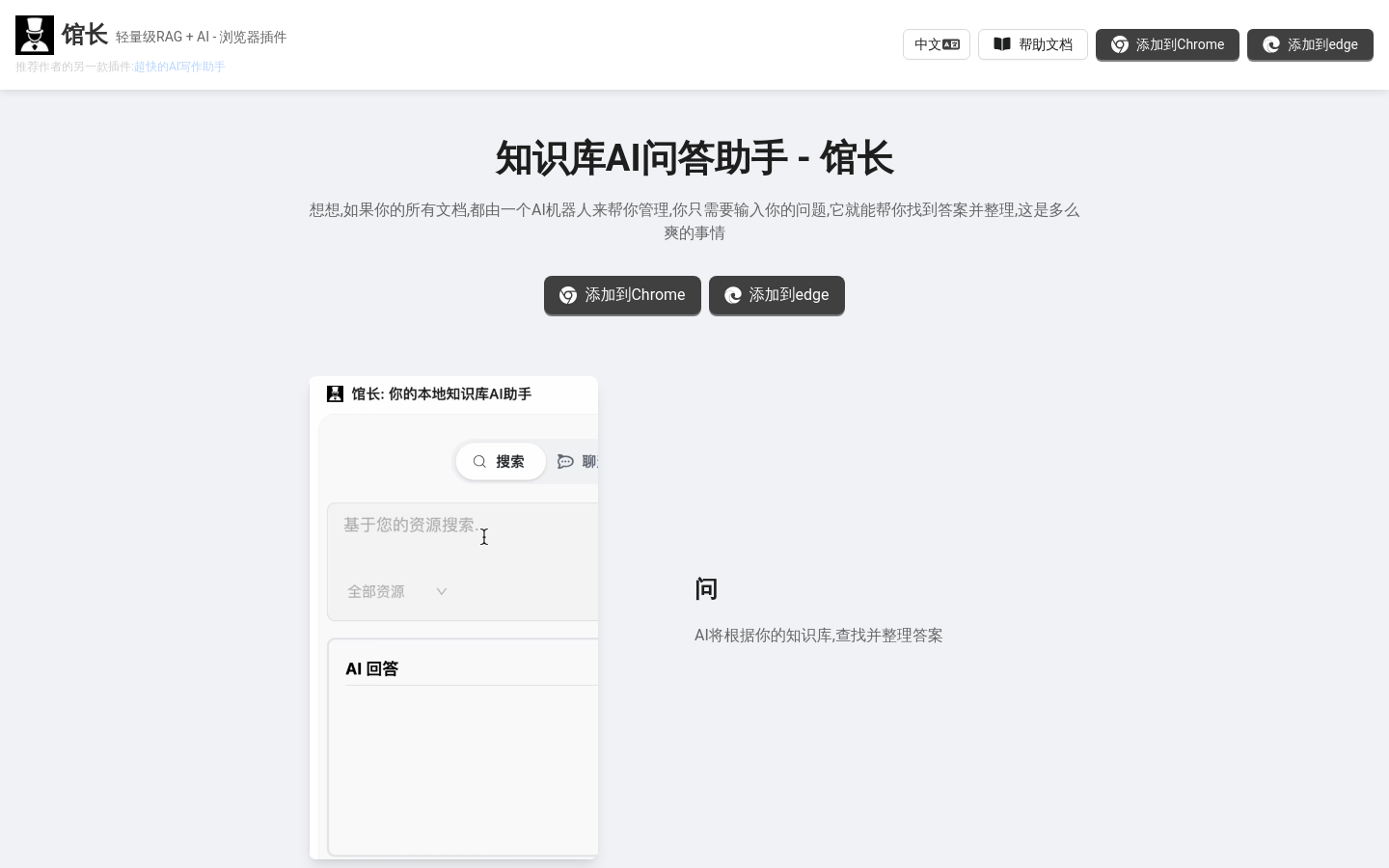
Screenshot archived from the listing page, for preview only.











