
ListenRobo
Free audio and video transcriptionTranscribe audio into text or subtitles
Highlights
What you can do with it
- Transcribe a recording into a text document
- Generate subtitles for a video
- Summarize spoken content quickly
How to use it
- 1 Open ListenRobo
- 2 Upload your audio or video
- 3 Choose the language and format
- 4 Download the transcript in TXT, SRT, or VTT
Who it is for
Pros
- Free downloadable transcripts
- Multiple formats including SRT and VTT
- Supports many languages
Limitations
- Free access rules can change
- Accuracy depends on audio quality
- Focused on transcription, not full editing
What ListenRobo is
ListenRobo is a speech-to-text tool that converts English audio into text. It provides free downloadable transcripts in TXT, SRT, and VTT formats, so you can use the output as a plain document or as subtitle files for video. It is described as fast and accurate, supports 92 languages, and can generate English translations. It also offers text summarization and smart translation, which makes it useful for turning spoken content into written form quickly without listening back and typing it out by hand.
What you can do with it
- Convert English audio into text
- Download transcripts as TXT, SRT, or VTT
- Generate English translations of the audio
- Summarize spoken content into key points
Who it is for
- People transcribing recordings and interviews
- Creators who need subtitle files for video
- Anyone who wants a quick text summary of audio
- Users working across multiple languages
What to watch out for
It is free to use, but free access rules can change, so check the current terms before you depend on it. Accuracy depends on audio quality, so noisy recordings, heavy accents, or overlapping speech will produce weaker transcripts that need editing. It is focused on transcription and translation rather than full editing, so treat the output as a first draft and review it before you publish or rely on it for anything important. Behavior may vary across browsers and devices, so test before production use and consult the help docs if errors appear. Features and interface details may change between versions, so review the latest notes on the page before you start. Save a backup of the original file before large batch jobs, and keep an exported copy of key results in case the page or service becomes temporarily unavailable.
FAQ
What does ListenRobo do?
It converts English audio into text and provides free transcripts in TXT, SRT, and VTT.
How many languages?
It supports 92 languages.
Can I get subtitles?
Yes. You can download subtitle formats such as SRT and VTT.
Why it is free
What the official page says: 免费
Free limits, trial length and features are decided by the official site and can change at any time.
Product preview
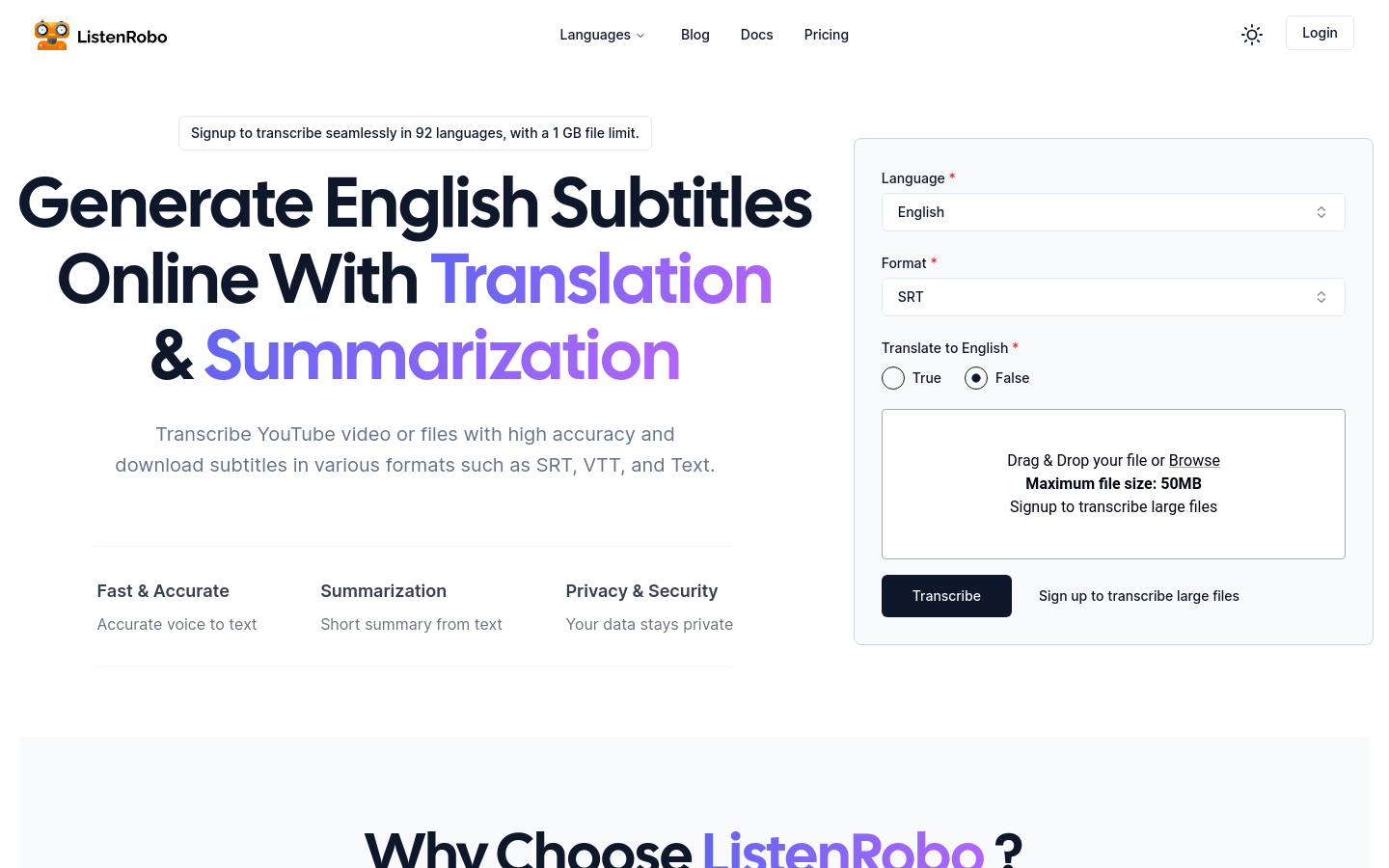
Screenshot archived from the listing page, for preview only.











