
LongToShorts
Long video to short clipsCut podcasts and vlogs into subtitled shorts
Highlights
What you can do with it
- Turn an hour-long vlog into ten short clips.
- Make subtitled clips from a podcast episode.
- Split a webinar into short, shareable segments.
How to use it
- 1 Open longtoshorts.com and sign up or log in.
- 2 Upload your long video file.
- 3 Wait for the AI to analyze, cut, and subtitle it.
- 4 Review the clips and download the ones you want.
Who it is for
Pros
- Free credits to start without paying.
- Automatic cutting, subtitles, and hooks.
- Multi-language support.
Limitations
- Free credits run out and continued use requires payment, and pricing can change.
- Auto-cut clips and scores still need review before posting.
- The spread score is a guide, not a promise of views.
What LongToShorts is
LongToShorts AI is an online tool that cuts a long video into short clips. You upload a podcast, vlog, or webinar, and it automatically splits the video into ten segments, each with subtitles, a hook, and a spread score that hints at how far it might travel. The goal is to save the time and effort of manual editing so long content can be reshared in short form. It supports several languages, including English, Spanish, French, German, Italian, and Portuguese. Free credits are offered so you can try it before paying, and paid use continues after the credits run out.
What you can do with it
- Turn an hour-long video into ten short segments.
- Add automatic subtitles to each clip.
- Get a hook and spread score to help you choose what to post.
- Handle content in several languages.
Who it is for
- Video creators repurposing long footage.
- Podcast hosts who want video clips from audio.
- Teams breaking webinars into short, shareable pieces.
What to watch out for
Free credits run out, and continued use requires payment, and pricing can change over time. The automatic cuts and scores are a guide, not a promise of views, so review every clip before you publish. Subtitle accuracy depends on the audio, so expect to fix names and jargon. It also needs a decent source video; poor audio or long stretches of talking heads will produce weaker clips that need more editing. For best results, start with a small test file and review the output carefully before working on anything important. Free tiers can change over time, so it is worth checking the current limits on the official page before you rely on the tool daily.
FAQ
Is there a free option?
Yes, it offers free credits and a free trial.
What does it make?
Ten subtitled short segments from one long video.
Which languages are supported?
Several, including English, Spanish, French, and German.
Why it is free
What the official page says: free creditsfree trial
Free limits, trial length and features are decided by the official site and can change at any time.
Product preview
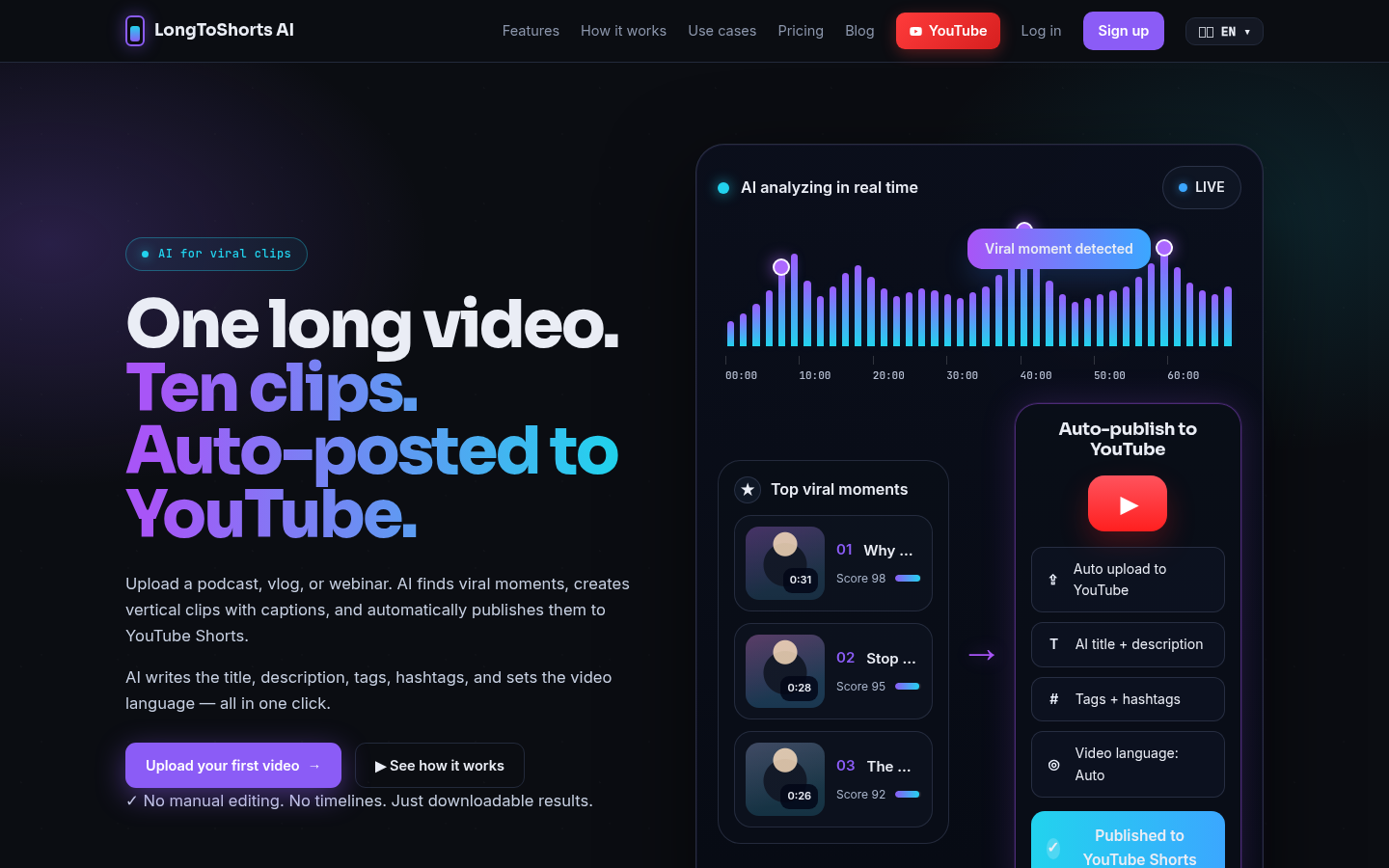
Screenshot archived from the listing page, for preview only.











