Loopple AI Website Builder
AI website builder for fast launchesBuild a website from a text prompt
Highlights
What you can do with it
- Quickly build a product showcase website for a startup
- Create a personal branding site as a freelancer
- Publish an online course website for an institution
How to use it
- 1 Visit the Loopple AI Website Builder website
- 2 Click Start for Free to begin creating your site
- 3 Input a prompt describing your site theme or purpose
- 4 Set preferences such as layout and color scheme
- 5 Let the AI generate the site, then preview and customize
- 6 Publish the finished website online
Who it is for
Pros
- Free trial available to test the builder
- No coding or design knowledge needed
- Fast generation and publishing workflow
Limitations
- Free trial can change and paid plans may follow
- AI-generated sites may still need manual fixes
- Customization is limited compared to hand-coding
What Loopple AI Website Builder is
Loopple AI Website Builder is an online platform that uses AI technology to help users create websites quickly. You only need to input prompts and set preferences, and the AI handles the rest without any coding or design knowledge. It is characterized by speed, ease of use, and free access, and a free trial is available so you can experience AI website creation at no cost. It particularly benefits small businesses and individual entrepreneurs who want to launch websites fast to promote their services.
What you can do with it
- Create a website from a text prompt
- Set layout and color preferences
- Customize the AI-generated site quickly
- Publish the site online
- Choose from free stylish website themes
Who it is for
- Small businesses launching a website quickly
- Individual entrepreneurs and freelancers
- Non-technical users who cannot code or design
What to watch out for
A free trial is available, but trial terms and any paid plans that follow can change over time. AI-generated sites often still need manual adjustments to look right, so expect to do some editing. Customization is more limited than hand-coding a site from scratch. Results depend on how clearly you describe what you want in your prompt. Name and archive exported files consistently so you can find and reuse them, and keep a backup copy of key data. When quality matters, export a small draft first to confirm the result before producing the final file. Features and interface details may change between versions, so review the latest notes on the page before you start. For team use, agree on naming and editing conventions in advance to avoid version conflicts or duplicated work.
FAQ
Is there a free trial?
Yes. A free trial lets you experience AI website creation at no cost.
Do I need coding skills?
No. You only input text prompts and preferences, and the AI builds the site.
Who is it for?
It suits small businesses and individual entrepreneurs who want to launch a site quickly.
Why it is free
What the official page says: free trial
Free limits, trial length and features are decided by the official site and can change at any time.
Product preview
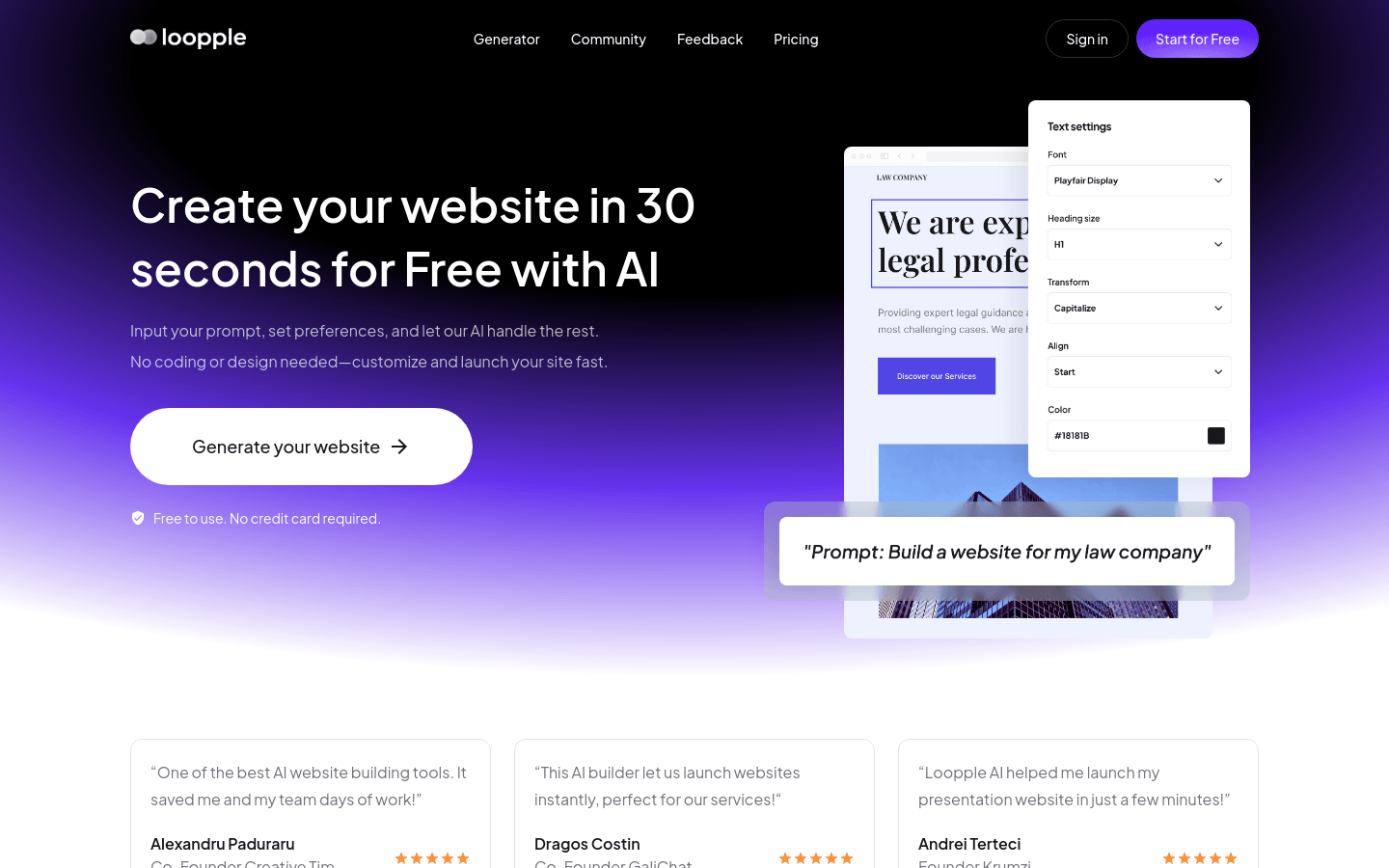
Screenshot archived from the listing page, for preview only.