Lynote AI
Free AI text detectorCheck if text was AI-generated
Highlights
What you can do with it
- Educators checking student submissions
- Writers verifying content originality
- SEO and content teams auditing website pages
How to use it
- 1 Open the Lynote AI website
- 2 Paste text or upload a document
- 3 Click the Detect AI button
- 4 Read the color-coded analysis
- 5 Review the highlighted sentences
Who it is for
Pros
- Free to use
- Supports several document formats
- Highlights likely AI-generated sentences
- Multi-language coverage
Limitations
- Detectors are probabilistic and not fully reliable; treat results as one input, not proof
- Accuracy claims cannot be independently guaranteed
- Free rules and features may change
- Should not be the only basis for academic or disciplinary decisions
What Lynote AI is
Lynote AI is a free tool that checks whether a piece of text was written by a human or generated by an AI model. It says it can identify content from systems such as ChatGPT, GPT-5, Gemini, Claude, and LLaMA, and it also offers paraphrase detection for text that has been rewritten. You can paste text directly or upload documents in docx, pdf, and txt formats. The results come back as a color-coded visual report that highlights the sentences most likely to be AI-generated, and the tool supports multiple languages including Spanish, French, and Portuguese. It is aimed at educators, students, content creators, and marketing teams.
What you can do with it
- Paste text or upload a document for analysis
- Check content against multiple AI models
- Look for paraphrased or lightly edited AI text
- Review color-coded highlights of suspect sentences
- Audit website pages and articles for originality
Who it is for
- Teachers and educators reviewing student work
- Students checking their own drafts before submitting
- Content and SEO teams auditing published pages
What to watch out for
AI detection is not exact. These tools look for patterns, and both humans and AI models can produce text that looks similar, so a result should never be treated as proof of misconduct. Schools and platforms have their own rules about AI use, and decisions based only on a detector can be wrong, with consequences falling on the person who acts on them. Always confirm with a human conversation or additional evidence before drawing conclusions. The free service may also change its limits, and accuracy claims from the vendor cannot be independently verified, so use it as one input among several.
FAQ
Is Lynote AI free?
Yes, it can be used for free.
What files can I upload?
docx, pdf, and txt files are supported.
Which AI models does it claim to detect?
ChatGPT, GPT-5, Gemini, Claude, LLaMA, and other advanced models.
Can I trust the result completely?
No, detection is probabilistic, so use it as one input alongside human review.
Why it is free
What the official page says: for free
Free limits, trial length and features are decided by the official site and can change at any time.
Product preview
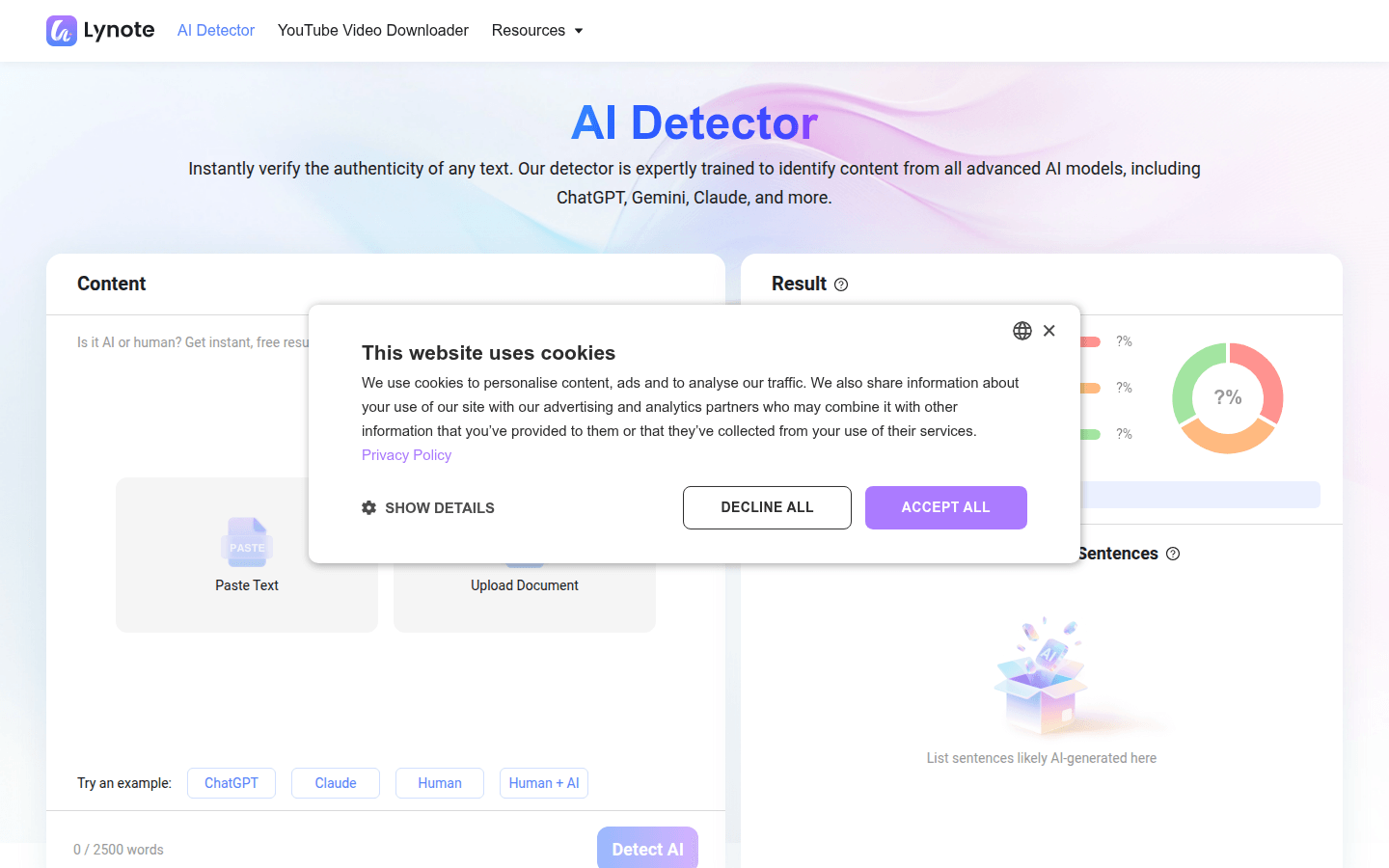
Screenshot archived from the listing page, for preview only.