
Lyto
AI Chrome extension for browser automationLet an assistant run your browser tasks
Highlights
What you can do with it
- Writers cutting research time during drafting
- Teams automating repetitive browser workflows
- Students using it as a study and research helper
How to use it
- 1 Add the Lyto AI extension from the Chrome page
- 2 Click the icon and complete settings and authorizations
- 3 Ask for tasks like research, form filling, or tab control
- 4 Connect Google services, GitHub, or Figma as needed
Who it is for
Pros
- Free to install with no stated cost
- Deep Google service integration
- Context memory reduces repeated copy and paste
- Works from mobile messaging apps too
Limitations
- Browser automation depends on page structure and can break
- Granting browser control means trusting the extension with your data
- Free terms may change as the product develops
What Lyto is
Lyto AI is a Chrome browser extension that acts as an assistant inside your browser. Once installed, it can open and close tabs, scroll pages, click elements, and fill out forms on your command. It integrates natively with Google Docs, Gmail, and Google Sheets, so document drafting, email handling, and spreadsheet creation can happen without switching tools. A context memory feature keeps track of information between tabs and tools, which means you stop repeating details when a task moves across apps. The extension is presented as free to install and use, and it can also send a daily agenda with your schedule, priorities, and reminders at a fixed time.
What you can do with it
- Automate tab management, scrolling, clicking, and form filling
- Draft and send email through Gmail integration
- Build spreadsheets and documents in Google Sheets and Docs
- Send instructions from WhatsApp or Telegram
- Research topics across websites and compare prices
- Connect GitHub and Figma for code and design help
Who it is for
- Students preparing for exams who want a study helper
- Enterprise employees who handle repetitive browser processes
- Freelancers such as writers who research and draft all day
What to watch out for
Browser automation depends on the structure of each page, so a site redesign can break a workflow until it is adjusted. Granting an extension control over your browser is a significant permission, so review what it can access before connecting accounts. The page presents the tool as free, but free terms can change as the product evolves. Automation speed also depends on how clearly you phrase instructions, so expect a learning curve before workflows run smoothly. Review any automated action before it sends email or posts content on your behalf, since mistakes propagate quickly once a task runs unattended.
FAQ
What does Lyto AI do?
It is a Chrome extension that controls the browser, integrates with Google services, remembers context, and automates tasks like research and form filling.
Is Lyto AI free?
The page says it can be installed and used for free.
Which tools does it connect to?
Google Docs, Gmail, Google Sheets, GitHub, Figma, and messaging apps like WhatsApp and Telegram.
Who is it for?
Students, enterprise employees handling repetitive processes, and freelancers who do heavy research.
Why it is free
What the official page says: for free
Free limits, trial length and features are decided by the official site and can change at any time.
Product preview
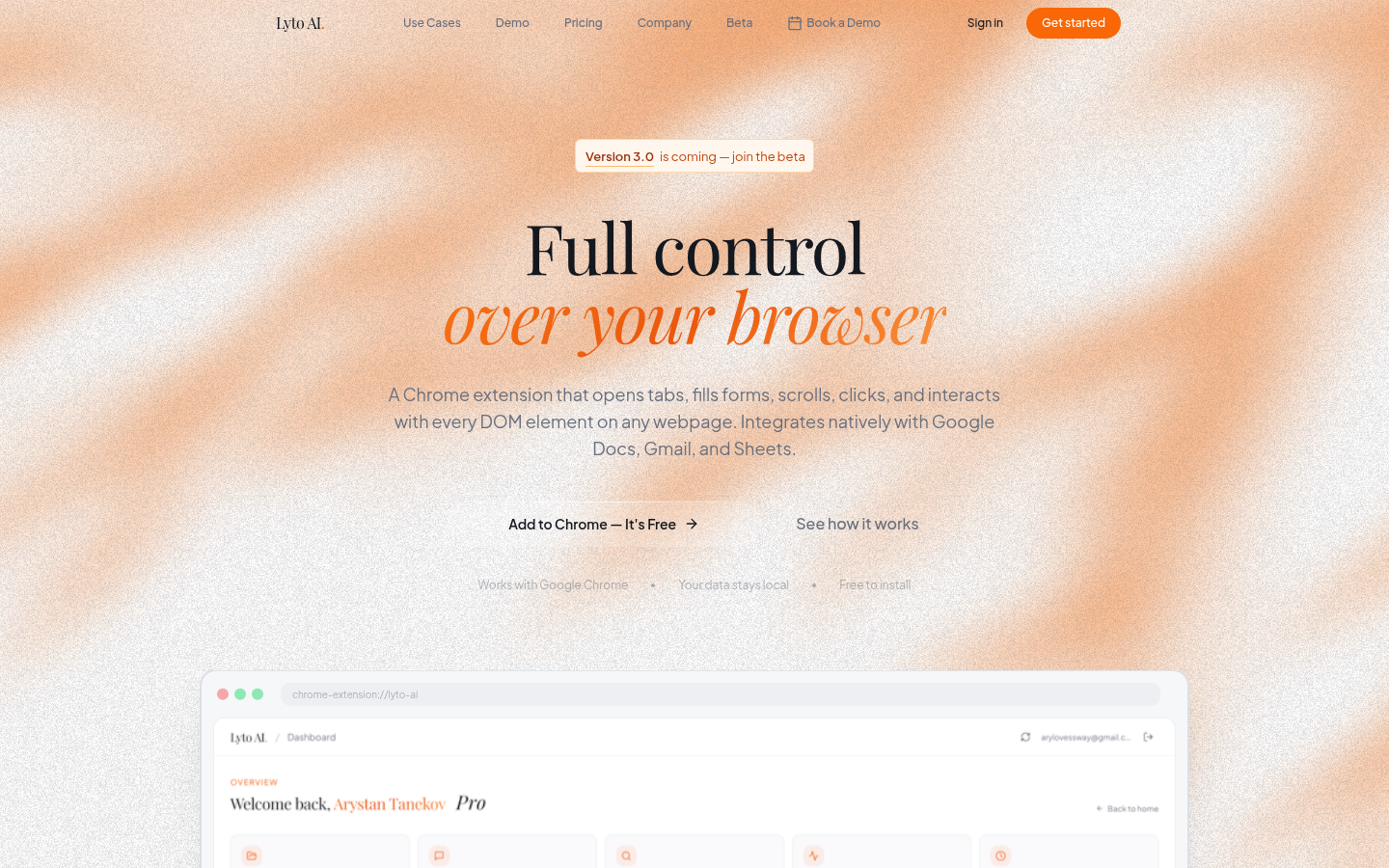
Screenshot archived from the listing page, for preview only.











