
Maestri
macOS canvas for running multiple AI coding agentsPut agents, terminals and notes on one canvas
Highlights
What you can do with it
- A large project where agents handle writing, testing and review
- A project manager tracking progress across separate canvases
- A student learning to code with agents and hand drawn diagrams
How to use it
- 1 Download the Maestri macOS build from the official site
- 2 Create a new terminal or AI agent on the canvas
- 3 Assign roles to agents using custom instructions
- 4 Sketch architecture on the canvas and connect sticky notes
- 5 Switch workspaces with tmux style shortcuts
Who it is for
Pros
- One workspace instead of a pile of windows
- A free version exists before the one time pro purchase
- A local assistant summarises finished agent work
Limitations
- macOS only, so Windows and Linux users cannot run it
- The free version is limited against the paid professional version
- Running several agents at once uses real machine resources
What Maestri is
Maestri is a terminal application for macOS built around an infinite canvas. Instead of juggling windows for each AI agent, you place several agents, terminals, sketches and sticky notes on one surface and arrange them however suits the task. The problem it targets is context switching: developers who run more than one agent lose time moving between windows and re-explaining what they are working on. Agents on the canvas can communicate, delegate tasks and hand work over, and you can create reusable roles with custom instructions so each agent knows its job. The canvas pans and zooms freely, each project can have its own workspace, and you can open the current project in an editor such as VS Code, Zed or Xcode with one click. A local assistant named Ombro monitors agent status and summarises completed work.
What you can do with it
- Run several AI agents side by side on one canvas
- Give agents reusable roles with custom instructions
- Draw architecture diagrams next to your terminals
- Let sticky notes capture progress, summaries and decisions
Who it is for
- Developers who work with multiple AI coding agents
- Project managers who want agent output without reading every log
- Students learning programming with AI help and visual notes
What to watch out for
It only runs on macOS, so it is not an option on Windows or Linux. The free version is limited and the professional version is a one time 18 dollar purchase, so check what is included before you pay. Running several agents and terminals at once takes real CPU and memory, so an older machine may struggle. As with any AI coding tool, review generated code before you commit it.
FAQ
What does it cost?
There is a free version and a one time professional version for 18 dollars.
Which platform?
It is a macOS application.
Which agents can I run?
The documentation mentions agent types such as Claude Code and Codex.
Why it is free
What the official page says: free version
Free limits, trial length and features are decided by the official site and can change at any time.
Product preview
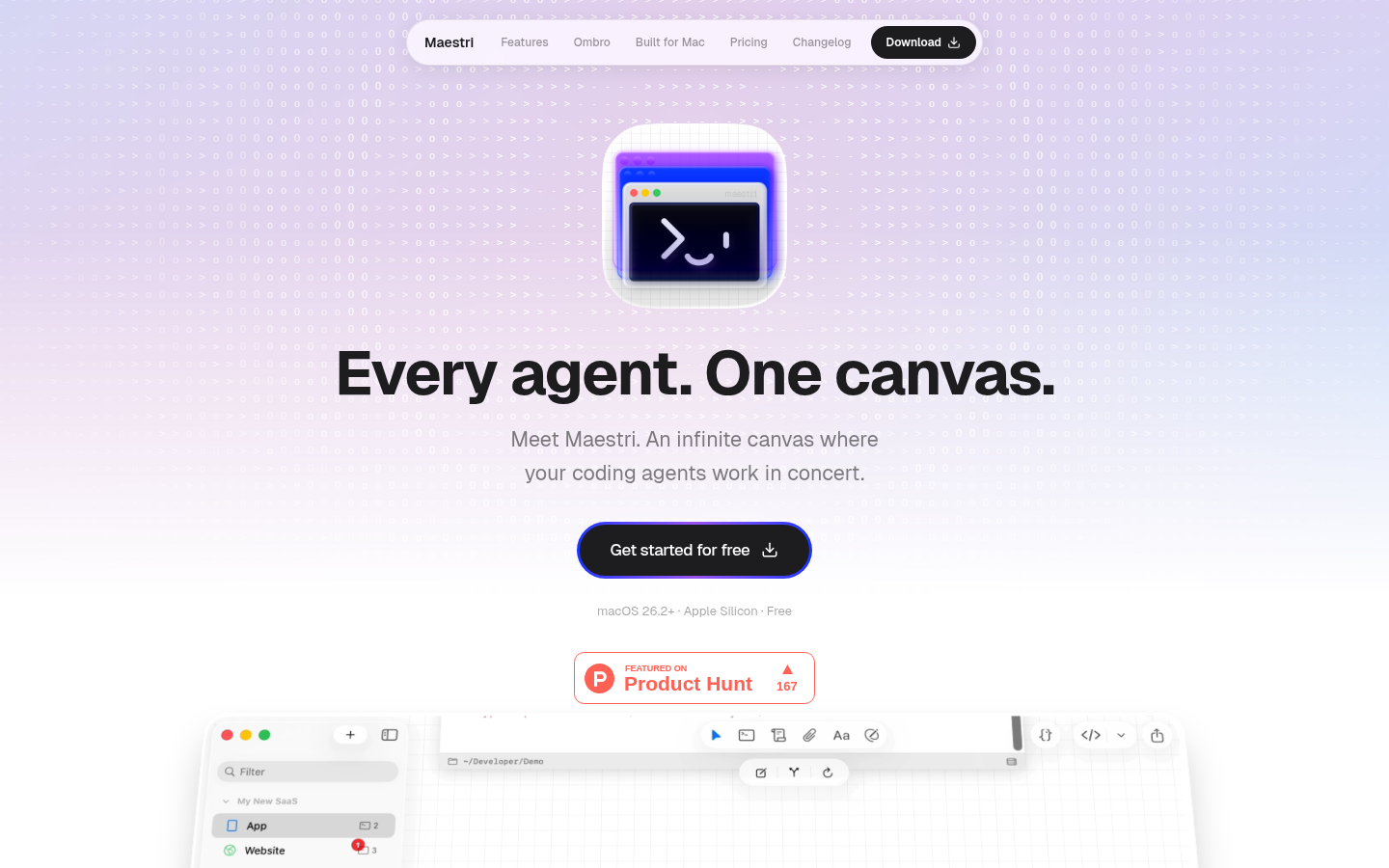
Screenshot archived from the listing page, for preview only.











