
Magic Clips by Submagic
Long video to short clipsAI finds strong moments for shorts
Highlights
What you can do with it
- Cutting a travel vlog into vertical clips
- Turning a product demo into several short ads
- Repurposing a long form video for Shorts and Reels
How to use it
- 1 Sign up and log in to the platform.
- 2 Upload a long video or paste a YouTube link.
- 3 Let the AI select and edit the clips.
- 4 Add subtitles, B-roll, sound effects and music.
- 5 Preview the short video.
- 6 Export and publish it to your platforms.
- 7 Adjust your approach based on how it performs.
Who it is for
Pros
- Automates clip selection and trimming
- Adds subtitles and effects in one place
- Free trial to test before paying
- Works from an upload or a YouTube link
Limitations
- The free trial is limited and the paid terms are not spelled out here
- Auto selection may miss moments you would have chosen
- It leans on third party models and stock footage sources
- Subtitles and output still need a human check
What Magic Clips by Submagic is
Magic Clips is a short video editing platform. You give it a long video, or a YouTube link, and its AI selects the moments worth keeping, trims them and arranges them into short vertical clips. On top of the cut it adds dynamic subtitles and can layer in B-roll from stock footage, images, GIFs, transitions and sound effects. The listing says the product is used by over 2 million users and that it is recognized by large brands, and it offers a free trial so you can produce a short video before you pay for anything. It is aimed at social platforms including Instagram Reels, TikTok, YouTube Shorts and Facebook Reels.
What you can do with it
- Turn a long video into several short clips.
- Add dynamic subtitles automatically.
- Enhance clips with B-roll, images, GIFs and sound effects.
- Export and publish to Reels, TikTok, Shorts or Facebook.
Who it is for
- Social media creators who post short form video.
- Business owners cutting product videos into ads.
- Content marketers who need volume from one shoot.
- Anyone sitting on long footage with no time to edit it.
What to watch out for
The free trial is a way to test the tool, not a permanent free plan, and the listing does not spell out what happens when it ends, so check current pricing before you commit. Automatic selection is a guess at what will hold attention, and it can pick moments you would not have, so review every clip before it goes out. The service leans on external models and stock footage, so availability and results depend on those sources staying up. Subtitles should be proofread, since speech recognition errors are common on names, jargon and accented speech, and the tone of the captions should be checked against your brand.
FAQ
Is there a free trial?
Yes, the listing says you can create short videos for free.
What input does it take?
A long video upload or a YouTube link.
What does it add to a clip?
Subtitles, B-roll, images and GIFs, transitions and sound effects.
Why it is free
What the official page says: for freefree trial
Free limits, trial length and features are decided by the official site and can change at any time.
Product preview
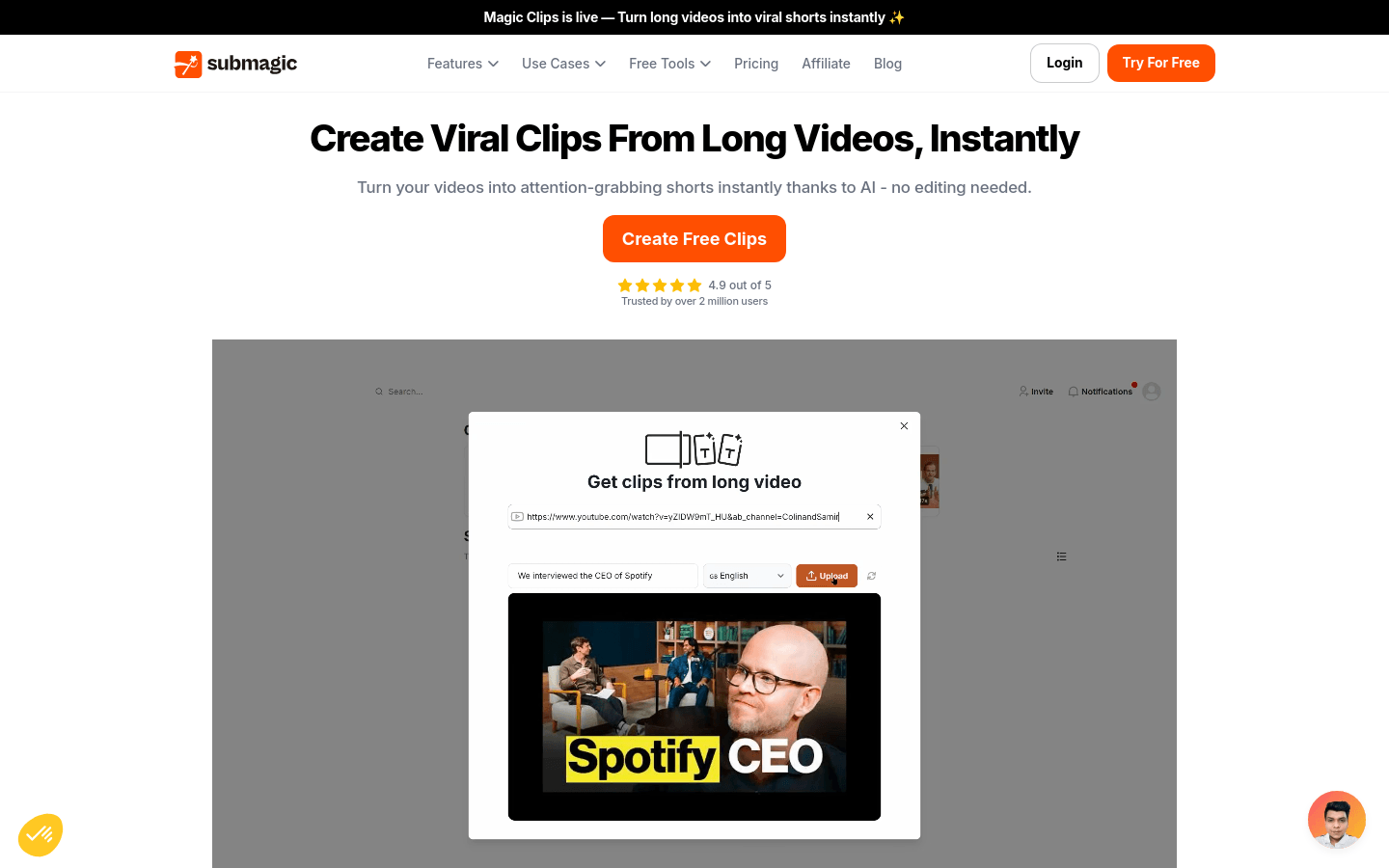
Screenshot archived from the listing page, for preview only.











