
Magicdog
One click CRM data import into Google SheetsCRM data straight into your spreadsheet
Highlights
What you can do with it
- Pull a HubSpot contact list into a sheet for a report.
- Sync Salesforce opportunities into Sheets on a schedule.
- Share CRM data with teammates who have no CRM access.
How to use it
- 1 Install the Magicdog add on for Google Sheets.
- 2 Connect your HubSpot or Salesforce account.
- 3 Map the CRM fields to the spreadsheet columns you want.
- 4 Run the import or set a refresh schedule.
Who it is for
Pros
- Removes manual export, download, and copy paste steps.
- Scheduled refresh keeps the sheet current on its own.
- A free version is available for basic imports.
Limitations
- The free version limits advanced features and reporting.
- It needs access to your CRM data, so permissions matter.
- Free plan rules can change and the site was not responding at review time.
What Magicdog is
Magicdog is a Google Sheets add on for pulling CRM data into a spreadsheet. With one click it imports records from HubSpot, and the same applies to Salesforce, which removes the usual export, download, and copy paste cycle that eats the first ten minutes of any reporting task. Beyond a single import it supports automatic import and scheduled refreshes, so a sheet can stay current without anyone remembering to run the sync by hand, which is the part that usually quietly breaks. It also handles data mapping and field alignment, and that matters more than it sounds, because a CRM and a spreadsheet rarely use the same names for the same thing. On top of that it offers reporting features for teams that analyse the data after the import. Magicdog has a free version and a paid version with more advanced features, so the split between the two is the first thing to check.
What you can do with it
- Import HubSpot records into Google Sheets in one click.
- Import Salesforce records the same way, without exporting a file first.
- Schedule refreshes so the sheet stays up to date on its own.
- Map CRM fields to spreadsheet columns and build reports from the result.
Who it is for
- Sales teams that report on pipeline and activity from a shared sheet.
- Marketing teams tracking campaign data alongside other numbers.
- Analysts and operators who spend their day in Sheets and need clean inputs.
What to watch out for
The free version limits the advanced features and reporting, so compare what you actually need against the paid tier before you commit to a process built on it. Connecting a CRM also means granting access to customer data, so check your organisation's rules and keep permissions as tight as you can, especially on accounts that hold contact details. Free plan rules and feature boundaries can change over time, and at the time of writing the site itself was not responding, so confirm it is available before you build a regular workflow around it rather than discovering the problem on reporting day.
FAQ
Which CRMs does Magicdog support?
HubSpot and Salesforce, both with one click import into Google Sheets.
Can imports run automatically?
Yes. It supports automatic import and scheduled refreshes, plus data mapping and field alignment.
Is there a free version?
Magicdog offers a free version and a paid version, with the paid tier adding more advanced features and reporting.
Why it is free
What the official page says: 免费版免费
Free limits, trial length and features are decided by the official site and can change at any time.
Product preview
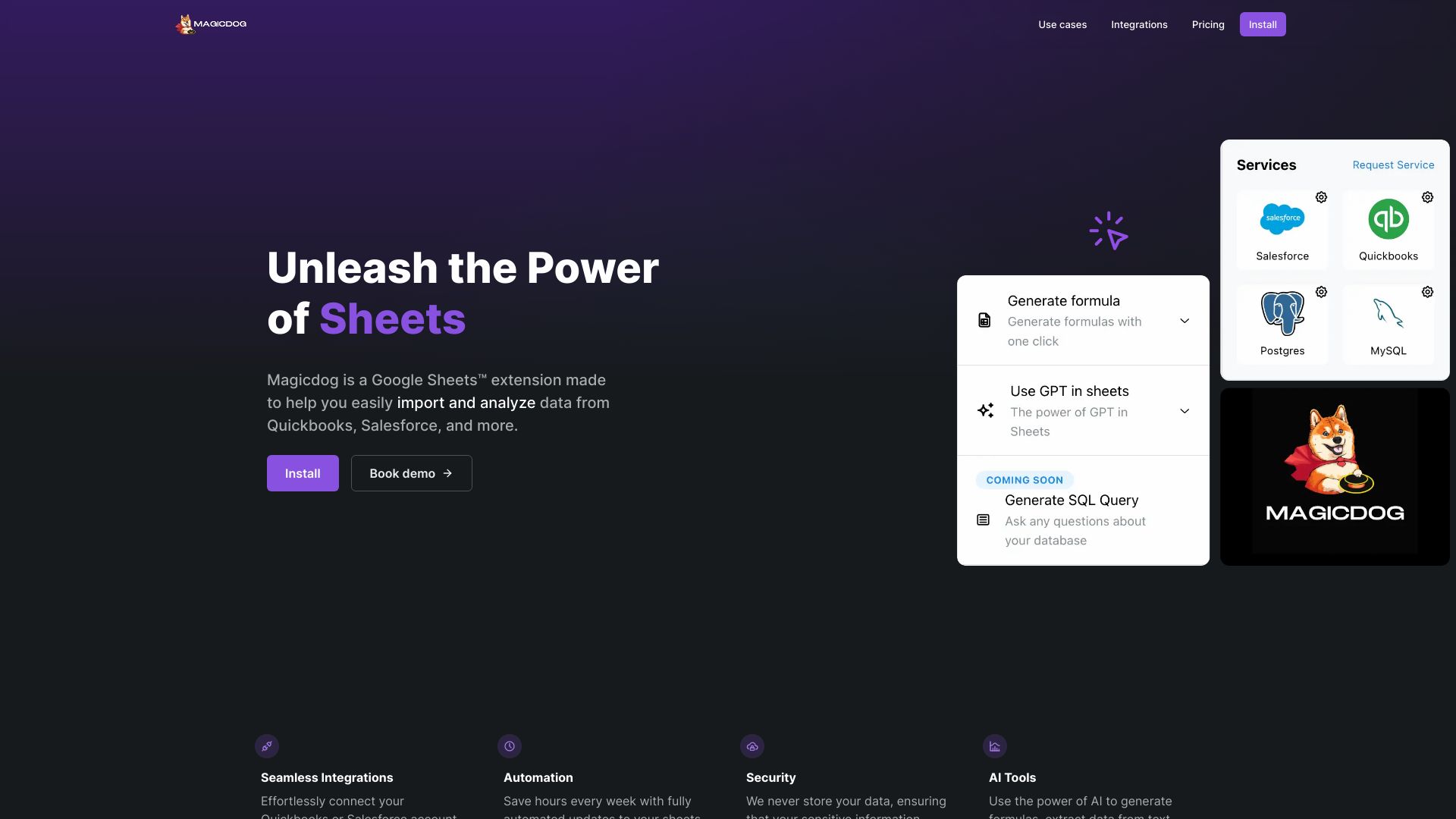
Screenshot archived from the listing page, for preview only.











