
Magicroll.ai
AI video editing platformOne-click B-roll, subtitles and backgrounds
Highlights
What you can do with it
- A video podcaster adds B-roll to an episode without sourcing clips
- An educator captions a lesson so it reaches a wider audience
- A product reviewer replaces a background to make the review pop
How to use it
- 1 Register on the Magicroll.ai site
- 2 Upload the video you want to edit
- 3 Choose the AI B-roll and visual enhancements you want
- 4 Adjust subtitles, picking language and style
- 5 Replace the background in one click if needed
- 6 Preview the edit, then download or share it
Who it is for
Pros
- Automation removes hours of manual B-roll sourcing
- Subtitles in multiple languages widen the audience
- Non-copyrighted material reduces licensing worry
Limitations
- Free access is a trial, with paid plans beyond it
- Automatic B-roll choices may not match your taste
- Automated edits still need a human pass before publishing
What Magicroll.ai is
Magicroll.ai is an AI video editing platform aimed at content creators who publish often. It analyzes your footage and inserts relevant B-roll automatically, which removes the clip-sourcing step that usually eats an afternoon. Visual enhancements lift the overall look, and subtitles are generated with high-precision transcription across multiple languages, which the site frames as both a reach and an accessibility feature for hearing-impaired viewers. Backgrounds can be replaced in one click for a more dynamic look, and B-roll selection can be tuned to the tone of your video and your own preferences. The material library draws on non-copyrighted images and video, which reduces licensing worry. The site is backed by several institutions and offers a free trial alongside paid plans.
What you can do with it
- Generate B-roll automatically from the content of your footage
- Enhance the visual quality of a video without manual grading
- Create subtitles in multiple languages
- Replace a background in one click
- Personalize B-roll to match the tone of the video
- Preview the edit and download or share the result
Who it is for
- Video podcasters who need B-roll without sourcing clips
- Educators who want captions for reach and accessibility
- Product reviewers who want more visual interest per video
- Any creator publishing on a schedule rather than per project
What to watch out for
Free access is a trial, with paid plans beyond it, so regular publishing means a subscription. Automatic B-roll is a suggestion, not a decision: the choices may not match your taste or your editorial judgment, and wrong-looking insertions can hurt a video more than help it. Automated subtitles need a proofread pass, because transcription errors in names and technical terms are common. The site says the material is non-copyrighted, but you remain responsible for checking that the clips you use are cleared for your purpose. Plan on a human review pass before anything goes live.
FAQ
What does Magicroll.ai automate?
It generates B-roll from your footage, enhances the visuals, creates subtitles in multiple languages, and replaces backgrounds in one click.
Where does the B-roll come from?
The site says it integrates non-copyrighted real images and video from a large library and the internet, and that B-roll can be personalized to the tone of your video.
Does it help with accessibility?
The site lists accessibility features that let hearing-impaired audiences enjoy video content, which in practice comes down to the subtitle generation.
Is it free?
A free trial is offered, with a range of paid plans for different needs. Check the site for current pricing.
Why it is free
What the official page says: free trial
Free limits, trial length and features are decided by the official site and can change at any time.
Product preview
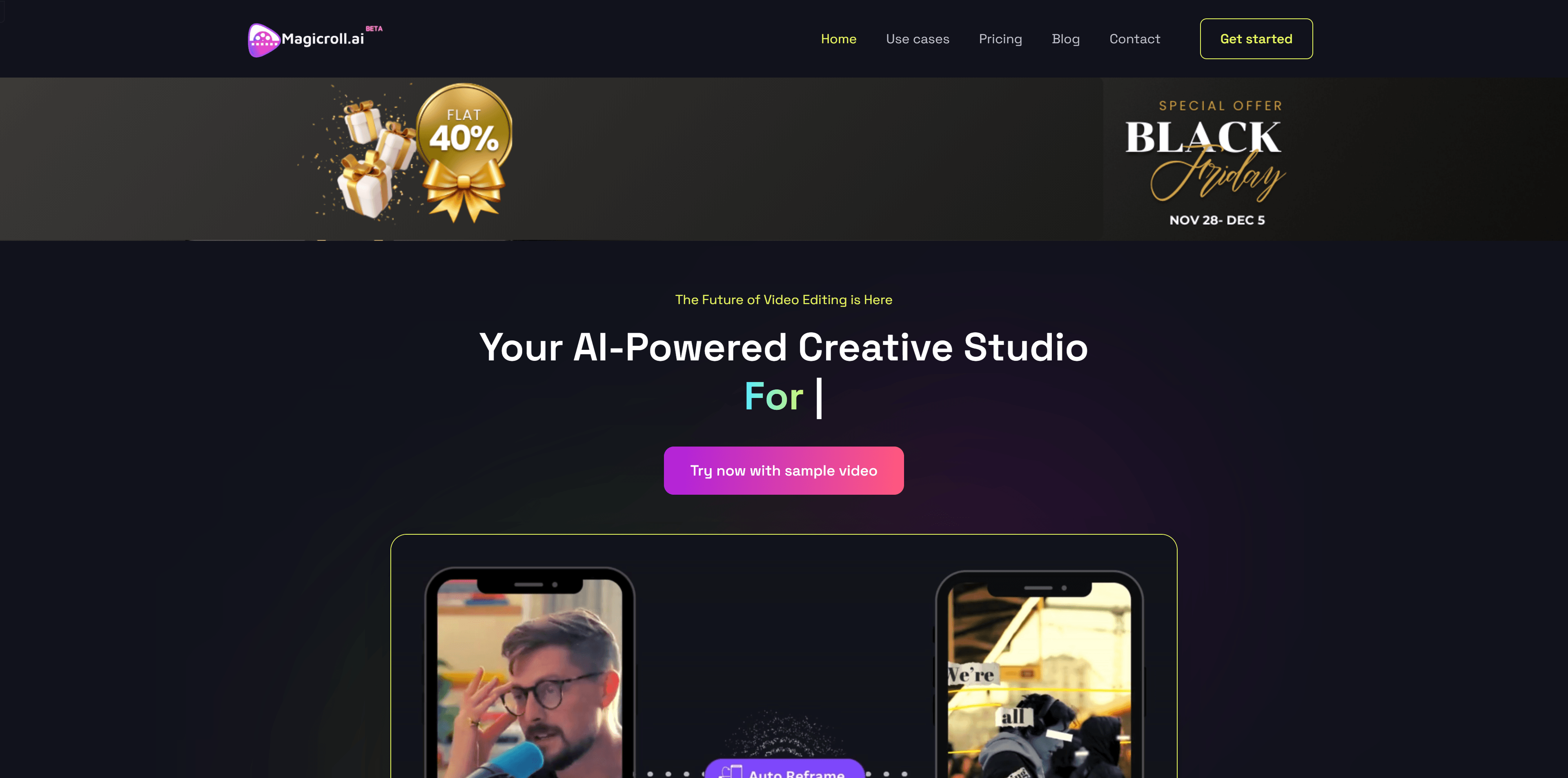
Screenshot archived from the listing page, for preview only.











