Maige
GitHub app that labels your issues automaticallyIssues labeled by AI, no busywork
Highlights
What you can do with it
- Keep a busy repository's issues sorted without manual triage
- Backfill labels across old issues in bulk
- Apply your own labeling rules with custom instructions
How to use it
- 1 Add the Maige app to your GitHub repository to start the free trial
- 2 Let new issues get labeled automatically
- 3 Comment to label a single existing issue or all old issues at once
- 4 Add custom instructions in a comment to control how labels are applied
Who it is for
Pros
- Automation removes repetitive manual labeling
- Bulk commands handle backlogs of old issues
- Custom instructions give you control over the rules
- Open source means you can inspect how it works
Limitations
- Labeling accuracy depends on the AI reading your issue text
- It only covers GitHub, so other trackers are out of scope
- The free trial ends, and continued use terms should be checked
- Trial terms and pricing can change, so confirm current details
What Maige is
Maige is an AI plugin for GitHub that automatically adds labels to your issues. You add it to your repository for a free trial, and from then on new issues are labeled as they arrive, which removes a repetitive triage task for maintainers. For existing issues, you can leave a comment to trigger labeling on a single issue or across all old issues at once, and you can include custom instructions in a comment to control how the labels are applied. It is an open-source project developed by the Rubric team, so you can inspect the code and understand exactly what it does with your data.
What you can do with it
- Let new issues get labeled automatically as they are filed.
- Backfill labels across old issues with a bulk comment.
- Apply your own rules by adding custom instructions in a comment.
Who it is for
- Repository maintainers facing a steady flow of new issues.
- Development teams that want consistent, automatic labeling.
- Open-source projects that need triage help without hiring.
- Anyone who wants a cleaner issue list without manual sorting.
What to watch out for
Labeling accuracy depends on how well the AI reads your issue text, and vague or poorly written issues may get poor labels, so encourage good issue templates to get better results. The plugin only covers GitHub, so if your team uses another tracker this is out of scope, and migrating labels between systems is still manual. The free trial ends, and continued use terms should be confirmed on the official page before you depend on it. Because it acts on your repository, review the permissions you grant it, and remember that trial terms and pricing can change over time.
FAQ
What does Maige do?
It is an AI plugin that automatically adds labels to GitHub issues.
How do I label old issues?
You can comment to label a single existing issue, or use the bulk comment to label all old issues at once.
Can I control the labels?
Yes. You can add custom instructions through a comment to guide how labels are applied.
Is it open source?
Yes. Maige is an open-source project developed by the Rubric team.
Why it is free
What the official page says: free trial
Free limits, trial length and features are decided by the official site and can change at any time.
Product preview
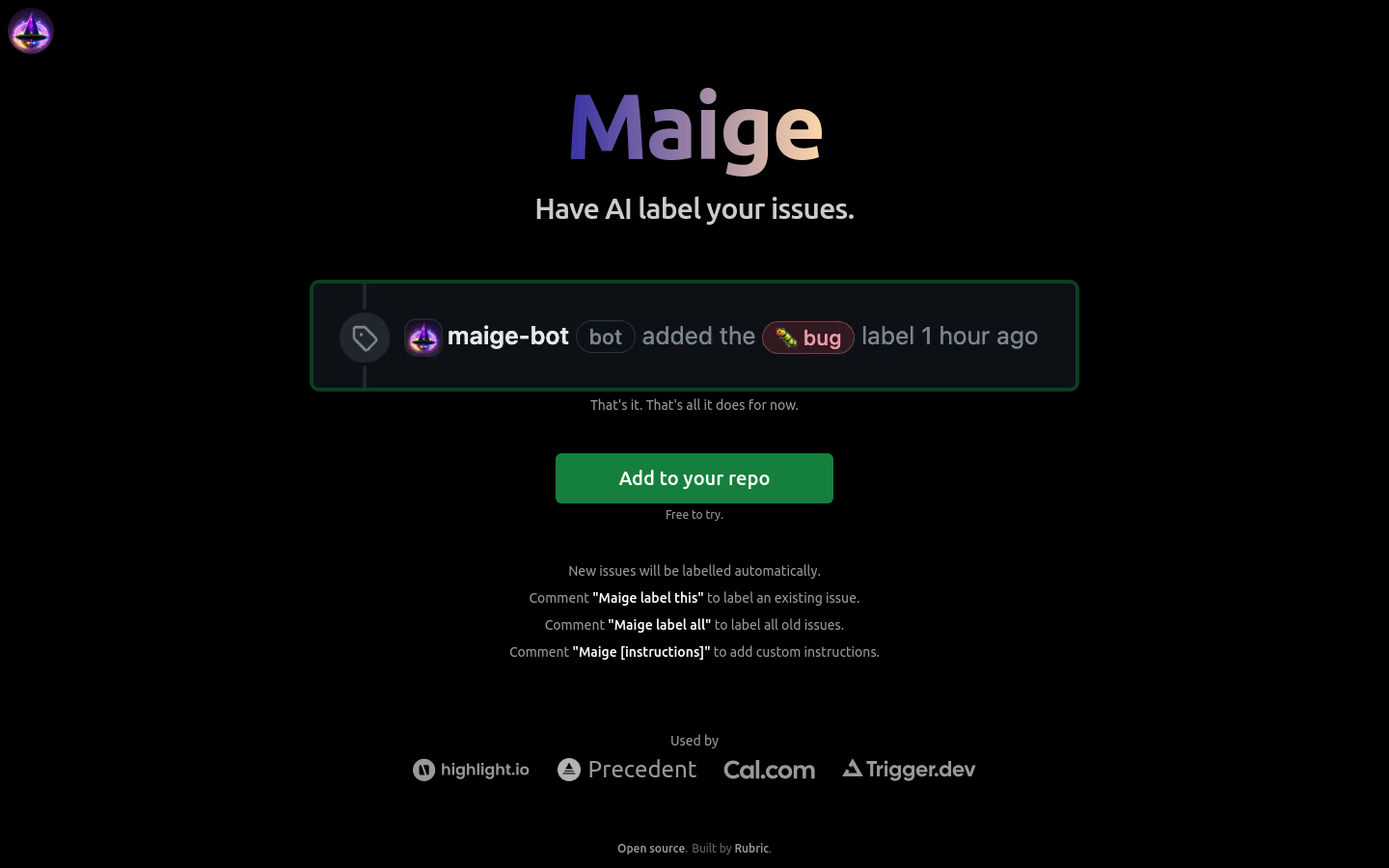
Screenshot archived from the listing page, for preview only.