
Mano
Chrome extension that puts ChatGPT beside your workUse ChatGPT in the page you are already on
Highlights
What you can do with it
- Ask about the article you are reading without leaving it
- Draft a reply using the text already on screen
- Save a useful conversation for later reference
How to use it
- 1 Install the Mano extension on Chrome, Edge, or another Chromium browser.
- 2 Open the extension where you are working.
- 3 Start a conversation, using the page context if you need it.
- 4 Save conversations or queries if you are on a paid plan.
Who it is for
Pros
- Free version with a usable daily allowance
- Works in the page, so less context switching
- Installs in a few steps on common browsers
Limitations
- Free version caps at 10 conversations a day
- Saving conversations needs the paid version
- Depends on ChatGPT availability and the extension being maintained
What Mano is
Mano is a Google Chrome extension that puts ChatGPT into your everyday work. Instead of copying context into another tab, you open the extension on the page you are already reading and ask there. The free version allows 10 conversations a day. The paid version adds features such as saving conversations, saving queries, and interacting with agents. Installation takes a few steps and the extension works on Chrome, Edge, and other Chromium-based browsers.
The convenience is the entire product. The friction it removes is small each time but adds up over a day: switching tabs, reselecting text, and pasting it back. Keeping the assistant inside the page means the context is already there, so a question about what you are reading takes one step instead of four. Ten conversations a day is enough to evaluate whether that workflow suits you.
What you can do with it
- Ask a question about the page you are on
- Draft or rewrite text using what is already on screen
- Save useful conversations and queries on a paid plan
- Interact with agents for repeated tasks
- Avoid tab switching while researching
Who it is for
- Knowledge workers who chat with AI while browsing
- Writers drafting next to their source material
- Researchers reading long pages with questions
- Anyone who dislikes switching tabs to ask a question
What to watch out for
The free allowance of 10 conversations a day runs out quickly during heavy use, and saving anything requires the paid version. The extension is a wrapper around ChatGPT, so its usefulness depends on that service staying available and on the extension being maintained through browser updates. Anything you type into the extension goes to the model provider, so avoid pasting confidential material or personal data. Paid features and limits can change with new releases, so check the current terms before relying on saved history.
FAQ
How many free conversations do I get?
10 conversations per day on the free version.
Which browsers are supported?
Google Chrome, Edge, and other Chromium-based browsers.
What does the paid version add?
Saving conversations, saving queries, and interacting with agents.
Why it is free
What the official page says: free version
Free limits, trial length and features are decided by the official site and can change at any time.
Product preview
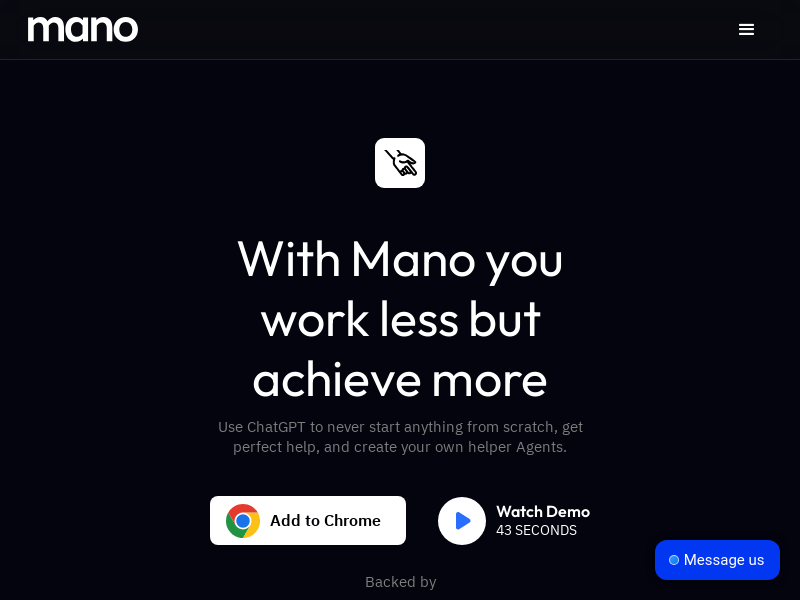
Screenshot archived from the listing page, for preview only.











