MarkItDown.pro
Free online file to Markdown converterDrop in a file, get clean Markdown
Highlights
What you can do with it
- Converting a Word draft into Markdown for a blog
- Turning documents into Markdown for documentation
- Cleaning up class notes into plain text
How to use it
- 1 Open the MarkItDown.pro site
- 2 Upload a file or paste a URL
- 3 Pick the conversion settings
- 4 Wait for processing to finish
- 5 Download the Markdown output
Who it is for
Pros
- Free with no registration required
- Batch conversion saves time on multiple files
- Clean and readable Markdown output
Limitations
- Complex layouts often convert imperfectly
- Free status and file size limits can change
- Sensitive documents should be weighed against the deletion promise
What MarkItDown.pro is
MarkItDown.pro is an online converter that turns documents into Markdown. It is supported by a Microsoft open source project and handles formats including PDF, Word, HTML and TXT. The workflow is deliberately minimal: upload a file or enter a URL, wait for the conversion, and download the Markdown. It is completely free, needs no installation and no account, and it supports batch conversion by letting you upload a ZIP containing several documents. The listing also states that uploaded files are deleted automatically.
What you can do with it
- Convert PDF, Word, HTML and TXT files into Markdown
- Convert several documents at once through a ZIP upload
- Paste a URL instead of uploading a file
- Download clean, readable Markdown code
Who it is for
- Bloggers who write in Word and publish on a Markdown platform
- Technical writers maintaining documentation in plain text
- Students organising notes into a portable format
What to watch out for
Conversion quality depends on the source. A simple document converts cleanly, while complex layouts with tables, multi-column text, images or heavy formatting often come out imperfect and need manual tidying. The claim that uploaded files are deleted automatically is a privacy reassurance, but if you handle confidential material, read the current policy before relying on it. Free status and file size limits can change, and because the tool is tied to an open source project, availability can shift with that project too. Generated suggestions are for reference only, so verify anything that affects professional judgment or important data. Start with a small sample to confirm the output meets your expectations before processing the full batch.
FAQ
Which formats does MarkItDown.pro support?
The listing names PDF, Word, HTML, TXT and more.
Do I need an account?
No, it says no account registration is needed to start using it.
Is it free?
Yes, it is described as completely free to use online without any downloads.
Why it is free
What the official page says: 免费
Free limits, trial length and features are decided by the official site and can change at any time.
Product preview
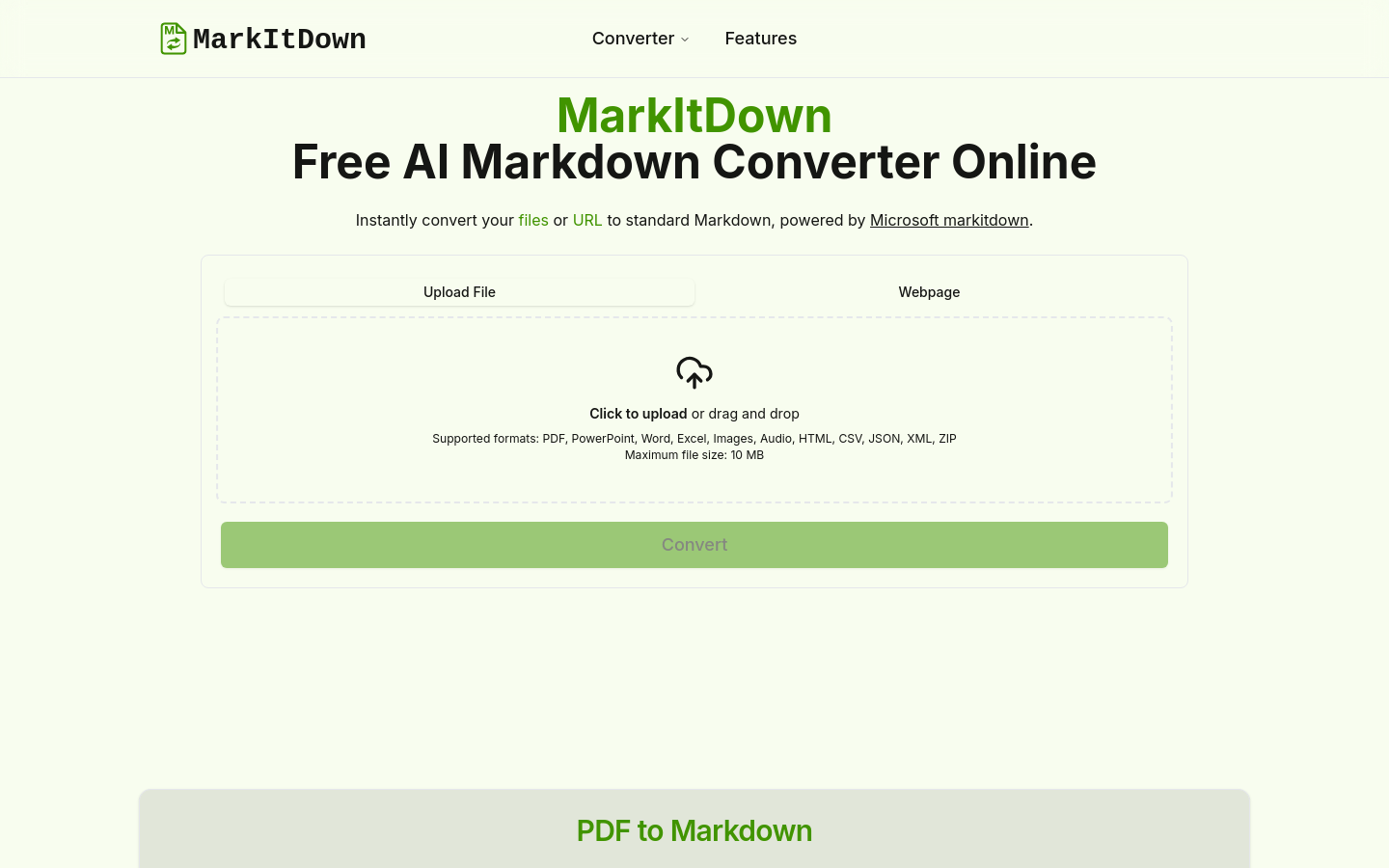
Screenshot archived from the listing page, for preview only.











