Markpaper.app
Markdown to PDF converterMarkdown to PDF, no install needed
Highlights
What you can do with it
- Turn an AI generated report into a shareable PDF
- Convert project documentation or a README for archiving
- Print meeting notes recorded in Markdown
How to use it
- 1 Open the Markpaper.app website in a browser
- 2 Copy Markdown from ChatGPT, Claude, GitHub, or notes
- 3 Paste it into the input box
- 4 Pick a theme such as academic, modern, or editorial
- 5 Use Print PDF and choose Save as PDF
Who it is for
Pros
- No installation and no account required
- Local processing keeps your text private
- Code highlighting and table rendering handle technical content
Limitations
- Free and unlimited is the current description, and that can change
- Output depends on your browser print dialog rather than a custom PDF engine
- Focused on Markdown only, with no editing or collaboration features
What Markpaper.app is
Markpaper.app is a browser based Markdown to PDF converter. You open the site, paste Markdown from anywhere, and the page renders it immediately. From there you pick a theme, such as academic, modern, or editorial, and use the browser print dialog to save a PDF. Code blocks get syntax highlighting and tables render without breaking, which is what makes it useful for technical writing. Because everything happens in the browser, your Markdown never leaves your device, and that local processing is the main privacy argument for the tool. The listing states it is free to use permanently, with no account registration and no usage limits.
What you can do with it
- Convert Markdown from AI assistants into a clean PDF
- Render code with syntax colours and keep tables intact
- Choose from professional themes for different document styles
- Print or save output without installing anything
Who it is for
- People who draft with ChatGPT, Claude, or similar assistants
- Developers and technical writers converting README files and docs
- Students and teachers working with Markdown formatted material
What to watch out for
There is no install, but there is also no offline app: you need a browser and a working connection. Because output goes through the browser print dialog, fine control over margins, headers, and page breaks is limited compared with a dedicated PDF engine. The tool only handles Markdown, so editing, collaboration, and version history live elsewhere. Long documents are also constrained by what the browser print path handles well. Finally, the free and unlimited description reflects the current state of a small tool, and that arrangement can change, so keep a local copy of anything important.
FAQ
Does Markpaper.app need an account?
No. The listing says it is free to use, with no account registration and no usage restrictions.
Is my content uploaded anywhere?
The tool runs entirely in the browser, and the description says Markdown content does not leave your local device.
Which formats can I start from?
Any Markdown text, including output from ChatGPT, Claude, GitHub README files, or meeting notes.
Why it is free
What the official page says: for freefree to use
Free limits, trial length and features are decided by the official site and can change at any time.
Product preview
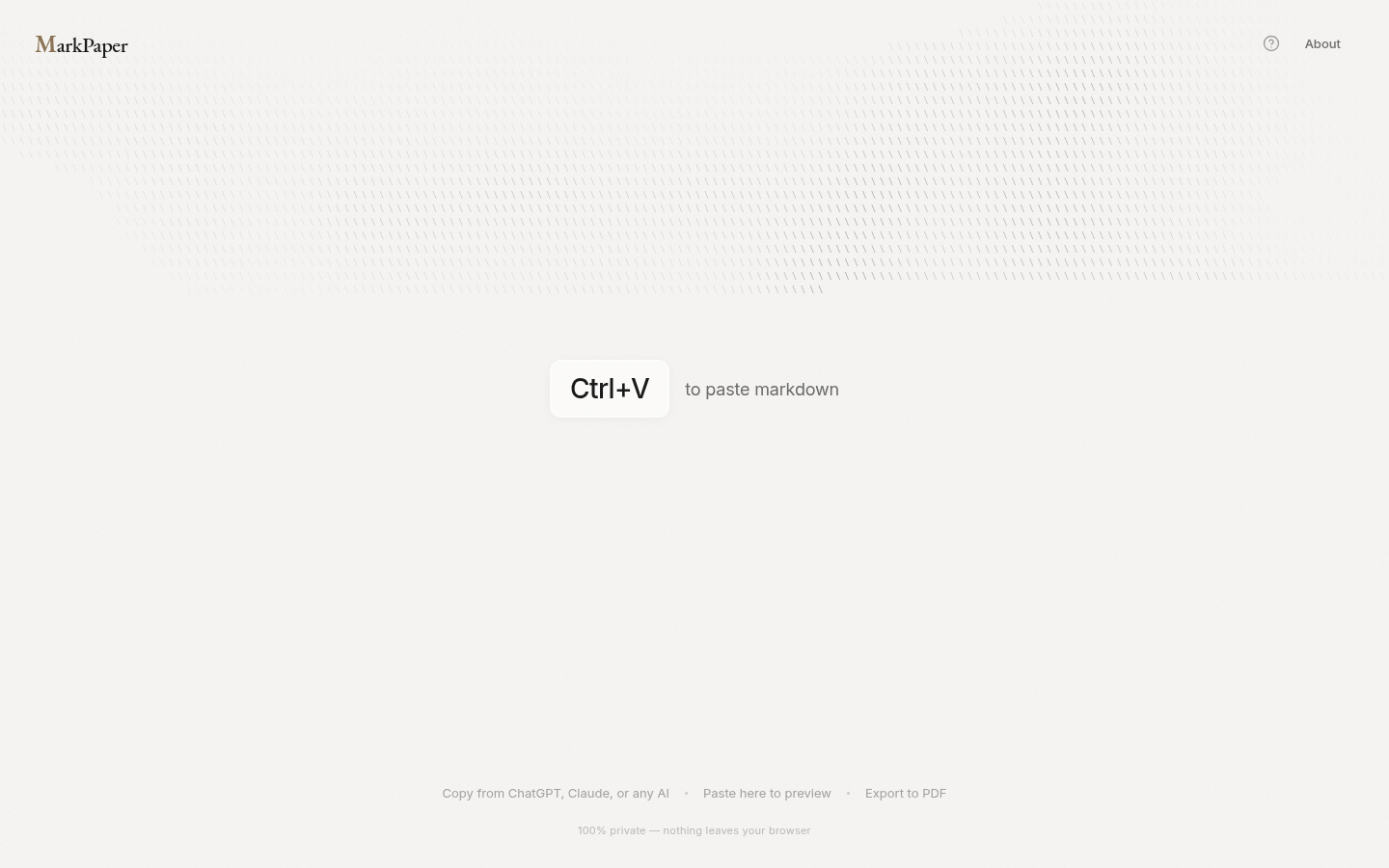
Screenshot archived from the listing page, for preview only.











