Maxworker.ai
AI colleague for Slack teamsTurn scattered context into finished work
Highlights
What you can do with it
- Generating a weekly sales update from CRM and chat data
- Delegating a task and getting automatic follow up
- Reading a morning briefing instead of checking five tools
How to use it
- 1 Add Max to your Slack workspace.
- 2 Describe a task in plain language instead of a process.
- 3 Let Max gather context from connected sources.
- 4 Review and approve the draft, summary, or task list.
Who it is for
Pros
- Pulls context together instead of another silo
- Human review is built into the output step
- Morning briefing replaces several manual checks
Limitations
- Only a three day Pro trial is offered before payment
- Integration coverage is limited at launch
- AI output needs approval and can still be wrong
What Maxworker.ai is
Maxworker.ai introduces an AI colleague called Max that works inside Slack. The problem it targets is scattered context: teams keep data in analytics tools, spreadsheets, CRM notes, and chat threads, and nobody has a clean picture. Max connects those sources, reads them when asked, and returns work products such as reports, drafts, summaries, and next step actions. Every morning it can send a briefing in Slack covering unfinished tasks, deadlines, and important messages. It also follows up on assigned tasks and nudges the right people. A three day free trial of the Pro plan is offered, with a fixed price after that and no surprise fees.
What you can do with it
- Delegate a task by describing the outcome you want.
- Get a morning briefing assembled from connected tools.
- Pull context from analytics, tables, CRM notes, and conversations.
- Receive drafts and summaries with sources attached for review.
- Track task progress with automatic reminders.
Who it is for
- Teams whose information is spread across many tools.
- Managers who need visibility on progress and assignments.
- Sales and operations teams working from lots of data.
- Cross functional groups that collaborate across departments.
What to watch out for
Only a three day Pro trial is offered, and after that a paid plan is required, so evaluate quickly. Integration coverage is limited at launch, and the roadmap to wider coverage is a plan rather than a current fact, so check whether your specific tools are supported before you commit. Max handles context that may include confidential business data, so review what you connect and who can see the output. AI summaries can be wrong, which is why the approval step matters and should not be skipped.
FAQ
Where does Max live?
It is integrated into Slack, so you interact with it there.
What does it produce?
Drafts, summaries, and task lists, along with the sources used.
Is there a free trial?
Yes, a three day free trial of the Pro plan is listed.
Why it is free
What the official page says: free trial
Free limits, trial length and features are decided by the official site and can change at any time.
Product preview
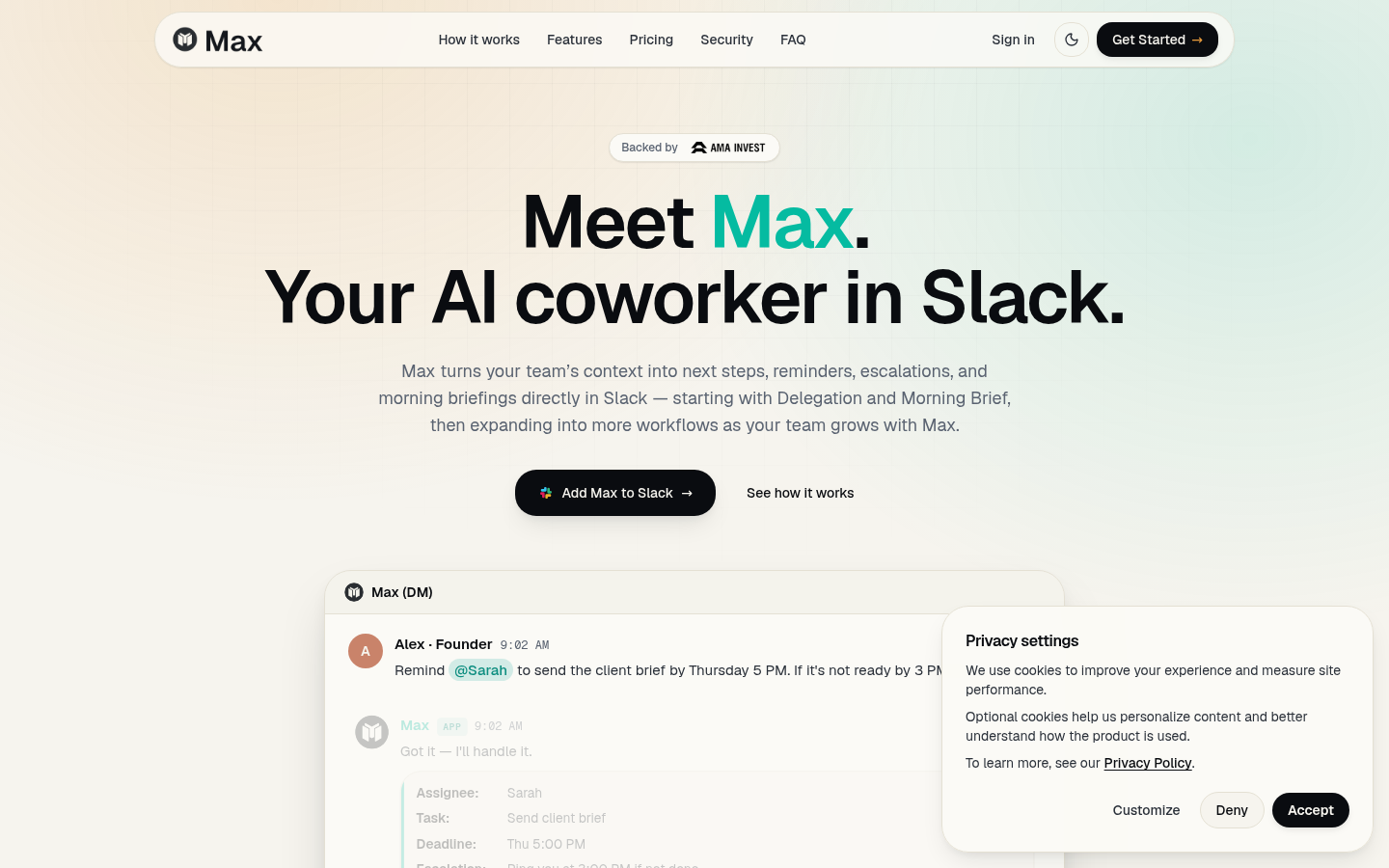
Screenshot archived from the listing page, for preview only.











