Meetily AI
Local-first meeting transcription and summariesTranscribe on device, no meeting bot
Highlights
What you can do with it
- A business team records a sensitive negotiation securely
- A medical team documents a case discussion under privacy constraints
- Anyone who cannot send meeting audio to a third party
How to use it
- 1 Download the client for your operating system.
- 2 Install it and open the client.
- 3 Choose the community version or buy the professional version.
- 4 Start recording before the meeting and check the microphone.
- 5 Stop afterwards, then read the transcript and generate a summary.
- 6 Pick local summarization or supply your own key.
Who it is for
Pros
- Free community version available
- Local transcription keeps audio on your machine
- No bot in the call, so participants are not disturbed
- Offline capability suits restricted environments
Limitations
- Local transcription quality depends on your hardware
- Desktop clients only, so no mobile recording
- Summary features need setup, either local or with your own key
- Recording still requires the agreement of everyone present
What Meetily is
Meetily is a meeting assistant that transcribes on your own device. The core decision is architectural: audio never leaves your machine, there is no cloud transcription step, and no meeting bot joins the call for other participants to notice. Summaries are pluggable, meaning you can generate them with a built-in local model or supply your own key, and the app works without an internet connection. The listing says the design follows common data protection and health privacy requirements. A free community version is available, and a professional version is priced per person per month when billed annually. The positioning is a privacy-first alternative to cloud transcription tools.
What you can do with it
- Record and transcribe a meeting entirely on device.
- Run without a bot appearing in the call.
- Generate summaries locally or with your own key.
- Work offline in restricted or low-connectivity environments.
- Review transcripts and summaries in the desktop client.
Who it is for
- Enterprises recording confidential business discussions.
- Medical institutions documenting case discussions under privacy rules.
- Research teams protecting unpublished data.
What to watch out for
Local transcription quality depends on your hardware. A modern laptop handles a clear meeting well; an older machine or a noisy room with several speakers will produce rougher text that needs more cleanup. It is desktop only, with clients for the two main desktop systems listed, so there is no mobile recording path. Summary features need setup, either a local model or your own key, and neither is entirely effortless. Most importantly, privacy architecture does not equal permission. You still need the agreement of everyone in the room before you record, and in many workplaces and jurisdictions covert recording breaks policy and law, with the consequences landing on you. Finally, because everything is local, backups are your responsibility, and a lost laptop means lost transcripts.
FAQ
Is there a free version?
Yes. The listing describes a free community version, with a professional version priced per person per month when billed annually.
Is there a meeting bot?
No. The listing says no meeting bots are used, so nothing joins the call visibly.
Is it compliant?
The listing says the design complies with common data protection and health privacy regulations. Compliance also depends on how you use it, so review your own obligations.
Why it is free
What the official page says: free to use
Free limits, trial length and features are decided by the official site and can change at any time.
Product preview
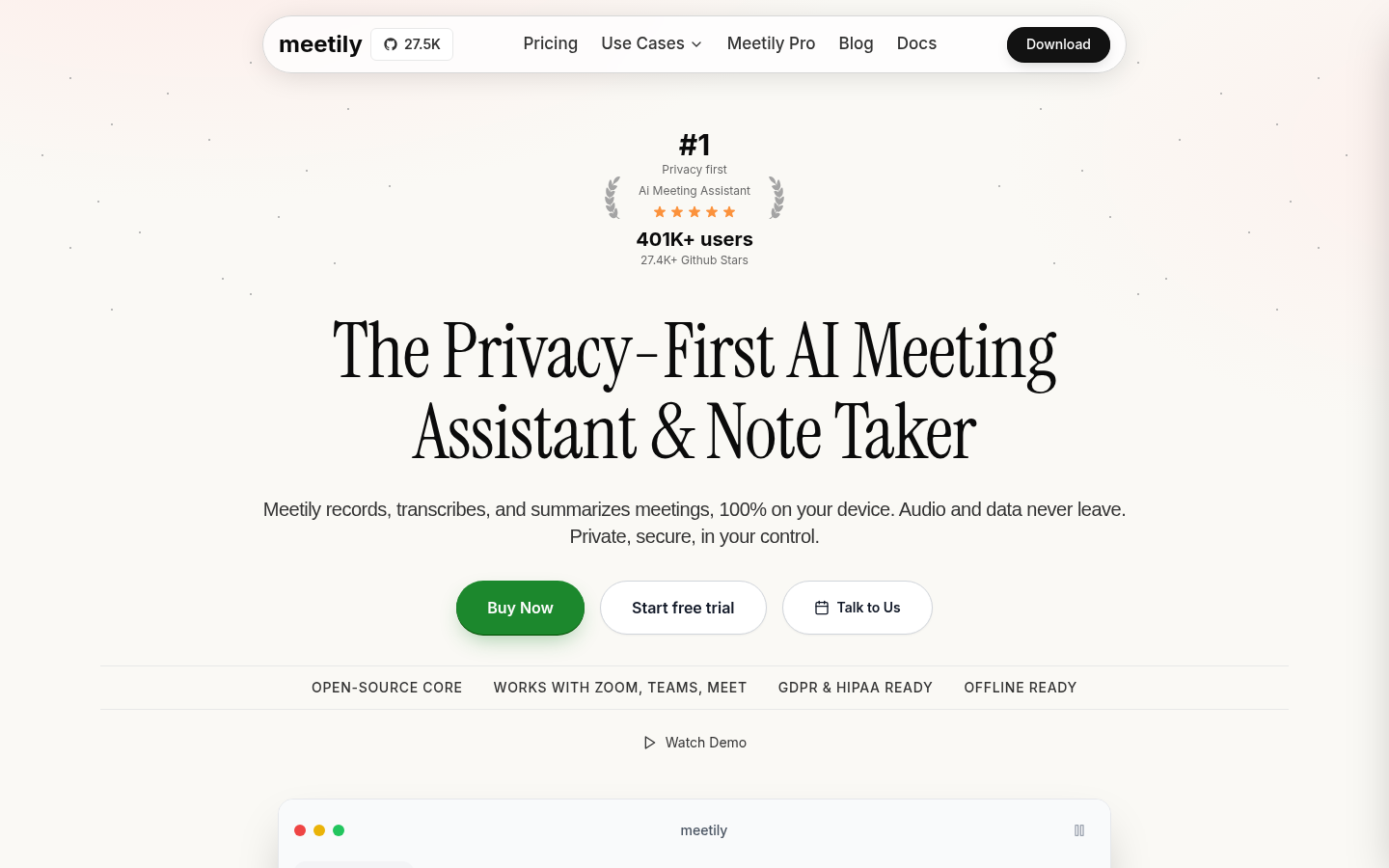
Screenshot archived from the listing page, for preview only.











