MemenomeLM
Turns PDFs into short learning videosConvert notes and slides into video with AI voices
Highlights
What you can do with it
- Turn course notes into a review video before an exam
- Convert a dense textbook chapter into something watchable
- Build supplementary teaching videos from slides
How to use it
- 1 Open the MemenomeLM site and register or log in.
- 2 Upload the PDF you want to convert.
- 3 Choose a video format, sound effects, and a voice.
- 4 Click generate and wait for the video to be produced.
- 5 Download or share the finished video.
Who it is for
Pros
- Turns static PDFs into something you can watch
- Format, sound, and voice choices give some control over the result
- The free version lets you test the workflow before paying
Limitations
- The free version limits how many videos you can generate, and those limits can change
- Premium features such as advanced voices and dedicated servers are paid
- Video summaries are not a replacement for reading the source material
What MemenomeLM is
MemenomeLM is an online educational tool that turns PDF documents into video. You upload a file such as a textbook, a set of notes, or a slide deck, and the platform converts the content into short video formats with sound effects, related images, and a choice of AI voices. The aim is to make review material easier to get through, particularly for students facing long reading lists. A free version is available, and a premium version adds more video generation opportunities, more advanced AI voices, and dedicated servers. Finished videos can be downloaded or shared, so they can be revisited later or passed around a study group.
What you can do with it
- Upload a PDF and convert it into a watchable video.
- Pick the video format and sound effects you prefer.
- Add generated images to support the text.
- Choose from several AI voices for the narration.
Who it is for
- Students revising large amounts of course material.
- Graduate students who study in short windows of time.
- Teachers building supplementary or online teaching videos.
What to watch out for
The free version caps how many videos you can make, and those limits can change, so heavy users should expect to move to a paid plan. A generated video is a summary, not a substitute for the source document, and details can be dropped or simplified along the way, so keep the original PDF for anything you have to quote. Advanced voices and dedicated servers sit behind the premium tier, so compare what the free plan actually includes before planning a study routine around it. Generation time also depends on the length of the document you upload.
FAQ
What files can I upload?
The listing mentions PDF files such as textbooks, notes, and slides.
Is there a free version?
Yes, a free version is offered, and the premium version adds more generation opportunities, advanced voices, and dedicated servers.
What can I do with the finished video?
The site says you can download or share it, then use it for review or teaching.
Why it is free
What the official page says: 免费版免费
Free limits, trial length and features are decided by the official site and can change at any time.
Product preview
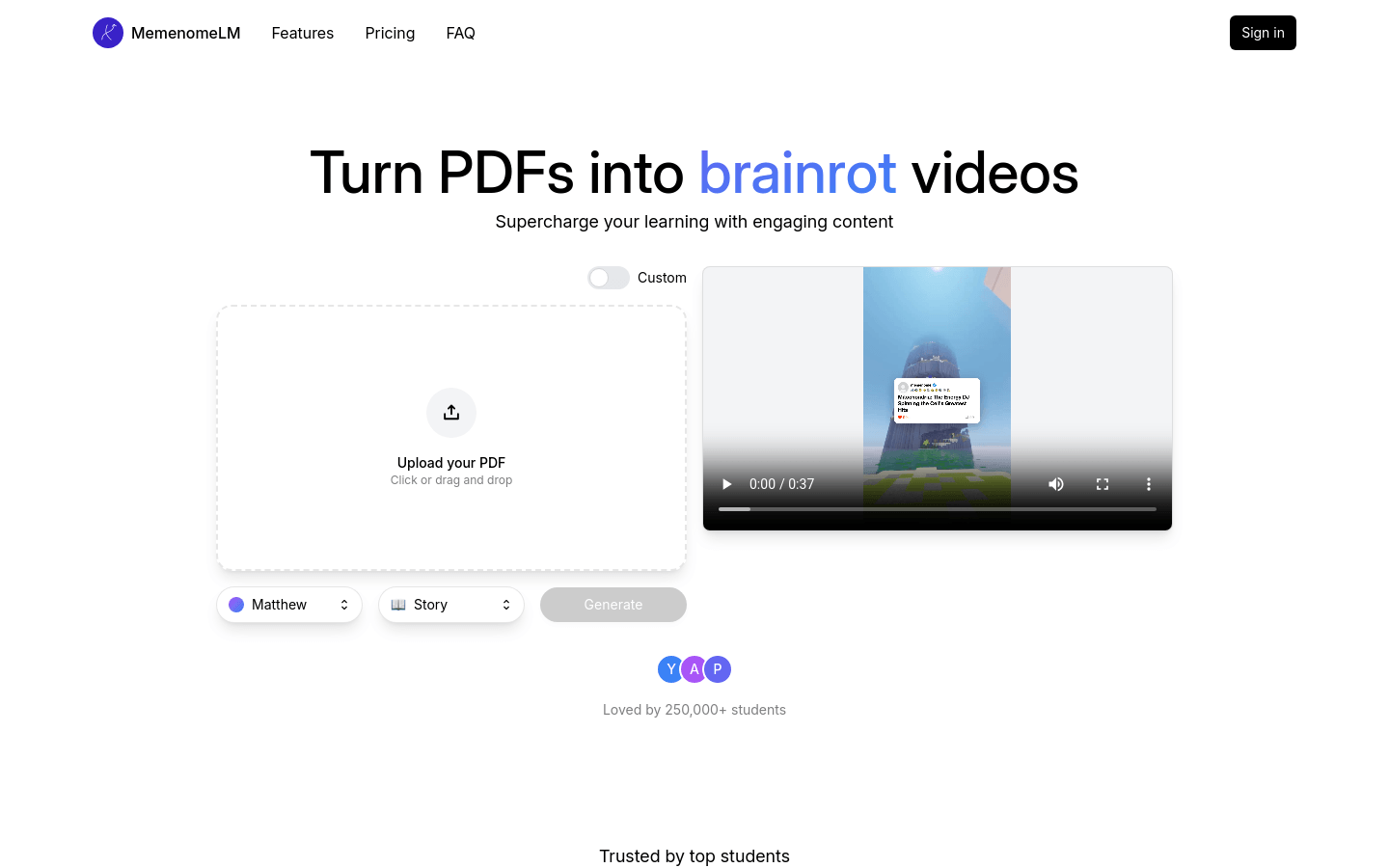
Screenshot archived from the listing page, for preview only.











