
MemeSwift
Smart productivity assistant for schedules and tasksSchedules, reminders, and tidier files
Highlights
What you can do with it
- Individuals keep a day and a week in order
- Teams coordinate shared schedules and tasks
- Users tidy scattered files while planning work
How to use it
- 1 Open MemeSwift and create your account.
- 2 Add your schedule and the tasks you track.
- 3 Let the assistant recommend priorities.
- 4 Organise files and review reminders daily.
Who it is for
Pros
- Planning, reminders, and files in one tool
- Recommendations adapt to how you work
- Free version available to start
Limitations
- Advanced features sit behind the paid version
- Site availability has been inconsistent
- Broad description leaves specifics unclear
What MemeSwift is
MemeSwift is a smart assistant presented as a productivity tool for people and teams who want their working day in one place. It covers four practical areas: schedule management so you can see what is coming, task reminders so nothing quietly slips, file organisation to reduce digging, and intelligent recommendations that adjust to your habits and needs rather than forcing a fixed system on you. The product is offered in a free version and a paid version, with the paid tier unlocking more advanced features, and it is aimed at both individual and team use rather than only one or the other.
What you can do with it
- Keep schedules and upcoming commitments in one view
- Set task reminders for work that must not slip
- Organise files next to the tasks they belong to
- Get recommendations shaped by how you already work
Who it is for
- Individuals who want a single planning hub
- Teams coordinating shared schedules and handoffs
- People with reminders and files spread across apps
- Anyone trialling a light productivity assistant
What to watch out for
The description is broad, so specifics such as platform support, integrations, and exactly which features are paid are not published in the material we have. Site availability has been inconsistent, which is a real risk if you plan to depend on it daily, so test it over a couple of weeks before you commit. The free version is a starting point, and the more advanced behaviour sits behind the paid tier, meaning the intelligent recommendations may be limited until you upgrade. As with any free tool, limits and pricing can change, so keep important schedules backed up somewhere else and do not make it the only record of your commitments.
FAQ
What does MemeSwift do?
It is a productivity assistant covering schedule management, task reminders, file organisation, and intelligent recommendations.
Is there a free version?
Yes. The description mentions free and paid versions, with the paid version adding more advanced features.
Can teams use it?
The product is described as suitable for both individual and team use.
Why it is free
What the official page says: 免费
Free limits, trial length and features are decided by the official site and can change at any time.
Product preview
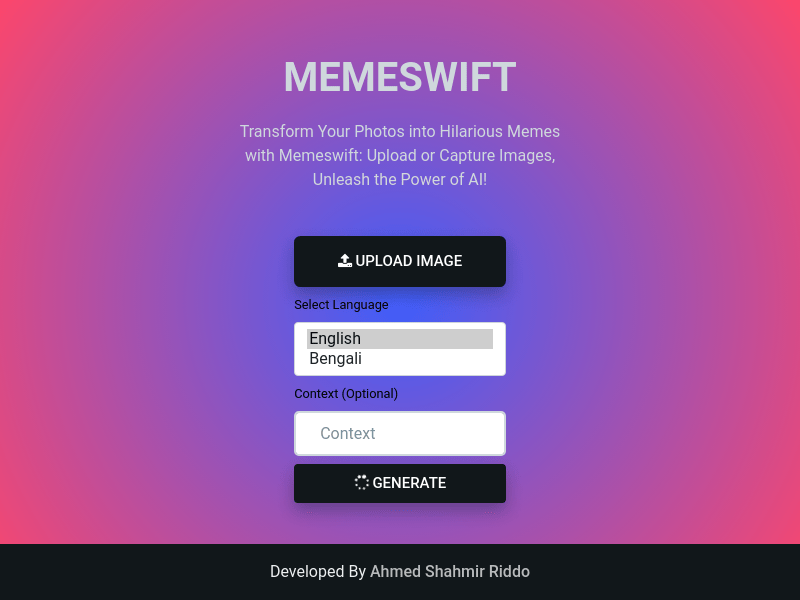
Screenshot archived from the listing page, for preview only.











