
MemFlow
Mac app that records and replays your screen and audioYour personal memory time machine, stored locally
Highlights
What you can do with it
- Search your past screen and audio activity by keyword or meaning.
- Get automatic daily work summaries and indexed meeting records.
- Replay past interactions to reproduce a setup or track a decision.
How to use it
- 1 Install MemFlow on your Mac and join the beta program.
- 2 Let it capture your screen, speaker, and microphone activity.
- 3 Use keyword or semantic search to find a past moment.
- 4 Open daily summaries or replay a meeting or setup when needed.
Who it is for
Pros
- Everything is processed and stored locally, which supports privacy.
- Makes past screen and audio activity searchable by keyword or meaning.
- Automatic meeting capture and daily summaries save recall effort.
Limitations
- It only runs on Mac, so it is not available on Windows or Linux.
- The six months of free use is tied to the beta program and may change when it ends.
- Because it records screen, speakers, and microphone, you must be deliberate about what gets captured and stored.
What MemFlow is
MemFlow is a Mac app that acts like a personal memory recorder. It captures what you see, say, and hear by recording your screen, speakers, and microphone, then turns screenshots and audio into searchable text using OCR and speech recognition. With AI search you can find any past moment by keyword or meaning, get daily work summaries, see context during calls, and replay interactions to reproduce a setup or track a decision. All data is processed and stored locally, which the app presents as a privacy advantage. Audio is compressed heavily to save space. A beta program currently offers six months of free use, and the app says it can save about 30 minutes a day. It is built for people who want to recall anything on their machine without manual note-taking, and it only runs on Mac.
What you can do with it
- Search past screen and audio activity by keyword or meaning
- Get automatic daily work summaries and indexed meeting records
- Replay an interaction to reproduce a setup or track a decision
- See contextual information while on a call
Who it is for
- Mac users who want a searchable record of their screen and audio activity
- Professionals in many meetings who need automatic, indexed notes
- Anyone who needs to reproduce a past setup or recall exactly when a decision was made
What to watch out for
It only runs on Mac, so Windows and Linux users cannot use it. Because it records your screen, speakers, and microphone, you need to be deliberate about what gets captured and stored, and be mindful of the people and information around you, even though processing is local. The six months of free use is tied to the beta program, and terms can change once the beta ends. Storage use is reduced by heavy audio compression, but continuous capture still fills space over time. Set up capture carefully and review what is recorded so the tool stays useful instead of overwhelming.
FAQ
What does MemFlow record?
It captures your Mac's screen, speakers, and microphone, then converts that into searchable text.
Where is my data stored?
The app says all data is processed and stored locally on your Mac.
Is it free?
It offers a beta program with six months of free use; terms after the beta may differ.
Why it is free
What the official page says: 免费使用免费
Free limits, trial length and features are decided by the official site and can change at any time.
Product preview
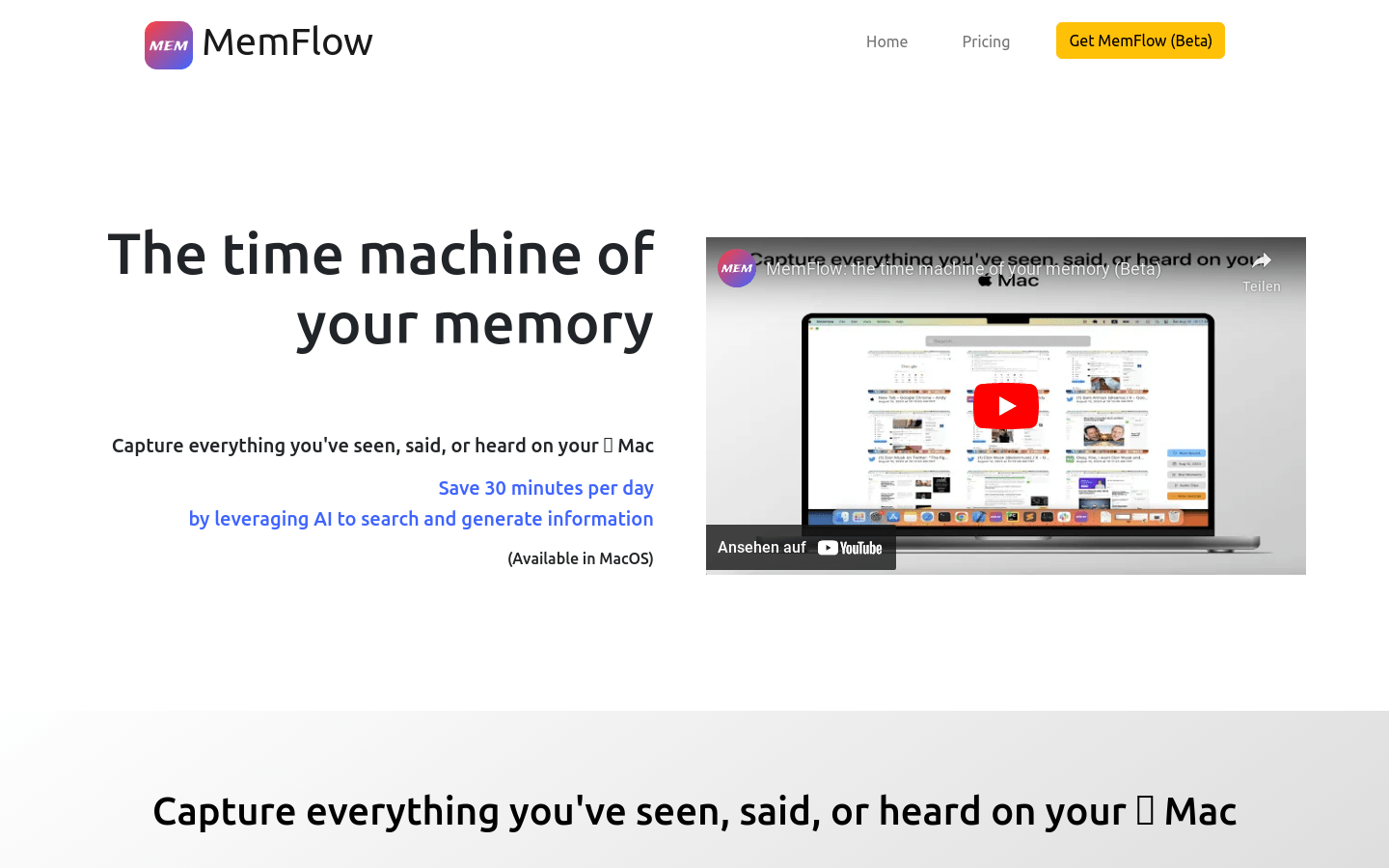
Screenshot archived from the listing page, for preview only.











