
Midas AI
AI assistant for Meta ads setup and optimizationDiagnose and tune Meta ads with AI
Highlights
What you can do with it
- A DTC brand owner checking an account before scaling spend
- An app marketer testing creative and audiences faster
- An e commerce team keeping ad costs under watch
How to use it
- 1 Register an account on the Midas website.
- 2 Run the free account diagnosis on your ad account.
- 3 Set your goals, such as awareness, sales, or conversions.
- 4 Review the campaign plan Midas generates, then launch.
- 5 Watch the dashboard and let automatic optimization adjust delivery.
Who it is for
Pros
- Free diagnosis gives you a read on your account before paying
- Automates planning and adjustment that is tedious by hand
- Goal and budget inputs shape the campaign plan
- Round the clock monitoring instead of periodic checks
Limitations
- The free trial ends, and pricing is not published on the page
- The big percentage claims come from the vendor and are not verified
- Ad results depend on creative, offer, and audience, not only on tooling
- You still need ad platform knowledge to judge what the tool does
- The site is very new, so there is little independent track record
What Midas AI is
Midas AI is an assistant for people who run Meta ads. The workflow it describes runs from account diagnosis through campaign launch and ongoing optimization: you connect, the tool reads your ad account, you set goals, and it builds a campaign plan and keeps adjusting delivery. The site says it draws on advertising experience worth billions of dollars and presents large reductions in manual setup time and advertising costs, along with gains in return on ad spend. There is a free account diagnosis and a free trial, with paid packages available afterwards. Treat the headline numbers as vendor claims: your own creative, offer, audience, and budget decide what actually happens.
What you can do with it
- Run a free diagnosis on your existing ad account
- Set goals and budget and get a campaign plan back
- Launch Meta campaigns without building every setting by hand
- Let the tool monitor and adjust delivery around the clock
- Track results on a dashboard instead of checking constantly
Who it is for
- DTC brand owners who run direct response campaigns
- App growth teams pushing installs and scaling spend
- E commerce sellers managing ads without an agency
- Advertisers who want to cut manual hours in the ads dashboard
What to watch out for
The free part is the diagnosis and the trial. After that you pay, and the page does not list prices. The percentages on the site, including large cuts in setup time and ad costs, are marketing claims from the vendor, not independent results, and they will not transfer automatically to your account. Advertising outcomes depend on creative, offer, audience, and budget as much as on tooling. You still need enough platform knowledge to read the dashboard and notice when the tool is optimizing toward the wrong goal. The site is very new, so there is little outside track record, and automated spend decisions should be reviewed before you hand over budget.
FAQ
Is there a free part?
Yes. The site offers a free account diagnosis and a free trial before paid packages.
Which platform does it support?
It is built for Meta ads.
How much can it cut costs?
The site presents large reductions in manual setting time and ad costs, but those are vendor claims and will vary by account.
Do I still need to watch my campaigns?
The tool monitors and adjusts automatically, but you should still review the dashboard and your own results.
Why it is free
What the official page says: free trialfree account
Free limits, trial length and features are decided by the official site and can change at any time.
Product preview
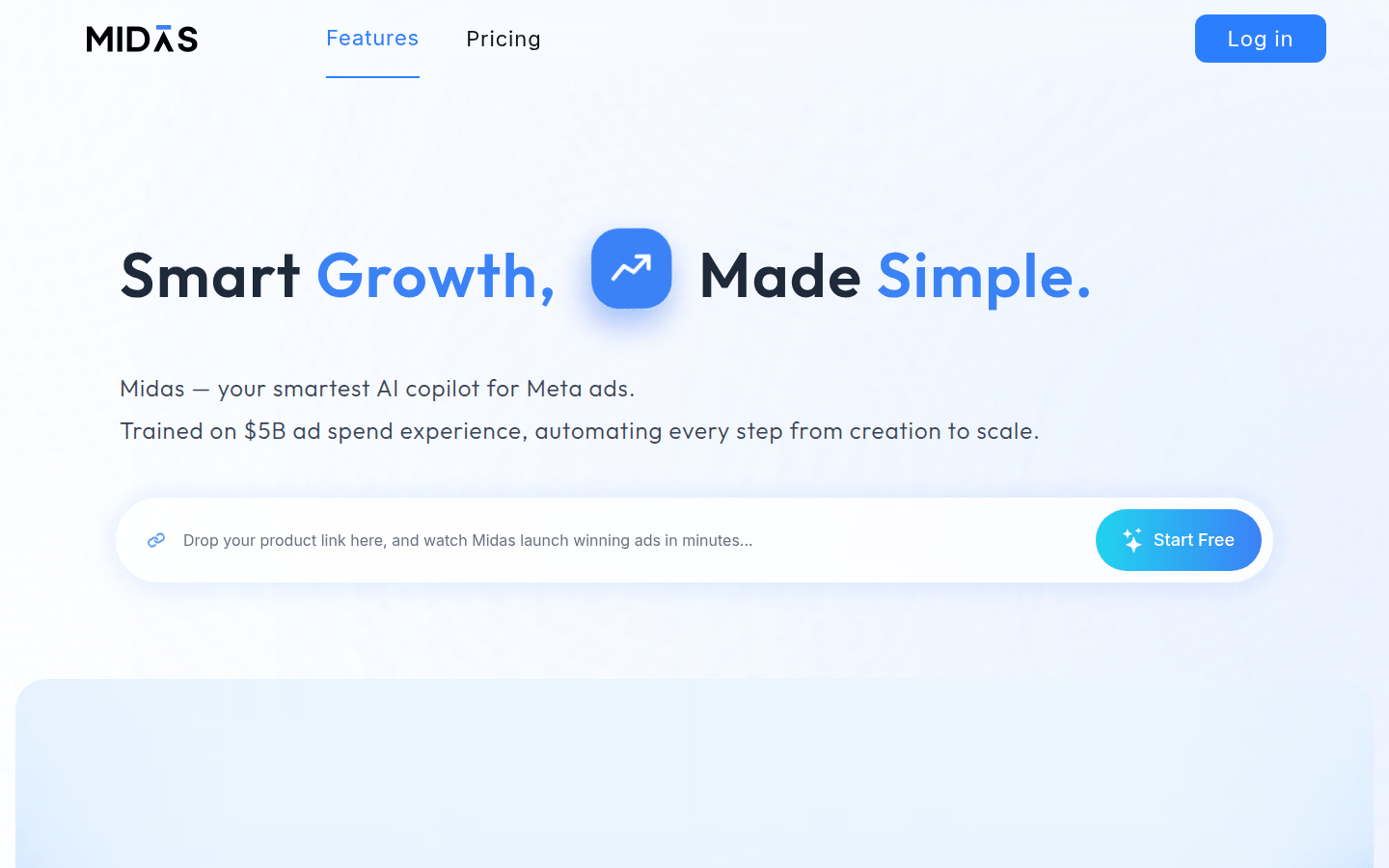
Screenshot archived from the listing page, for preview only.











