
Mina
AI meeting assistantMeetings that answer and act for you
Highlights
What you can do with it
- Answer product questions on a sales call and update the pipeline
- Run an engineering stand-up and create Jira tickets automatically
- Manage interviews, generate scorecards, and track candidates
How to use it
- 1 Visit getmina.ai and start the free trial
- 2 Register and complete OAuth authentication
- 3 Pick roles and skills such as sales engineer or Scrum master
- 4 Add Mina to Zoom, Google Meet, or Teams
- 5 Let it take notes and act during the meeting, then review the output
Who it is for
Pros
- Free trial to test before paying
- Works inside the meeting tools teams already use
- Automates notes, tickets, and CRM updates
Limitations
- After the trial, Pro costs $49 per month and enterprise pricing is custom
- Recording meetings raises privacy duties; get consent and follow policy
- Needs OAuth access to your tools, so permissions must be reviewed
What Mina is
Mina is an AI meeting assistant built by Purple Talk. It joins meetings in real time through Zoom, Google Meet, and Microsoft Teams, speaks up when appropriate to answer questions about accounts, retrieves the latest data, and shares key updates. It takes careful notes, remembers what was discussed and decided, and lets you query meeting records, speakers, and timelines afterward. During the meeting it can generate summaries, proposals, and action items, update CRM systems and dashboards, and automatically submit tickets. It ships with around 40 built-in skills, connects to more than 200 tools such as Slack, HubSpot, Salesforce, and Jira, and can act as a sales engineer, Scrum master, recruitment specialist, customer success manager, or training coach.
What you can do with it
- Join scheduled meetings on time across major meeting platforms
- Answer account questions and pull the latest data live
- Generate summaries, proposals, and action items during the call
- Update CRM records, dashboards, and ticket systems automatically
- Play roles such as sales engineer, Scrum master, or recruiter
- Query meeting memory afterward for decisions and timelines
Who it is for
- Sales teams who need live answers and pipeline updates on calls
- Engineering teams running stand-ups and tracking issues
- Recruitment, customer success, and learning teams who live in meetings
Any team that spends its day in calls and loses time to follow-up work can use it to close that gap.
What to watch out for
After the free trial, Pro costs $49 per month and enterprise pricing is custom, so this becomes a recurring cost. Because Mina records and processes meetings, you have privacy duties: get consent from participants and follow your company policy and local rules before letting it join. It requires OAuth access to your tools, so review those permissions carefully, and note that the page stresses users control when it acts. Automated output is a draft, not a final word, so review summaries and tickets before they reach customers. Trial terms and pricing can change.
FAQ
What does Mina cost?
There is a free trial, a Pro version at $49 per month, and an enterprise version priced through sales.
Which meeting tools does it support?
It integrates with Zoom, Google Meet, and Microsoft Teams.
Does it act during meetings?
Yes. It can answer questions, generate summaries and proposals, update CRM records, and submit tickets.
Why it is free
What the official page says: free trial
Free limits, trial length and features are decided by the official site and can change at any time.
Product preview
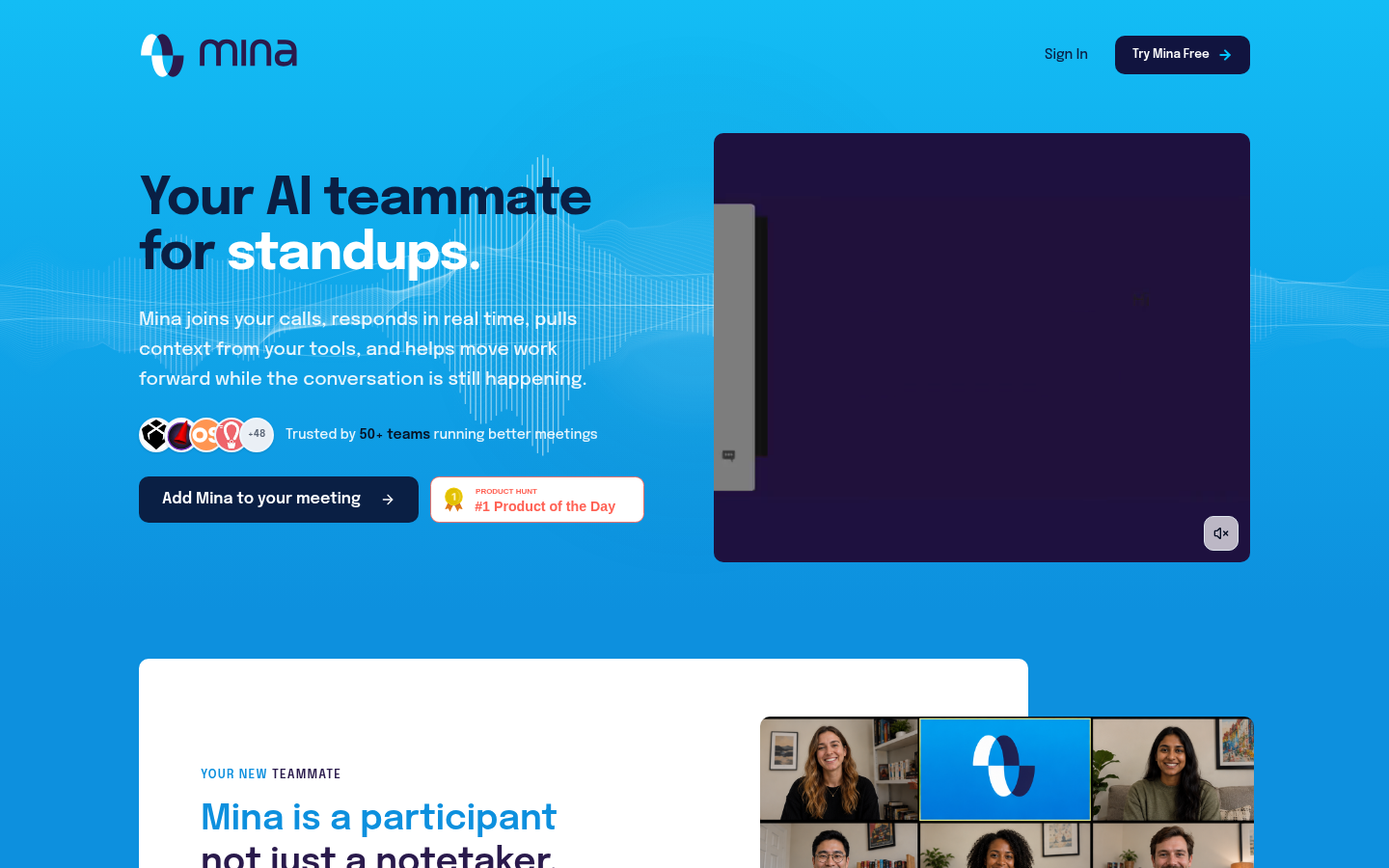
Screenshot archived from the listing page, for preview only.











