
MindMac
Schedule and task manager with smart remindersPlan your day, track tasks, share the calendar
Highlights
What you can do with it
- Keep personal appointments and important dates in one place
- Schedule team meetings and assign tasks
- Track class times, assignments, and exam dates
How to use it
- 1 Create a MindMac account and open the schedule view.
- 2 Add your tasks and appointments with dates.
- 3 Set reminders so nothing slips.
- 4 Share the schedule with teammates or family if needed.
Who it is for
Pros
- Free version available to start
- Reminders reduce forgotten deadlines
- Sharing makes it usable by a team, not just one person
Limitations
- Paid plans are needed for fuller features
- Value depends on actually keeping it updated
- A smaller upstream app, so availability can change
What MindMac is
MindMac is a schedule management tool for arranging and tracking daily tasks and activities. It offers smart reminders, task allocation and tracking, and schedule sharing so a calendar can be used by one person or passed around a team. The listing describes several pricing plans including a free version and paid versions. The purpose is to keep appointments, deadlines, and shared plans in one place instead of scattered across notes and messages.
The feature set is conventional on purpose. A scheduling tool that invents new concepts is hard to adopt, so MindMac covers the basics: put things on a timeline, get told before they happen, and let other people see the same picture. The sharing element is what pushes it beyond a personal reminder app, because a shared schedule is the only kind that survives when more than one person is responsible.
What you can do with it
- Add tasks and appointments with dates and reminders
- Allocate tasks and track whether they are done
- Share a schedule with teammates or family
- Use reminders to catch deadlines before they pass
- Keep personal and work plans in one view
Who it is for
- Individuals with a busy personal calendar
- Teams coordinating meetings and ownership
- Students tracking classes, assignments, and exam dates
- Small organizations that need a shared timeline
What to watch out for
A calendar tool only helps if it is kept current, and the setup cost is real, so expect to spend time entering your existing commitments before you see any benefit. Fuller features sit behind paid plans, so check where the free line falls before you depend on it. The listing does not detail sync with external calendars, which is a common need, so confirm that before migrating from another tool. As a smaller upstream app, its plans and availability can change, and a schedule you cannot export is a schedule you can lose.
FAQ
What does MindMac do?
It manages schedules and tasks with smart reminders, allocation, and sharing.
Is there a free plan?
Yes, there is a free version along with paid versions.
Can teams use it?
Yes, schedule sharing and collaboration are listed features.
Why it is free
What the official page says: free version
Free limits, trial length and features are decided by the official site and can change at any time.
Product preview
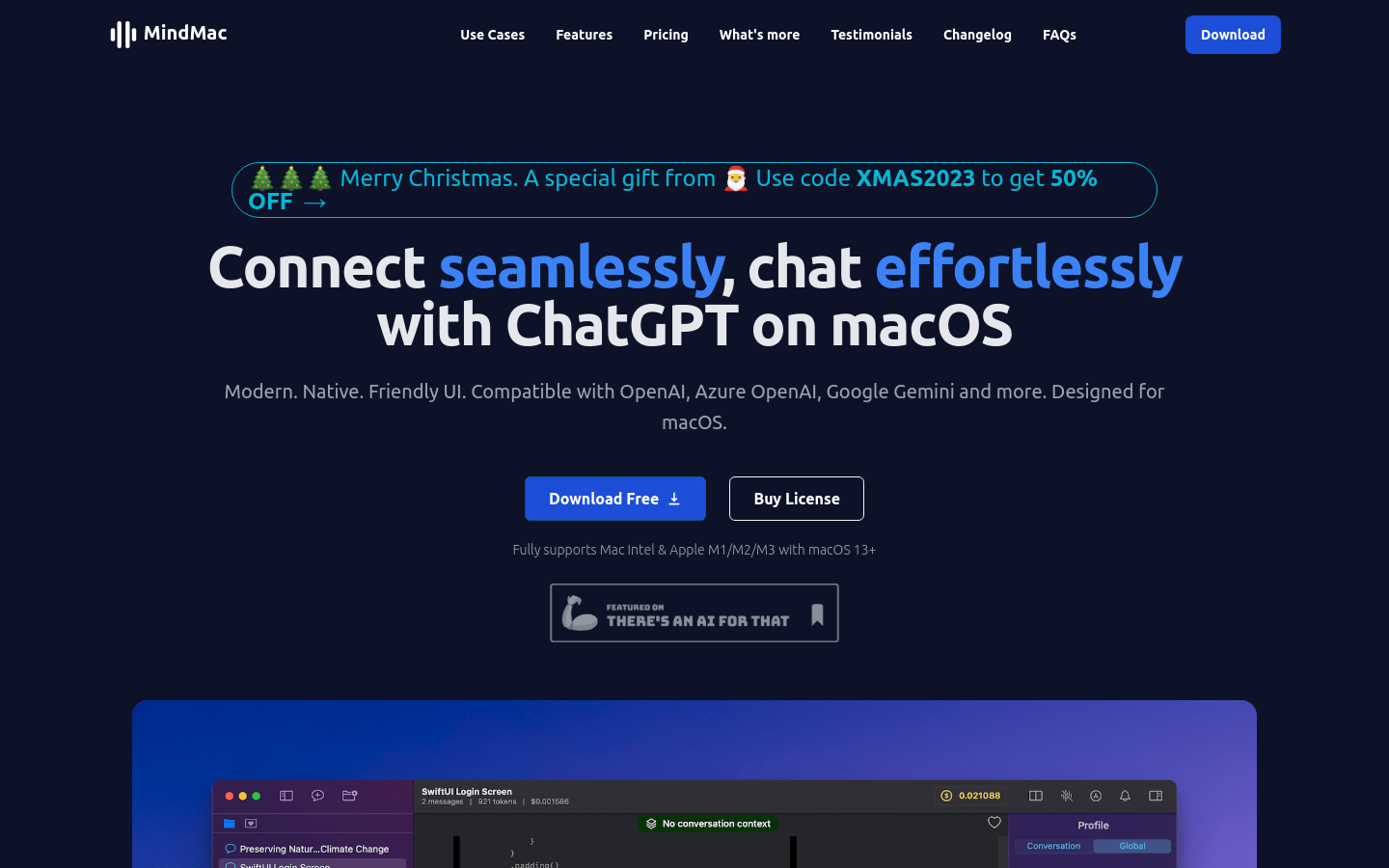
Screenshot archived from the listing page, for preview only.











