
MotionExcel
AI spreadsheet editor you can use without loginAnalyse and build spreadsheets with AI
Highlights
What you can do with it
- Finance staff analyse quarterly figures fast
- Researchers turn survey data into reports
- Teachers track and interpret student grades
How to use it
- 1 Open MotionExcel in your browser.
- 2 Enter the editor without logging in.
- 3 Create a sheet and input your data.
- 4 Use the Copilot or agents to analyse it.
- 5 Save and share the finished spreadsheet.
Who it is for
Pros
- Usable immediately with no account
- Copilot plus agents cover light and heavy jobs
- Standard formatting and data formats supported
Limitations
- Free status is implied rather than guaranteed
- Agent output such as SQL needs verification
- Web editor is not a full Excel replacement
What MotionExcel is
MotionExcel is an AI-driven spreadsheet editor that folds AI assistance into ordinary spreadsheet work. You open the editor in a browser, and the page says you can get straight in without logging in. From there it does three kinds of job: it analyses data trends so patterns surface faster, it assists while you build content so formatting and structure are less tedious, and it provides an AI Copilot you can question in detail about the sheet in front of you. For heavier work, agents can create data sets, generate SQL queries, or run Python analysis. Formatting covers a range of fonts, styles, and data formats including number, currency, and date handling.
What you can do with it
- Open a spreadsheet editor with no account required
- Ask the Copilot detailed questions about your data
- Let agents generate SQL or run Python analysis
- Format cells with familiar fonts and number types
Who it is for
- Office workers handling routine data and reports
- Analysts who want quick answers without a BI stack
- Students organising project or coursework data
- Anyone who finds formula writing slow
What to watch out for
Free use is implied rather than promised. The page carries no price information, which means limits, accounts, or paid tiers could appear at any time, so do not build a process that depends on it staying free. Agent output needs verification: generated SQL or Python can be syntactically fine and logically wrong, and a silently incorrect analysis is worse than a slow manual one. A browser editor is also not a full replacement for desktop Excel, so complex models, macros, and very large files may not transfer cleanly. Finally, if the sheet holds sensitive figures, remember that processing happens on someone else's servers, so check the privacy terms first.
FAQ
Do I need an account?
No. The description says you can enter the AI spreadsheet editor without logging in.
Is it free?
The page does not list a price and the introduction implies free use, but that is not guaranteed and can change.
What can the AI actually do?
It analyses trends, assists with content creation, answers questions through a Copilot, and automates tasks like building data sets, generating SQL, and running Python analysis.
Why it is free
What the official page says: for free
Free limits, trial length and features are decided by the official site and can change at any time.
Product preview
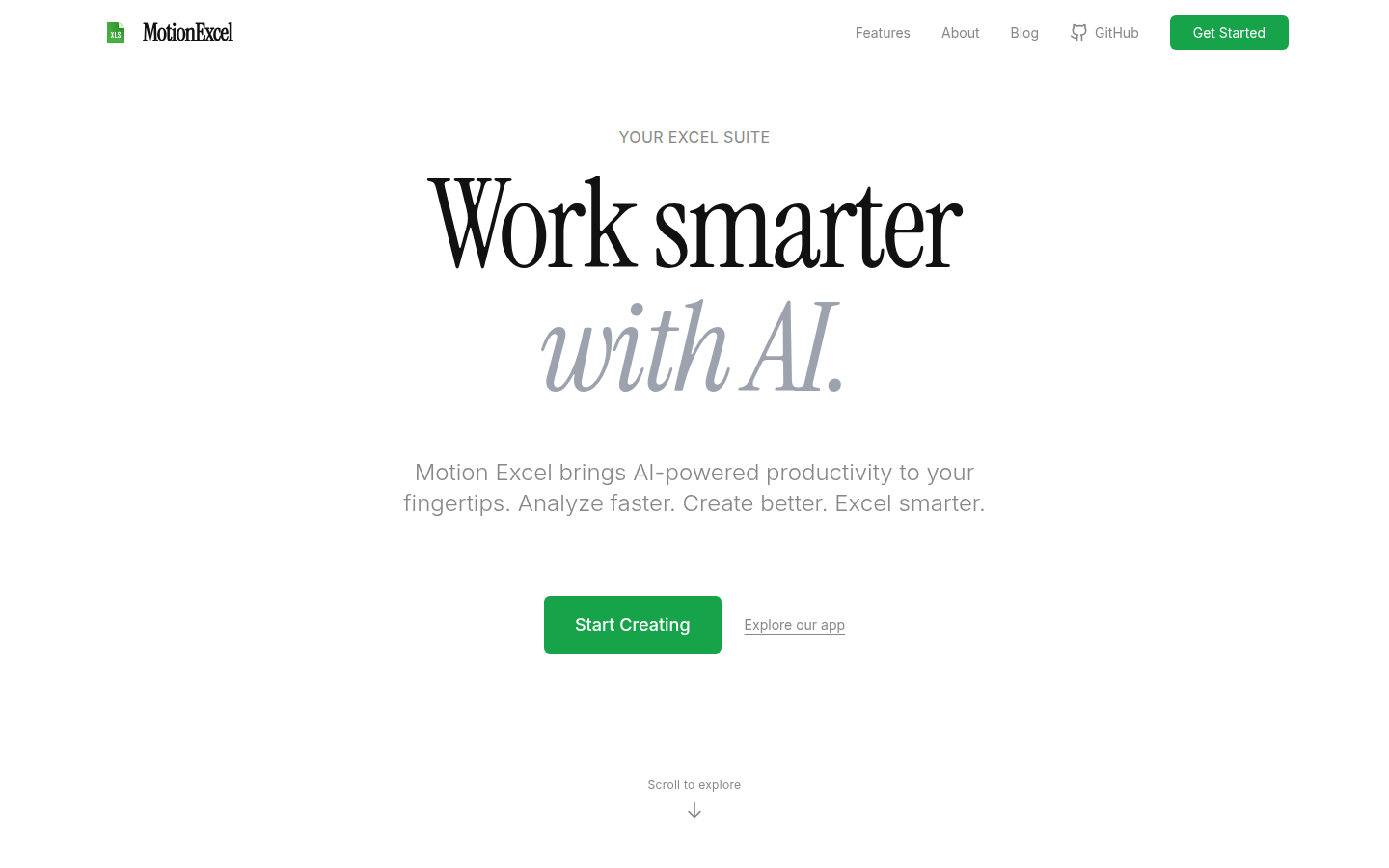
Screenshot archived from the listing page, for preview only.











