
Motionik
Screen recorder with auto zoom for Windows and macOSRecord your screen and get a polished video without an editor
Highlights
What you can do with it
- A product manager records a demo of new features for customers
- A teacher records a lesson with webcam and audio for students
- A creator makes a software tutorial with overlays and a custom cursor
How to use it
- 1 Download and install Motionik on Windows or macOS
- 2 Choose the screen area, window or full screen to record
- 3 Set auto zoom, overlays and cursor options before recording
- 4 Record, using manual zoom and panning as needed
- 5 Trim, mask and adjust the look, then export in the format you need
Who it is for
Pros
- Free trial available
- Recording and editing in one place, no app switching
- Auto zoom removes the need to plan every camera move
Limitations
- Paid pricing is not shown, only a free trial
- Auto zoom decisions may not match what you would frame manually
- Long recordings need trimming and editing time like any video
What Motionik is
Motionik is a screen recording tool for Windows and macOS. It combines recording, auto zoom and editing in a single application, so you capture a clip and finish it in the same place instead of bouncing between a recorder and an editor. The stated pitch is professional product demonstrations, tutorials and promotional videos in minutes, with a zero learning curve for people who have never edited video. Auto zoom follows your actions and pushes in on what matters, overlays add text, images, highlights and audio tracks, and the magic cursor keeps the pointer moving smoothly and animated. It also records webcam, microphone and system audio, trims footage, masks sensitive areas, and exports in multiple formats and ratios. A free trial is offered.
What you can do with it
- Record a full screen, a region or a specific window
- Let auto zoom follow your actions and highlight key areas
- Add overlays such as text, images, highlights and audio
- Record webcam, microphone and system sound together
- Trim, mask sensitive content and adjust the video appearance
- Export in multiple formats and aspect ratios
Who it is for
- Product managers recording demos and walkthroughs
- Teachers and trainers building instructional video
- Marketers and creators producing promotional clips
- Anyone who wants a finished video without learning an editor
What to watch out for
A free trial is offered, but the paid price is not shown, so budget for an unknown subscription before you commit. Auto zoom makes its own framing decisions, and those will not always match what you would have chosen, so review every recording before you export it. Long captures still need trimming and cleanup, and editing time scales with video length. The tool is desktop only, so it will not help if you need to record on a phone or a tablet.
FAQ
Which systems does Motionik support?
It is a desktop tool for Windows and macOS.
Does it edit as well as record?
Yes. Trimming, overlays, masking, appearance customisation and multi format export are all included.
Is there a free trial?
Yes, a free trial is offered, though the paid price is not shown on the page.
Why it is free
What the official page says: free trial
Free limits, trial length and features are decided by the official site and can change at any time.
Product preview
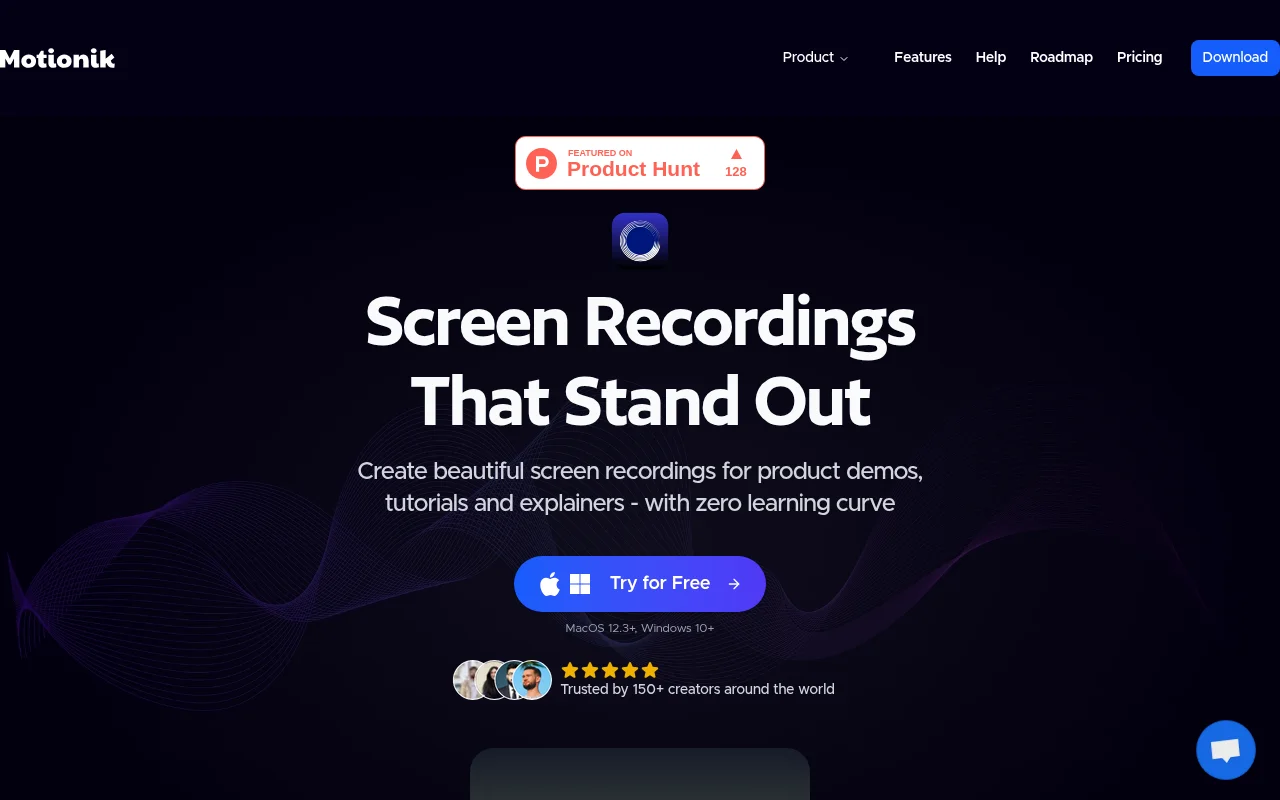
Screenshot archived from the listing page, for preview only.











