
Moxt
Shared workspace for humans and AI agentsLet AI agents work alongside your team around the clock
Highlights
What you can do with it
- Marketing teams have agents build pricing pages, write emails, and create social materials
- Finance teams pull real-time data and assemble complete reports
- Customer service tickets are turned into product insights for the product team
How to use it
- 1 Visit the Moxt website and register for free
- 2 Log in and enter the workspace
- 3 Create AI agents according to your needs and assign tasks
- 4 Check the work progress and results at any time
- 5 Review and adjust the agents' output to ensure quality
Who it is for
Pros
- Free of charge
- Agents can work continuously without breaks
- Results are retained in a shared team space
Limitations
- As a newer product, free terms and features can change as it develops
- Agent output still needs human review, especially for customer-facing or financial work
- Teams must learn how to brief agents and check their work
- Value depends on the tools and data you connect
What Moxt is
Moxt is a workspace built for collaboration between people and AI agents. AI agents can work in the environment around the clock, continuously accumulating memory and experience, and files are converted into formats that agents can process directly. Humans and AI share the same memory, which helps a whole team stay in sync, and results are kept permanently in the team space so members can return to earlier work. The same capabilities extend across departments such as marketing, finance, human resources, and customer service. Moxt is free of charge and aimed at enterprises and teams that want to put AI agents to work.
What you can do with it
- Let AI agents handle tasks continuously, day and night
- Share one memory between humans and agents for sync collaboration
- Store results permanently in a team space
- Apply AI help across marketing, finance, HR, and support
Who it is for
- Enterprise teams exploring AI agent collaboration
- Entrepreneurs who want to stretch limited resources
- Researchers who need a unified workspace for information and agents
What to watch out for
Moxt is free of charge, but as a newer product its terms and features can change as it develops. Agent output still needs human review, especially for anything customer-facing or financial, because mistakes can propagate quickly when agents work unsupervised. Teams must learn how to brief agents and check their work, which is a new skill for most organizations. The value you get also depends on the tools and data you connect, so plan that integration carefully. Free tiers and usage limits can change, so check the current rules on the official page before relying on it long term.
FAQ
Is Moxt free?
Yes. The workspace is free of charge.
What makes it different from a normal workspace?
It is built for AI agents, with shared memory, AI-friendly file formats, and permanent retention of results.
Which teams is it for?
Enterprise teams, entrepreneurs, and researchers who want AI agents to work alongside people.
Why it is free
What the official page says: free of charge
Free limits, trial length and features are decided by the official site and can change at any time.
Product preview
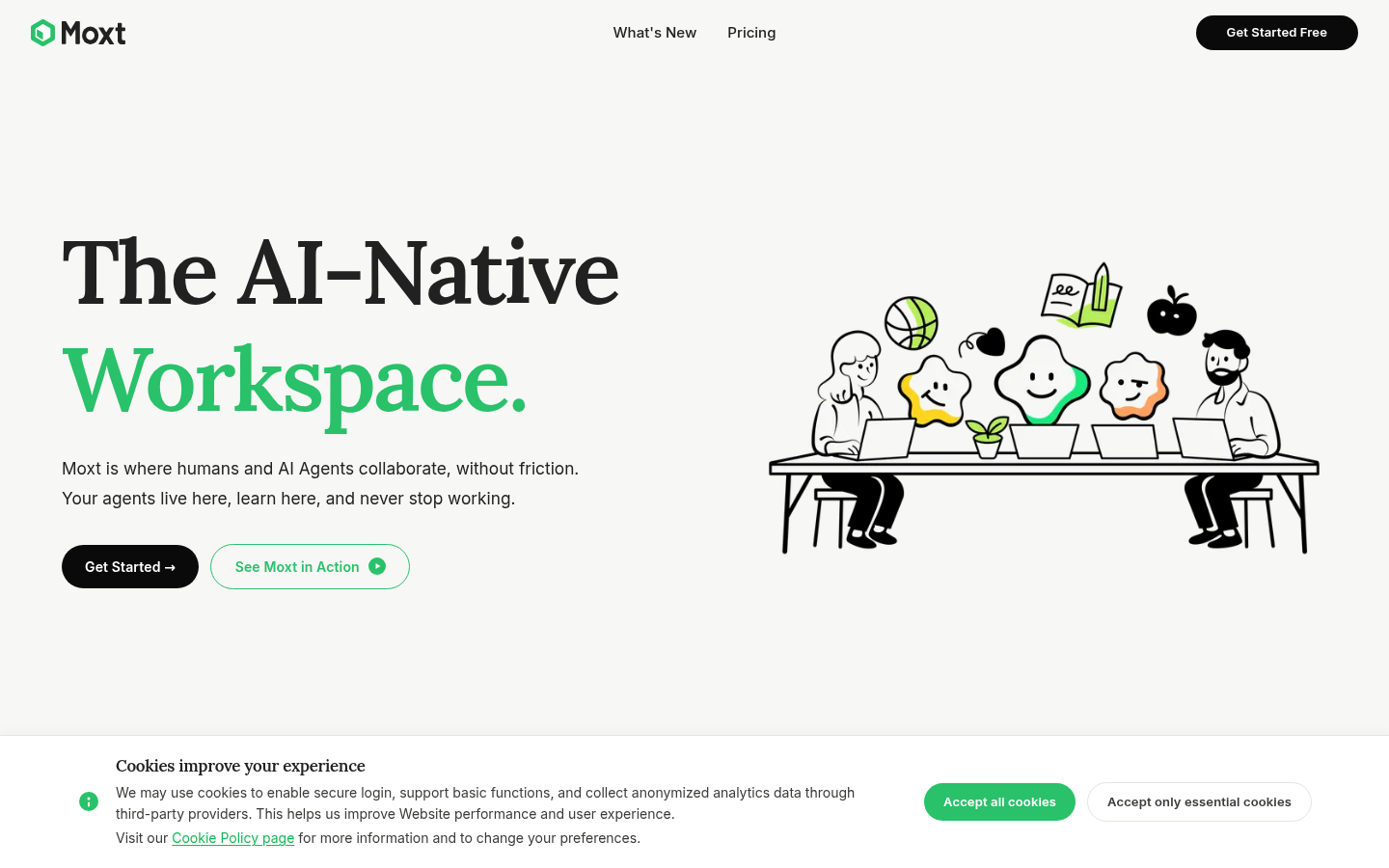
Screenshot archived from the listing page, for preview only.











