
Mumble AI
Mac app for meeting recording and dictationRecord, transcribe, and dictate on your Mac
Highlights
What you can do with it
- A business meeting is recorded, transcribed, and summarized for follow-up
- A student records a lecture as a voice note and tidies notes after class
- A writer dictates an article straight into any text box
How to use it
- 1 Download the Mac app from https://heymumble.com and install it
- 2 Register and finish the setup prompts
- 3 Allow access to Google Calendar or meeting apps for auto-detection
- 4 Let it record automatically or start a recording yourself
- 5 Read the live transcript, then review and share the summary
Who it is for
Pros
- Completely free during the public beta, and local mode stays free after
- Local processing keeps audio on the device for privacy
- Real-time transcription with speaker labels and automatic summaries
- Supports 43 languages and syncs voice notes from iOS
Limitations
- It is a Mac app only, so Windows and Android users are left out
- After the beta, cloud mode and advanced or heavy use are paid
- Cloud mode sends audio off the device, which is a privacy trade-off
- Auto-detection needs calendar or app permissions, and accuracy depends on audio quality
What Mumble AI is
Mumble AI is a voice-first application built for Mac that covers meeting recording, voice notes, and dictation. It can detect a meeting from Google Calendar or a running meeting app, transcribe the call in real time with speaker labels, and write a structured summary when it ends. It also offers system-level dictation in any text box and syncs voice notes from its iOS app. It supports 43 languages. In local mode, audio is processed on the device and is not sent out, which the team points to for privacy. It is completely free during the public beta, and after the beta the local mode stays free while cloud and advanced or heavy use are paid.
What you can do with it
- Auto-record meetings detected from your calendar or a running app
- Read a real-time transcript with speaker labels and a meeting summary
- Dictate into any text box at the system level
- Capture voice notes on iOS and sync them to the Mac app
Who it is for
- Business people who need clean records of many meetings
- Students who want to capture lectures and tidy notes afterward
- Writers and screenwriters who prefer speaking over typing
- Remote workers in online meetings who need dependable transcripts
What to watch out for
It is a Mac application only, so Windows and Android users cannot use it, and there is no web version to fall back on. After the public beta, cloud mode and advanced or heavy use are paid, so the current free access may not last and pricing could change. In cloud mode, audio leaves the device, which is a privacy trade-off compared with local mode, so sensitive meetings are better kept local. Auto-detection needs calendar or app permissions, and transcription accuracy still depends on how clear the audio and the speakers are.
FAQ
Is Mumble AI free?
It is completely free during the public beta. After the beta, the local mode stays free and cloud and advanced use are paid.
What platforms does it run on?
It is a Mac application, with an iOS app for voice notes that sync to the Mac version.
How private is it?
In local mode, audio is processed on the device and is not sent anywhere. Cloud mode sends audio to be processed.
How many languages does it support?
It supports 43 languages for voice recognition and transcription.
Why it is free
What the official page says: completely free
Free limits, trial length and features are decided by the official site and can change at any time.
Product preview
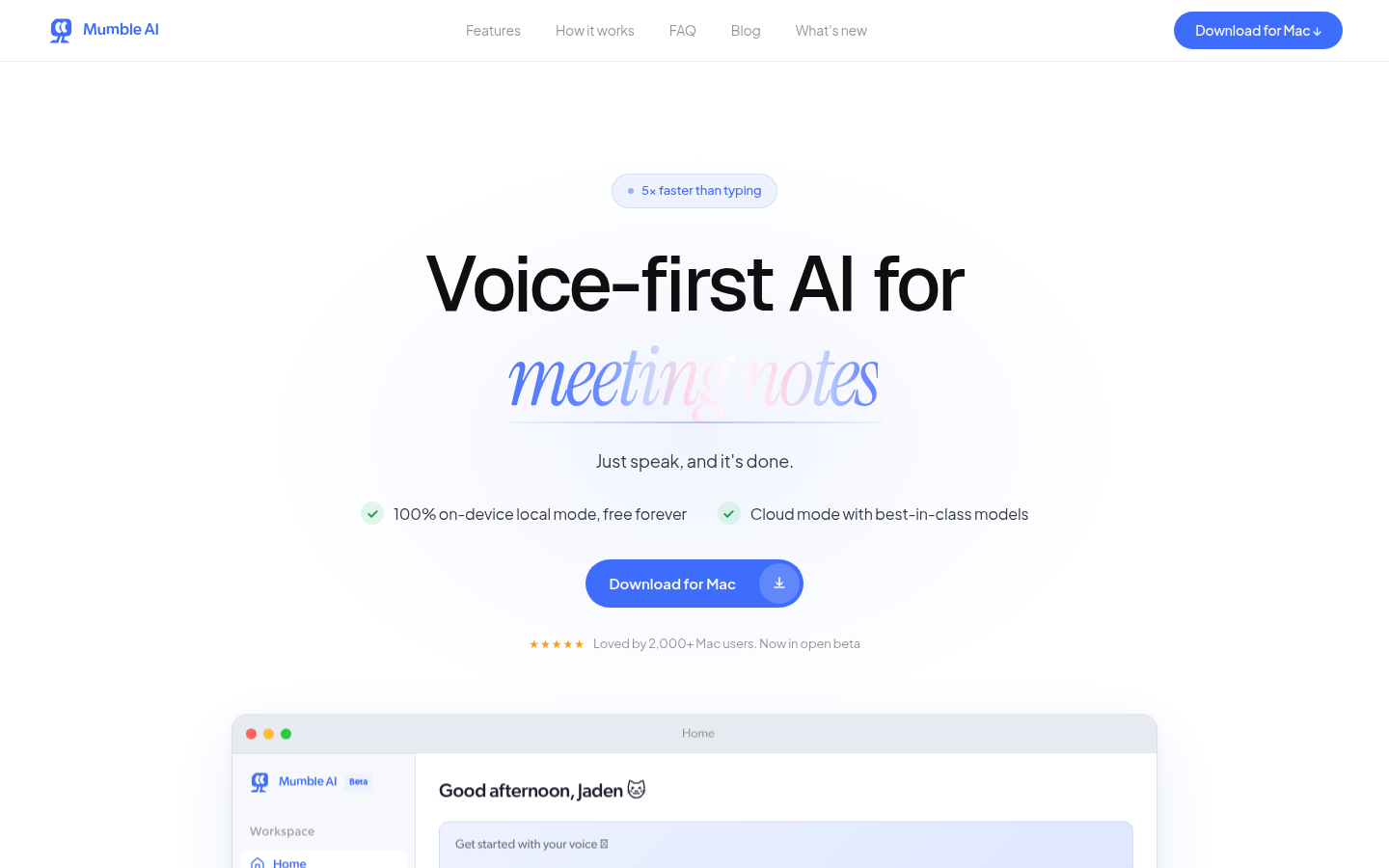
Screenshot archived from the listing page, for preview only.











