
MyCopyHub
LinkedIn posting assistantWrite and schedule LinkedIn posts
Highlights
What you can do with it
- Keep a LinkedIn posting schedule consistent
- Improve a profile before a job search
- Build a personal brand through regular posts
How to use it
- 1 Sign up for the 30-day free trial.
- 2 Connect your LinkedIn account.
- 3 Draft or generate a post in the editor.
- 4 Choose the tone and schedule it for a good time.
- 5 Review performance metrics and adjust what you post.
Who it is for
Pros
- Focused only on LinkedIn rather than every platform
- Combines writing, scheduling, and metrics in one place
- A 30-day trial is longer than the usual seven day trial
Limitations
- Free trial only; paid pricing follows
- Useful for LinkedIn only, not other networks
- Scheduling still depends on LinkedIn's own access rules staying stable
What MyCopyHub is
MyCopyHub is an AI driven platform built for one job: helping you reach your LinkedIn goals. It writes posts, lets you edit them, and schedules them so your feed stays active without you opening the app every day. Alongside that it offers performance metrics so you can see what landed, and sentiment selection so you can control whether a post reads as confident, curious, or something else. Profile optimisation and personal brand building sit alongside the writing tools, because a strong feed and a strong profile work together. The platform offers a 30-day free trial, with pricing described as affordable.
What you can do with it
- Write, edit, and schedule LinkedIn posts from one place.
- Pick the tone of a post using sentiment selection.
- Read performance metrics to see which posts worked.
- Optimise your profile so it matches the content you publish.
- Keep a consistent posting rhythm without daily effort.
Who it is for
- Entrepreneurs who need a LinkedIn presence but have little time.
- Marketing professionals using LinkedIn to attract clients.
- Startup founders building a personal brand alongside a company.
- Job seekers who want a visible, active profile.
What to watch out for
The 30-day free trial is the only free access mentioned, so continued use means a paid plan. The tool covers LinkedIn only, so if you also need Instagram or X content you will need something else. Automated scheduling depends on LinkedIn's own platform rules, which can change and may restrict third party posting. Generated posts are a starting point: your own experience and opinions are what make a profile worth following, so edit the drafts before they go out.
FAQ
How long is the free trial?
30 days.
Does it schedule posts?
Yes, post scheduling is one of the listed features.
What does it track?
Performance metrics, along with sentiment selection for the tone of a post.
Why it is free
What the official page says: free trial
Free limits, trial length and features are decided by the official site and can change at any time.
Product preview
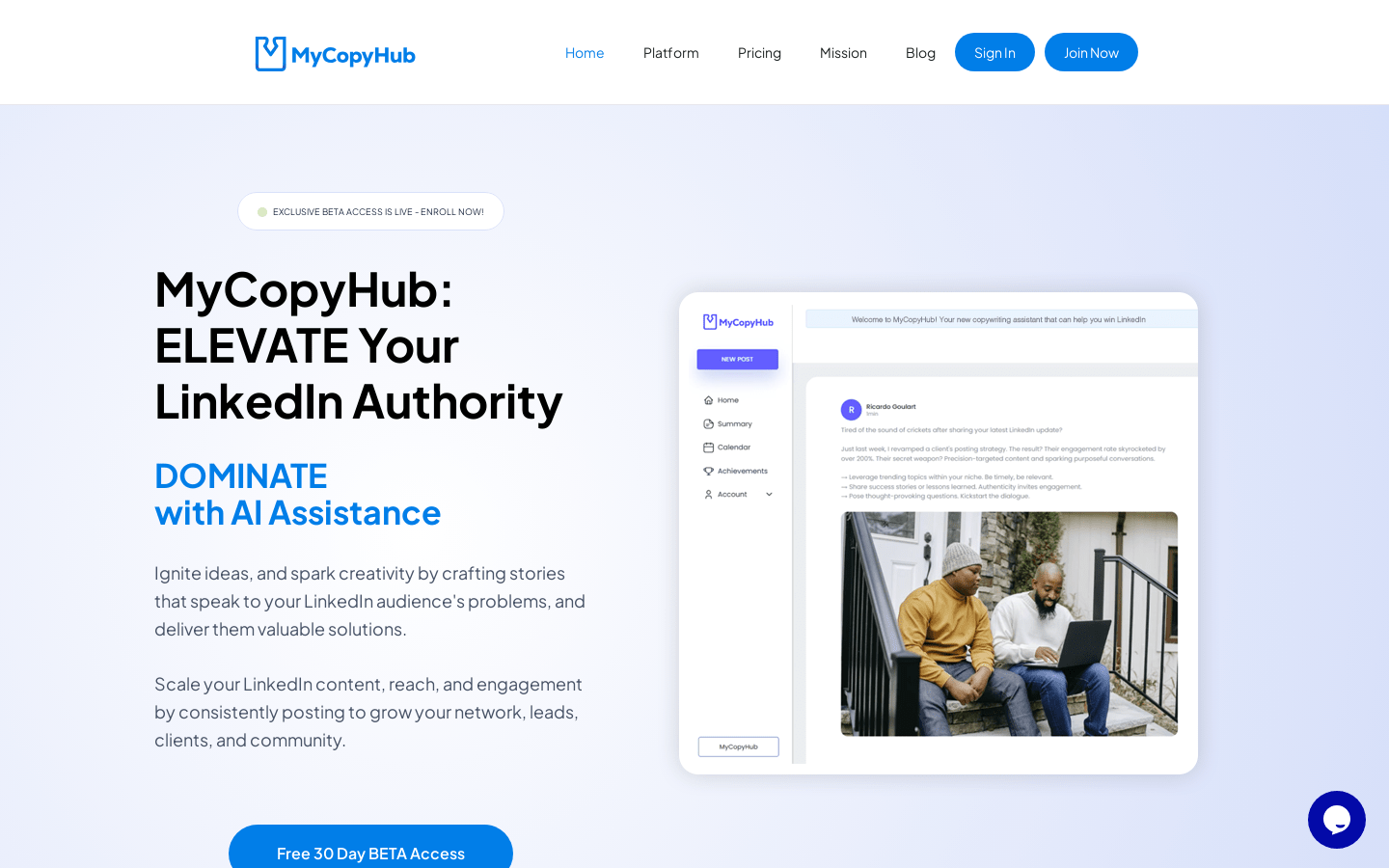
Screenshot archived from the listing page, for preview only.











