
MyNextBrowser
AI browser extension for proxy workflowsStack AI tools onto your current browser
Highlights
What you can do with it
- Summarizing a research topic from multiple sources
- Generating a presentation with images and speaker notes
- Filling a long job application or checkout form
How to use it
- 1 Download MyNextBrowser from its site.
- 2 Install it in Chrome, Edge, or Brave.
- 3 Activate the extension and pick the tool you need.
- 4 Enter your topic or built-in information and review the output.
Who it is for
Pros
- Works on top of the browser you already use
- Local processing is presented as a privacy advantage
- Free download to start
Limitations
- A founder pass is sold at a price alongside the free version
- Extension permissions should be reviewed before installing
- Feature quality varies across the bundled tools
What MyNextBrowser is
MyNextBrowser is a browser extension built for what its makers call the AI era. Rather than replacing your browser, it layers AI tools on top of the one you already use, so you keep your tabs, bookmarks, and habits. The bundled tools include an AI text enhancer for rewriting and grammar inside a page, a Deep Research function that gathers and cross checks multiple sources, AI Slides that build a presentation from a topic, AI Dashboards that connect to built-in informations, and a hands free smart form fill for long forms such as job applications and checkouts. The vendor says data processing happens locally with no third party tracking, and the extension can be downloaded for free.
What you can do with it
- Rewrite and improve text inside the page you are reading.
- Research a topic with cross checked sources and a summary.
- Generate a slide deck with images and speaker notes.
- Build a live dashboard from a connected built-in information.
- Fill complex forms automatically.
Who it is for
- Business people who handle a lot of email and research.
- Students collecting material and writing reports.
- Content creators producing articles and social posts.
- Anyone who wants AI help without switching browsers.
What to watch out for
A paid founder pass is offered alongside the free download, so some capabilities may be reserved for paying users, and that split can change. Browser extensions ask for broad permissions, and you should review exactly what this one can read before installing it, especially if you handle sensitive accounts. Feature quality across the bundled tools is unlikely to be even, so test the ones that matter to you. The local processing claim is a vendor statement, and it is worth confirming what actually stays on your machine.
FAQ
Which browsers does it support?
Chrome, Edge, and Brave are mentioned in the setup instructions.
Is my data sent to third parties?
The listing says data processing is local with no third party tracking.
Does it cost anything?
It can be downloaded and used for free, though a paid founder pass is also offered.
Why it is free
What the official page says: for free
Free limits, trial length and features are decided by the official site and can change at any time.
Product preview
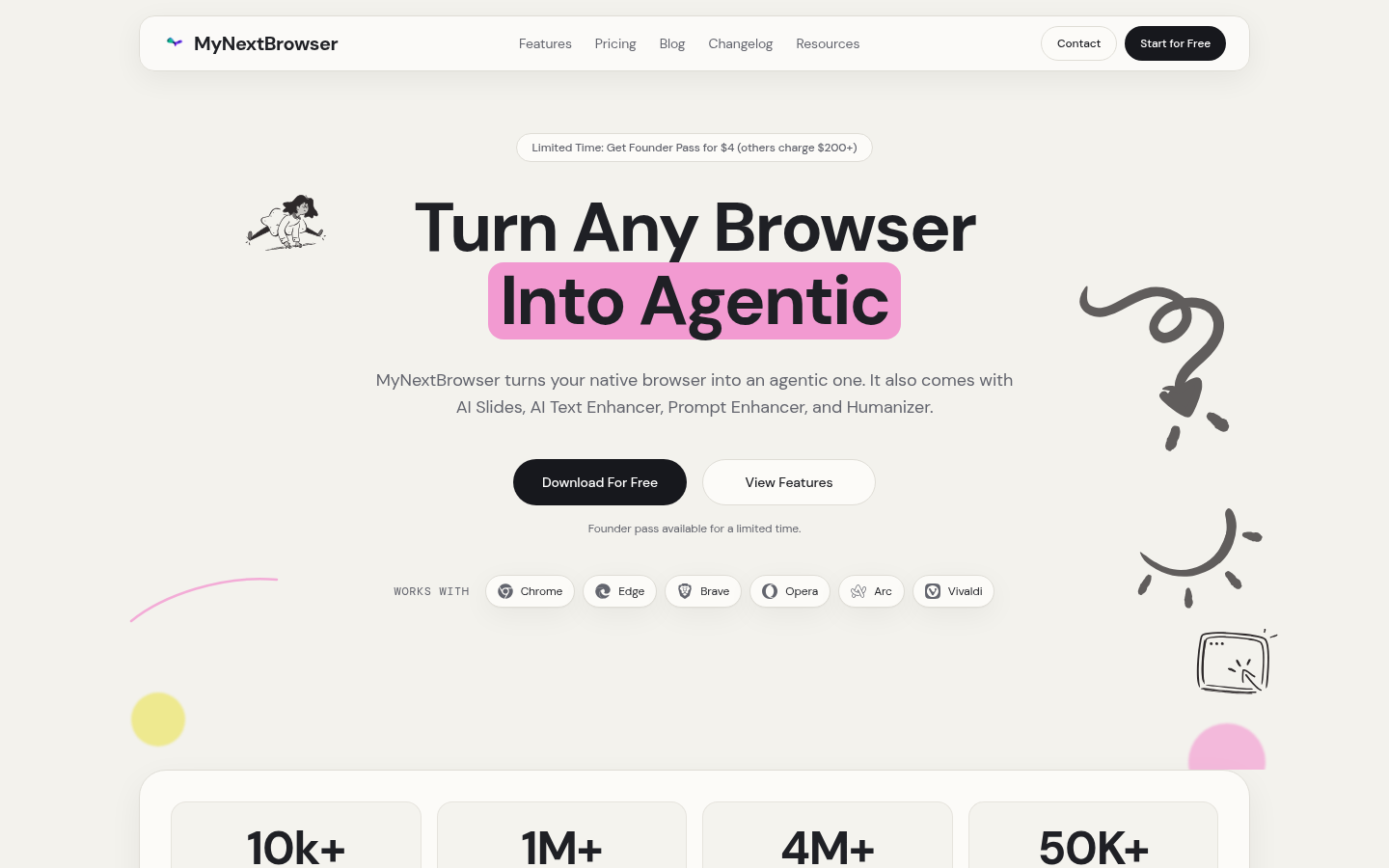
Screenshot archived from the listing page, for preview only.











