
NeatScribe
Online audio and video transcription toolTurn audio and video into editable text fast
Highlights
What you can do with it
- Students transcribing lecture videos into text for review
- Journalists converting interview audio into text for reports
- Enterprises turning meeting recordings into minutes
How to use it
- 1 Upload an audio or video file, or paste a YouTube link.
- 2 Edit the transcription in the document like interface.
- 3 Use word level timestamps to jump to any point.
- 4 Export the result as TXT, PDF, DOCX, SRT, or VTT.
Who it is for
Pros
- Accepts many formats plus YouTube links
- Fast transcription with an easy editing interface
- The free package covers basic individual needs
Limitations
- The free package is basic and aimed at individuals
- Accuracy depends on audio quality, language, and speakers
- Package features and limits may change over time
What NeatScribe is
NeatScribe is an online audio and video transcription tool that converts audio visual content into text. It supports uploading many common audio and video formats, whether the file is stored locally or in cloud storage, and it can also transcribe from a YouTube link. The service uses speech recognition to turn speech into text in a short time, and the result opens in an interface similar to document editing, with word level timestamps so you can jump to any point quickly. You can export the transcription into formats such as TXT, PDF, DOCX, SRT, and VTT, use the tool across platforms and devices, and work in 98 languages. It also adds detailed speaker labels so different speakers are easy to tell apart. There are free, professional, and advanced packages, where the free package provides basic functions for individuals and the paid packages add features for business and professional scenarios. The product targets the transcription needs of individuals, professionals, and business users.
What you can do with it
- Transcribe lecture videos, interviews, and meeting recordings
- Edit the text in a document like editor with word level timestamps
- Separate speakers with detailed speaker labels
- Export results as TXT, PDF, DOCX, SRT, or VTT for sharing
Who it is for
- Individual users such as students and creators working with interviews and lectures
- Professionals such as journalists and researchers who process large amounts of audio
- Business users turning meetings and training videos into shareable text
What to watch out for
The free package provides basic functions and is aimed at individuals, so heavy or professional use will likely need a paid package. Transcription accuracy depends on audio quality, the language, and how many speakers are present, so noisy recordings need more editing. Package features and limits may change over time, and any confidential audio should be handled according to your own organization's rules before you upload it. Long recordings also take longer to process, so start the upload early if you are working against a deadline.
FAQ
What can I upload to NeatScribe?
You can upload audio and video files from your device or cloud storage, or paste a YouTube link for transcription.
What formats can I export?
You can export to TXT, PDF, DOCX, SRT, VTT, and other formats.
How many languages are supported?
The service provides transcription in 98 languages.
Why it is free
What the official page says: 免费免费套餐
Free limits, trial length and features are decided by the official site and can change at any time.
Product preview
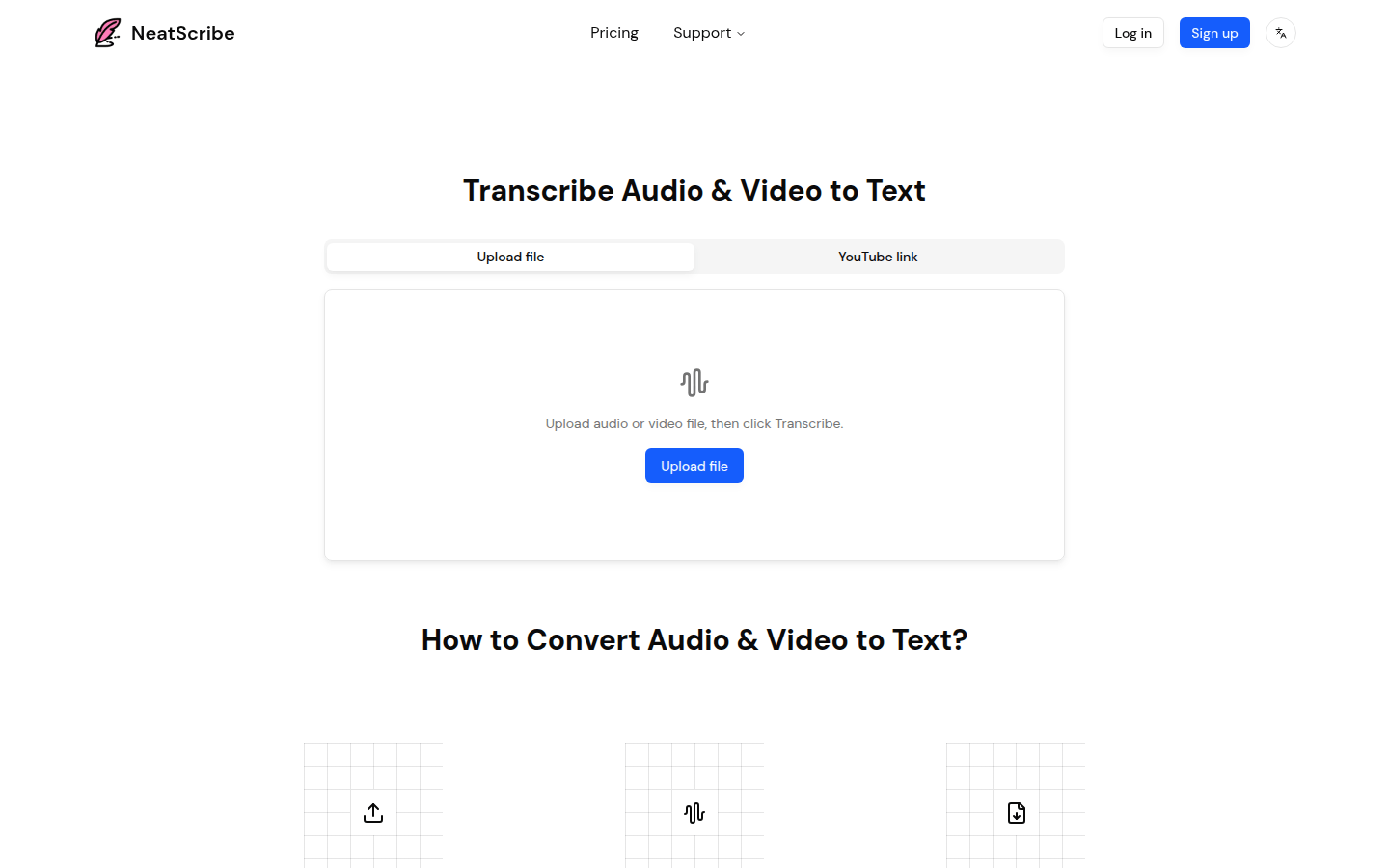
Screenshot archived from the listing page, for preview only.











