Neural Magic
Inference optimization for LLMs on GPU and CPUDeploy open source models with less hardware
Highlights
What you can do with it
- Enterprises deploying LLMs on GPU
- Teams running models on CPU to cut cost
- Educators optimizing models for edge devices
How to use it
- 1 Register on the Neural Magic site
- 2 Pick a product such as nm-vllm or DeepSparse
- 3 Download and install the software
- 4 Configure the model per the documentation
- 5 Deploy, optimize, and monitor performance
Who it is for
Pros
- Open source tooling in the lineup
- Works across GPU and CPU hardware
- Compression techniques for efficiency
Limitations
- Free trial first, then paid services
- Requires real ML and infrastructure knowledge
- Optimization results vary by model and hardware
What Neural Magic is
Neural Magic is a company focused on AI model optimization and deployment. Its products let teams run open source large language models on GPU and CPU infrastructure. The lineup includes nm-vllm, an inference server for GPUs, DeepSparse, a sparse inference server for CPUs, SparseML, a compression toolkit, and SparseZoo, an open source model library. The company also integrates with Hugging Face and uses techniques such as GPTQ and SparseGPT. A free trial is offered alongside paid services.
What you can do with it
- Serve open source LLMs on GPU with nm-vllm
- Run models on CPU with DeepSparse
- Compress models with sparsity and quantization
- Pull pre optimized models from SparseZoo or Hugging Face
Who it is for
- ML engineers deploying models at lower cost
- Data scientists running inference without GPUs
- Enterprises that need private or edge deployment
What to watch out for
Full use sits behind paid services after the free trial, and prices are not listed on the page. The toolchain assumes real machine learning and infrastructure knowledge, so expect a learning cost. Optimization results vary by model and hardware, and some techniques change accuracy, so test before deploying. Enterprise support and contracts matter here, and the site returned an error during review, so confirm current availability. Features and interface details may change between versions, so review the latest notes on the page before you start. For team use, agree on naming and editing conventions in advance to avoid version conflicts or duplicated work. When quality matters, export a small draft first to confirm the result before producing the final file. Generated suggestions are for reference only, so verify anything that affects professional judgment or important data.
FAQ
What products does Neural Magic offer?
nm-vllm for GPU inference, DeepSparse for CPU inference, SparseML for compression, and SparseZoo for models.
Can I run models on CPU?
Yes, DeepSparse is a sparse aware inference server that runs on CPUs.
Is there a free trial?
Yes, Neural Magic offers free trials alongside paid services.
Why it is free
What the official page says: free trial
Free limits, trial length and features are decided by the official site and can change at any time.
Product preview
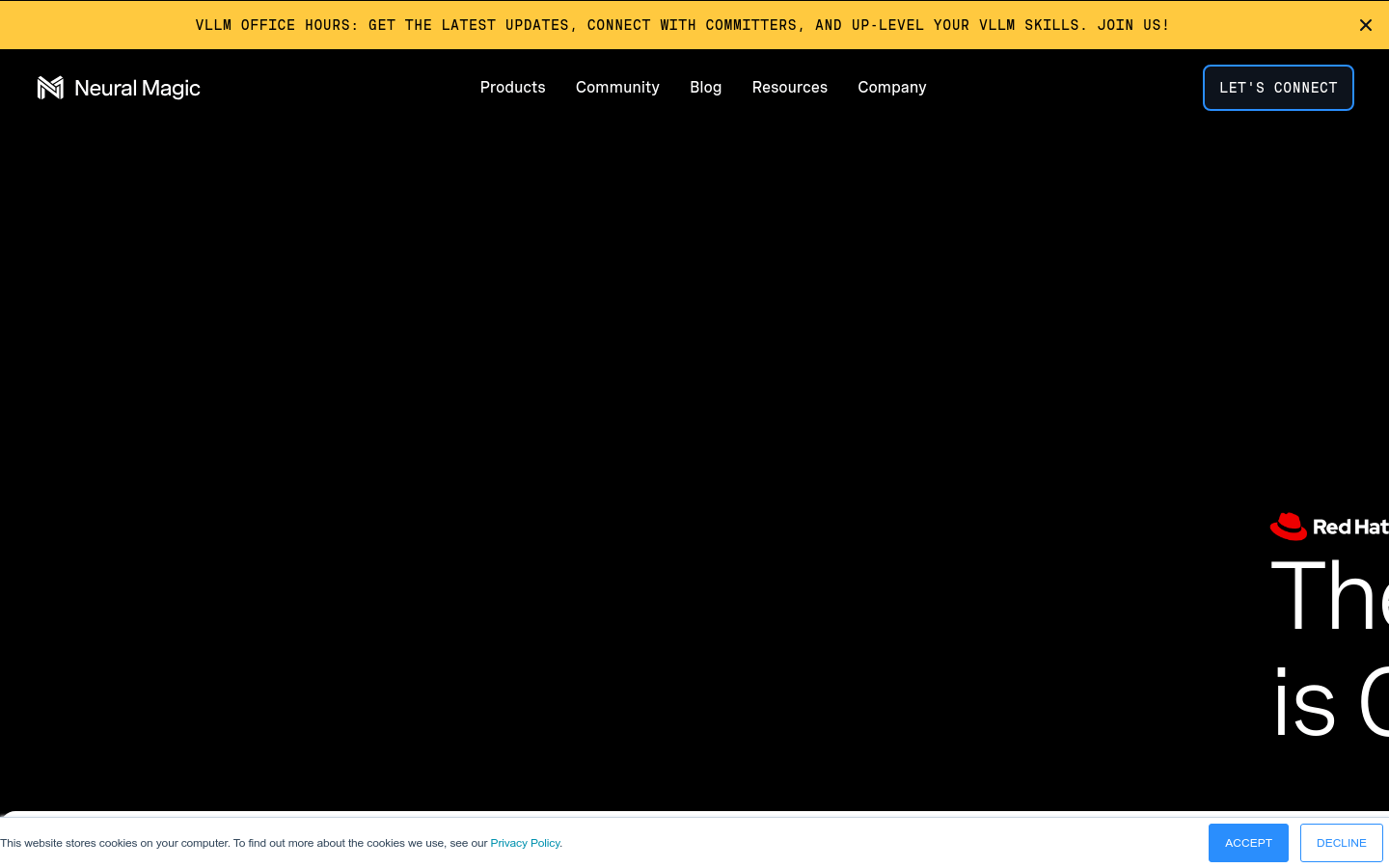
Screenshot archived from the listing page, for preview only.