
Nex.social
Faster reading with AISummarize and outline any page
Highlights
What you can do with it
- Skim academic papers for key points
- Review textbook chapters quickly
- Read industry reports before a meeting
How to use it
- 1 Install the Nex extension in Chrome.
- 2 Open an article or video page.
- 3 Generate a summary or outline.
- 4 Read the highlighted key points.
- 5 Save anything useful to the archive.
Who it is for
Pros
- Summaries and outlines cut reading time
- Works on articles and video pages
- Highlights point to key passages
Limitations
- Free status is current, not guaranteed long term
- Summary quality depends on page structure
- Chrome only, so other browsers are excluded
- Key point selection may miss nuance
What Nex.social is
Nex.social is a Chrome extension that helps you read and watch faster. It adds AI summarization, outlines, and highlighting to articles and videos, and includes a video assistant plus an inspiration archive for things worth revisiting. The pitch is a much faster pass over the material you already open. The listing says it is currently free, easy to install, and aimed at people who need to absorb information quickly. Everything happens on the page you are already viewing.
What you can do with it
- Summarize an article in one click
- Generate an outline of the content structure
- Highlight key passages while reading
- Browse and summarize video content
- Save inspirations to an archive
The outline view is the fastest way to decide whether a long piece is worth reading fully, and video summaries help when a talk is long but the topic is narrow.
Who it is for
- Researchers processing many papers
- Students reviewing study material
- Professionals reading reports before meetings
- Anyone who reads a lot online
Writers use the archive to collect references for later drafts, and heavy readers feel the time saving most.
What to watch out for
The free status is current rather than guaranteed, so terms may change. Summary quality depends on page structure, and messy pages produce messy summaries. The extension is Chrome only, so other browsers are excluded. Highlighted key points may miss nuance, so read the source before quoting it. Free tiers and usage limits can change, so check the current rules on the official page before relying on it long term. Processing speed depends on file size and network conditions, so retry later if a task stalls during peak hours.
FAQ
What is Nex.social?
A Chrome extension that adds AI summaries, outlines, and highlighting to reading and video content.
Is it free?
The listing says it is currently free and easy to install.
Who is it for?
Researchers, students, and professionals who need to absorb content quickly.
Why it is free
What the official page says: 免费
Free limits, trial length and features are decided by the official site and can change at any time.
Product preview
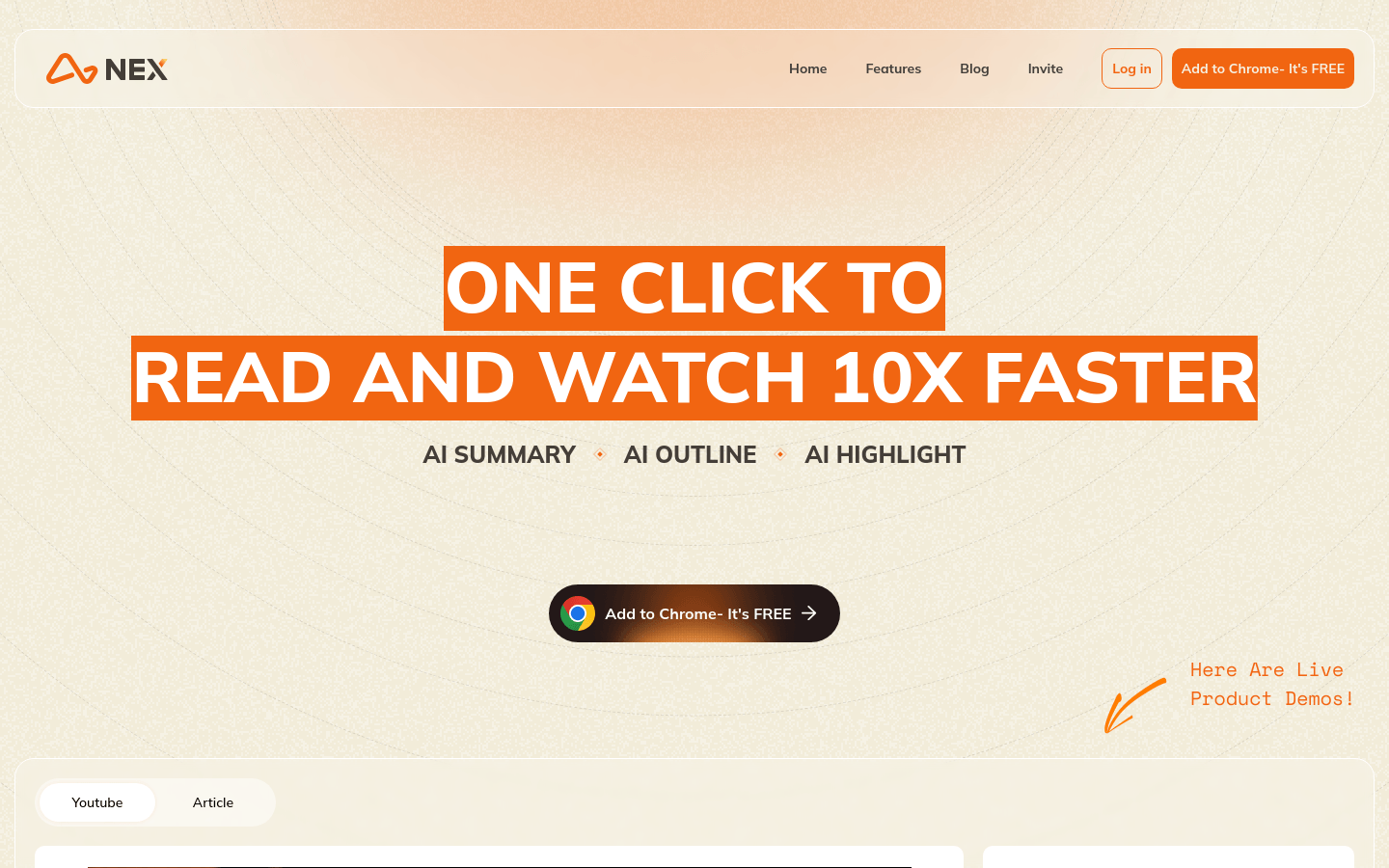
Screenshot archived from the listing page, for preview only.











