
NoteSense
Voice-to-text note toolSpeak, transcribe, organize
Highlights
What you can do with it
- Transcribe meeting speech into text records live
- Turn lecture content into study notes
- Capture inspiration by voice and review it later
How to use it
- 1 Open NoteSense and start a new capture.
- 2 Speak or play the audio you want transcribed.
- 3 Watch the text appear in real time.
- 4 Organize the note or report afterward.
- 5 Export or share it when it is ready.
Who it is for
Pros
- Free version to start with
- Real-time transcription as you speak
- Search, export, and share built in
Limitations
- Free version limits are not listed on the page
- Accuracy drops with noise and strong accents
- Paid version needed for advanced features and storage
What NoteSense is
NoteSense is an AI powered voice-to-text assistant. It converts voice input to text in real time and provides note taking and reporting features on top of that, so the captured text stays useful after the meeting or lecture ends. The main functions include voice-to-text, note and report management, intelligent search, export, and sharing. It is built for scenarios such as meeting minutes, study notes, and general voice transcription, where the goal is to save time and effort compared with typing everything by hand.
What you can do with it
- Transcribe speech into text records in real time
- Organize notes and reports after capture
- Search your saved transcripts intelligently
- Export and share notes with others
Who it is for
- Professionals who need meeting minutes without typing
- Students who want lectures converted into study notes
- Anyone who captures ideas faster by speaking than writing
What to watch out for
Transcription accuracy depends on audio quality, background noise, and how strong the accent is, so quiet and close speech works best and noisy rooms produce rough text. The free version exists, but the page does not list its limits, and more advanced features plus storage sit behind the paid version, so check what the upgrade adds before you depend on it. Automatic transcripts need review before they become official minutes, because names, numbers, and technical terms are the usual casualties. As with any voice tool, be careful about recording people without their agreement, and check the rules in your workplace or school before using it in meetings or classes. When quality matters, export a small draft first to confirm the result before producing the final file.
FAQ
What is NoteSense?
It is an AI voice-to-text assistant that converts speech to text in real time and helps manage notes and reports.
Is there a free version?
Yes, NoteSense offers both free and paid versions, with the paid version adding more features and storage.
What can I use it for?
It works for meeting minutes, study notes, and recording inspiration or ideas for later review.
Why it is free
What the official page says: 免费
Free limits, trial length and features are decided by the official site and can change at any time.
Product preview
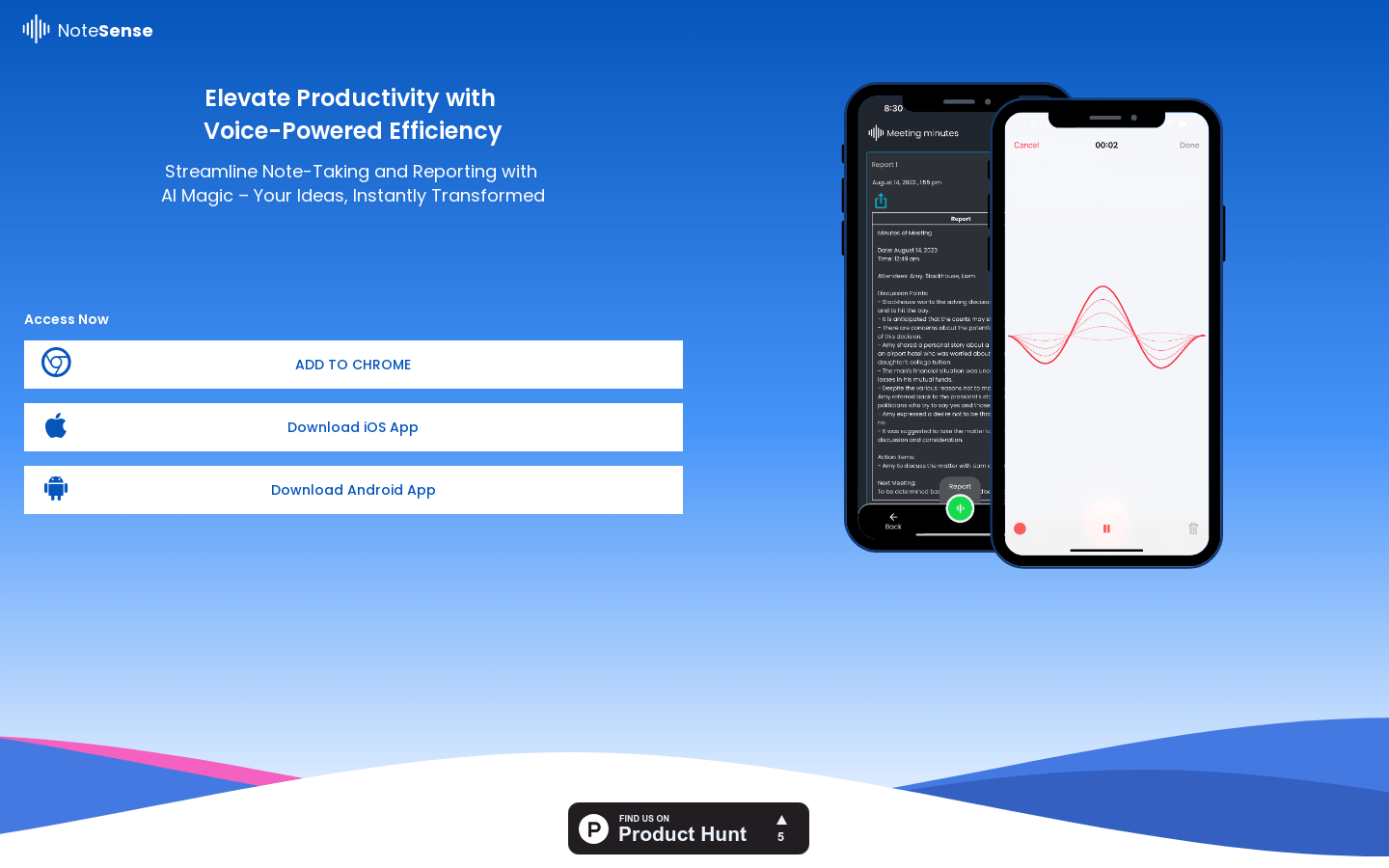
Screenshot archived from the listing page, for preview only.











