
NotezAI
Speech-to-text note-taking assistant with smart summariesTurn spoken ideas into organized notes fast
Highlights
What you can do with it
- Record a meeting and get a structured, searchable summary afterward
- Capture lecture content by voice and review highlights before an exam
- Dictate personal ideas on the go and organize them later
How to use it
- 1 Download and install the NotezAI application.
- 2 Register an account and log in.
- 3 Start the 7-day free trial from within the app.
- 4 Record voice or type text to capture your notes.
- 5 Let NotezAI process the audio or text into organized summary text.
- 6 Edit, customize, and use summarization and organization tools to finish.
Who it is for
Pros
- Speech-to-text plus summarization saves time on manual note-taking
- Searchable, organized notes make old material easy to find
- A 7-day free trial lets you test it before paying
Limitations
- The free trial is time-limited and a subscription is needed afterward
- Transcription accuracy depends on audio quality and accents
- Requires installing the app rather than working fully in a browser
What NotezAI is
NotezAI is an intelligent note-taking application that turns spoken words into clean, organized text. It uses advanced speech-to-text technology so you can record meetings, lectures, or personal ideas and have them captured accurately and quickly. On top of transcription, it adds an intelligent summarization feature that highlights the key points of your notes, plus organization tools that keep everything searchable. A 7-day free trial is available before you move to a paid monthly or annual plan.
What you can do with it
- Record voice in real time and get accurate text you can edit later
- Generate instant summaries so you can review highlights without rereading everything
- Organize, sort, and search notes to keep your library tidy
- Customize and refine notes to match your own style and needs
Who it is for
- Professionals who sit through many meetings and need dependable records
- Students who want to capture lectures and review them efficiently
- Anyone who prefers speaking ideas out loud instead of typing them
What to watch out for
The free trial only lasts seven days, and continued use requires a paid subscription. Transcription quality can drop with background noise, fast speech, or strong accents, so important notes should be reviewed. Because it is a mobile app, you need to install it rather than use it entirely in a browser, and pricing details may change over time. Name and archive exported files consistently so you can find and reuse them, and keep a backup copy of key data. When quality matters, export a small draft first to confirm the result before producing the final file. Generated suggestions are for reference only, so verify anything that affects professional judgment or important data.
FAQ
Is NotezAI free?
It offers a 7-day free trial. After that, monthly and annual subscription plans apply.
Can I use my own voice recordings?
Yes. You can record voice in the app or input text directly, and NotezAI converts it into organized notes.
Does it summarize long notes?
Yes. The intelligent summarization feature helps you quickly grasp the key points of your notes.
Why it is free
What the official page says: free trial
Free limits, trial length and features are decided by the official site and can change at any time.
Product preview
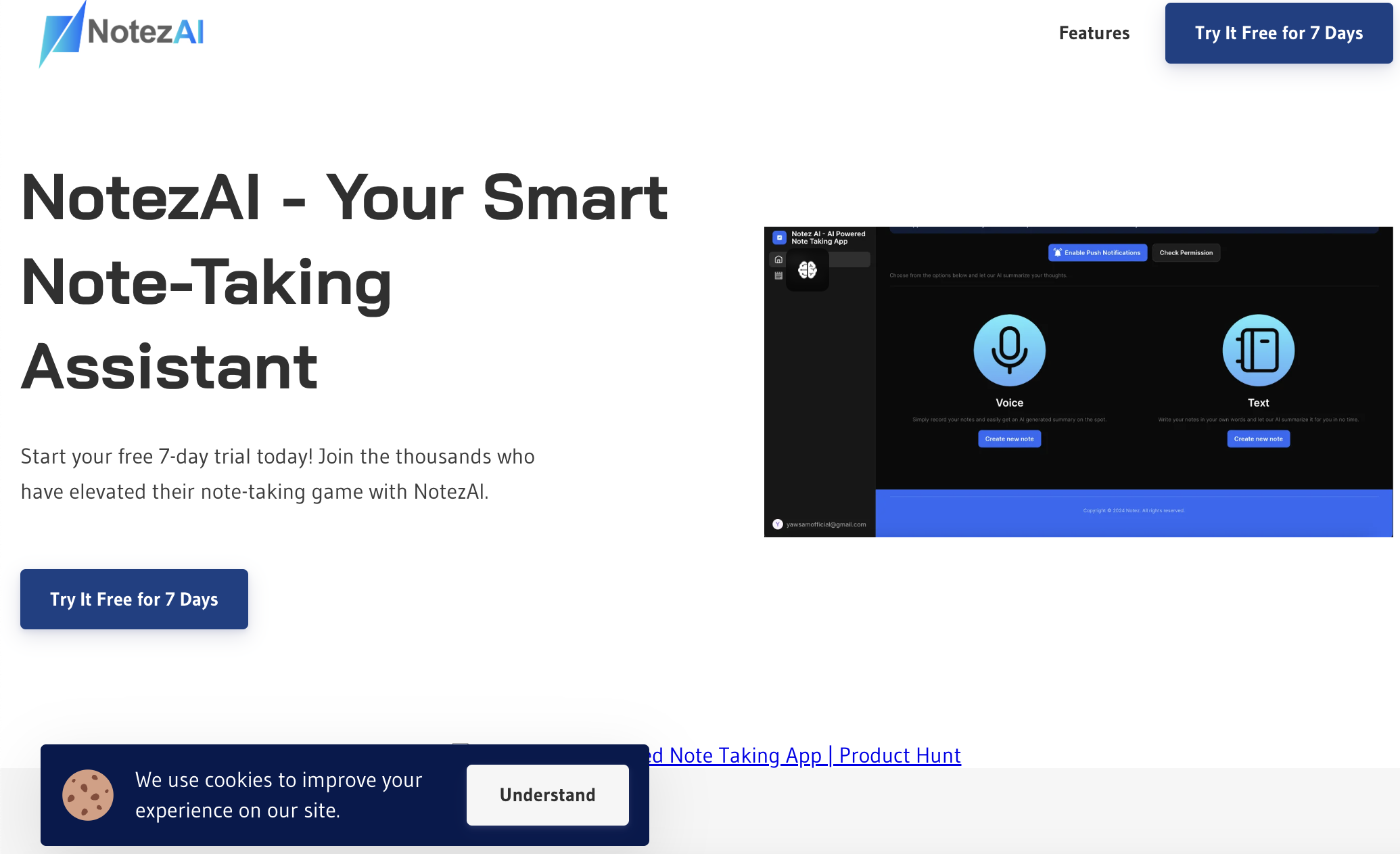
Screenshot archived from the listing page, for preview only.











