
NovaVoice
AI voice assistant for dictation and cross-app voice commandsSpeak your work into existence
Highlights
What you can do with it
- Capture meeting minutes and long documents by speaking instead of typing
- Open code files, run commands, and ask technical questions while programming
- Organize essay ideas and enter subject-specific terms accurately while studying
How to use it
- 1 Download the client for your operating system from the official website
- 2 Install the app, then register and log in
- 3 Pick a mode such as dictation, format conversion, or agent mode
- 4 Speak your content or voice command and let the app process it
- 5 Check the help documentation or contact support if you get stuck
Who it is for
Pros
- Dictation speed is the core pitch, with formatting handled in context
- Voice commands reach across applications, not just one text box
- A terminology dictionary improves accuracy for names and jargon
- A free trial lets you test the workflow before paying
Limitations
- Continued use requires a paid plan after the trial, at $10 per month for the standard tier
- Recognition accuracy varies with microphones, accents, and background noise
- Cross-application control may not cover every program you use daily
- Free trial terms and pricing can change, so confirm the current offer before subscribing
What NovaVoice is
NovaVoice is a voice-driven productivity assistant that runs on Windows, macOS, and Linux. It turns spoken words into text and adds voice control on top of everyday applications, so you can dictate documents and operate software without keeping your hands on the keyboard. The product describes voice input as roughly 10 times faster than typing, and it packages dictation, context-aware format conversion, cross-application commands, voice Q&A, and a terminology dictionary into a single client. A free trial is available, and after the trial the standard plan costs $10 per month while the team plan costs $20 per seat per month. It is aimed at office workers, programmers, and students who want to reduce manual typing and speed up routine computer work.
What you can do with it
- Dictate text and have it formatted in context, then restyle it without switching to another tool.
- Control other applications by voice, such as opening files, running commands, or managing windows.
- Ask questions by holding a hotkey and speaking, without opening a browser or search engine.
- Use the terminology dictionary so names, acronyms, and specialized terms come out correctly the first time.
Who it is for
- Office workers who write meeting minutes and long documents by hand today.
- Programmers who want to keep their hands on the keyboard and speak commands instead.
- Students who need to capture ideas quickly and enter subject-specific terms accurately.
- Anyone who spends hours a day typing and wants a faster way to get words onto the screen.
What to watch out for
The free trial is limited, and continued use means a paid plan, so treat the trial as an evaluation window rather than a permanent free tool. Voice input depends on your microphone, accent, and environment, so accuracy will not be identical for everyone, and noisy offices will produce worse results than a quiet room. Cross-application commands work with common workflows such as code editing and file management, but support for every program is not guaranteed, and you should test the apps you rely on most before committing. Pricing and plan details can change, so confirm current terms on the official site before you subscribe.
FAQ
Is NovaVoice free to use?
NovaVoice offers a free trial. After the trial, the standard plan is $10 per month and the team plan is $20 per seat per month.
Which operating systems are supported?
The app provides clients for Windows, macOS, and Linux.
Can it control other applications?
Yes. It supports cross-application voice operations such as opening files and executing commands in code editors and file managers.
Does it work offline?
The product page does not mention offline support. Voice processing and Q&A features generally rely on cloud services, so plan for an internet connection.
Why it is free
What the official page says: free trial
Free limits, trial length and features are decided by the official site and can change at any time.
Product preview
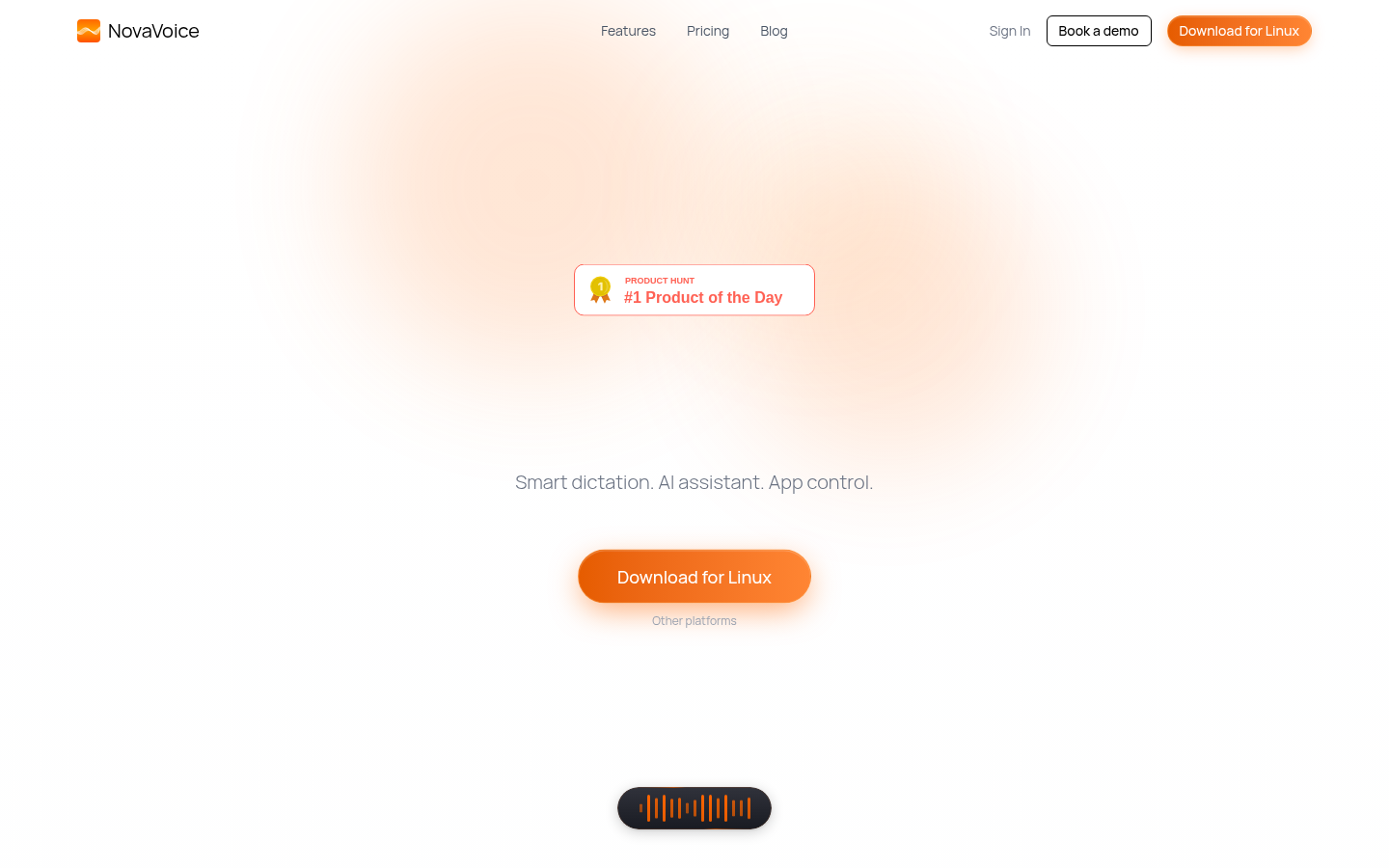
Screenshot archived from the listing page, for preview only.











